Page 107 of 182 TP1A002–1 English
Aug 2015
Linx 8900 Operating Manual —
Add other fields
Linx 8900
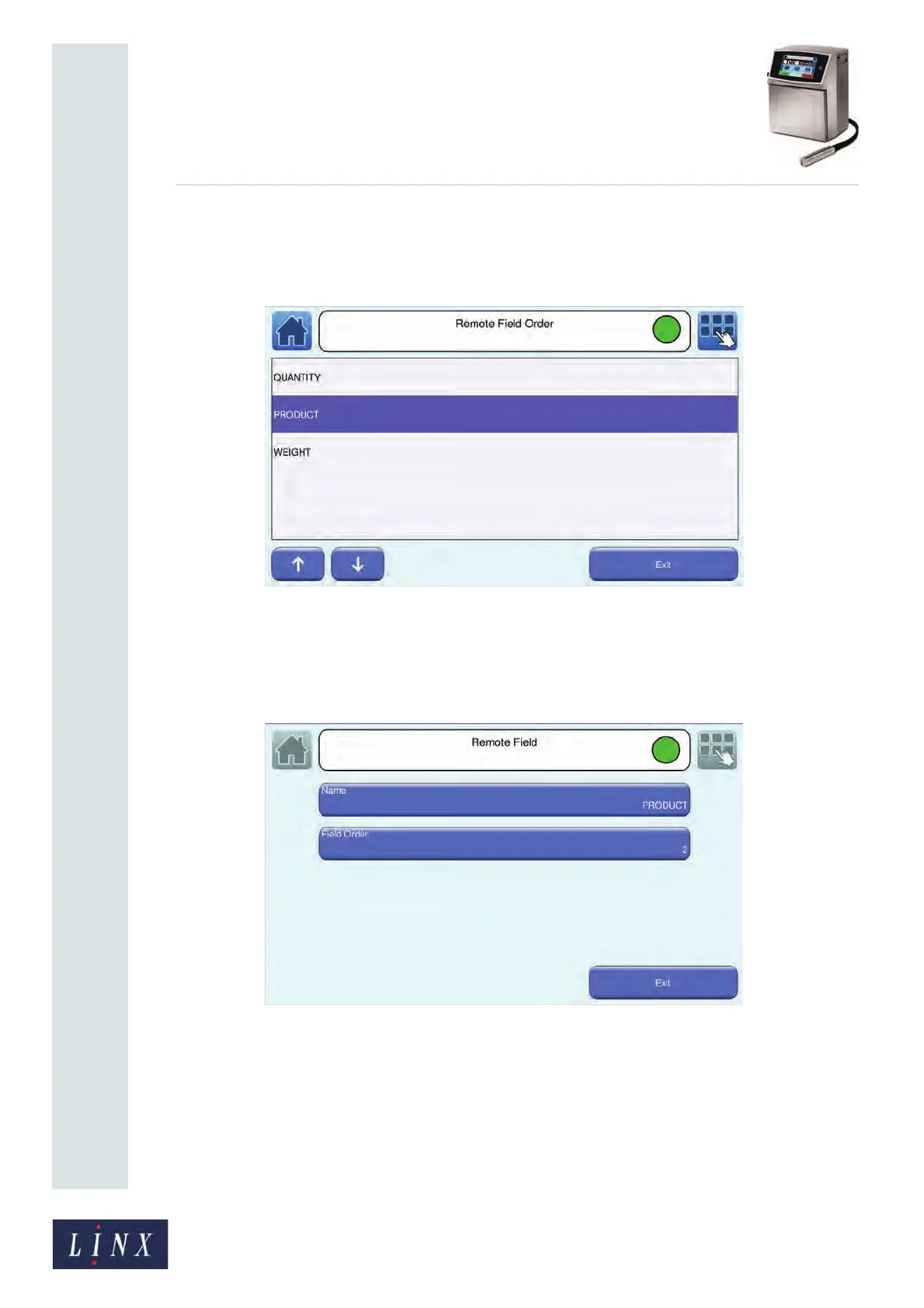
You can use the up and down arrow buttons to change the order number of the
selected field name within the list. Use the arrow buttons to move the highlighted
entry up or down the list, as shown in Figure 117.
Figure 117. Remote Field Order screen: field order changed
6 Touch the Exit button to return to the Remote Field screen. The number on the
Field Order button changes to show the new position of the field in the Remote
field list (the field “PRODUCT” moves from position 1 to position 2 in the order).
Figure 118. Remote Field screen: field order changed
7 Touch the Exit button three times to return to the Printer Setup screen. The changes
you have made are applied.



 To Next Page