Page 115 of 182 TP1A002–1 English
Aug 2015
Linx 8900 Operating Manual —
Add other fields
Linx 8900
The following options are available:
• Format
• Source Fields
• Setup
• Options
NOTE: The Field Rotation option is not available for barcodes.
Format
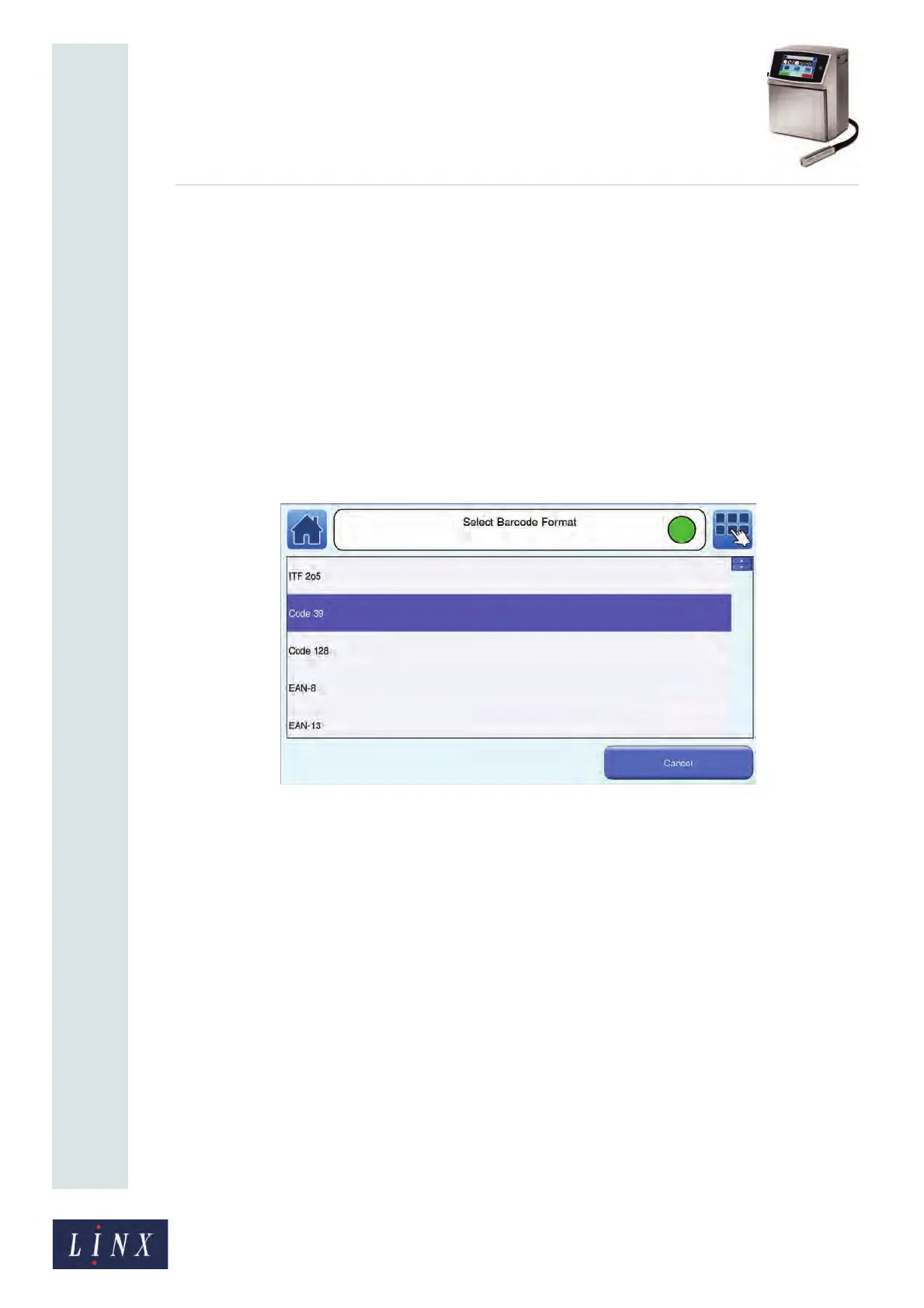
1 Touch the Format button to display the Select Barcode Format screen. The printer
displays a list of the available barcode formats (for more information about the
formats see Table 6-8 on page 113).
Figure 125. Select Barcode Format screen



 To Next Page