Page 116 of 182 TP1A002–1 English
Aug 2015
Linx 8900 Operating Manual —
Add other fields
Linx 8900
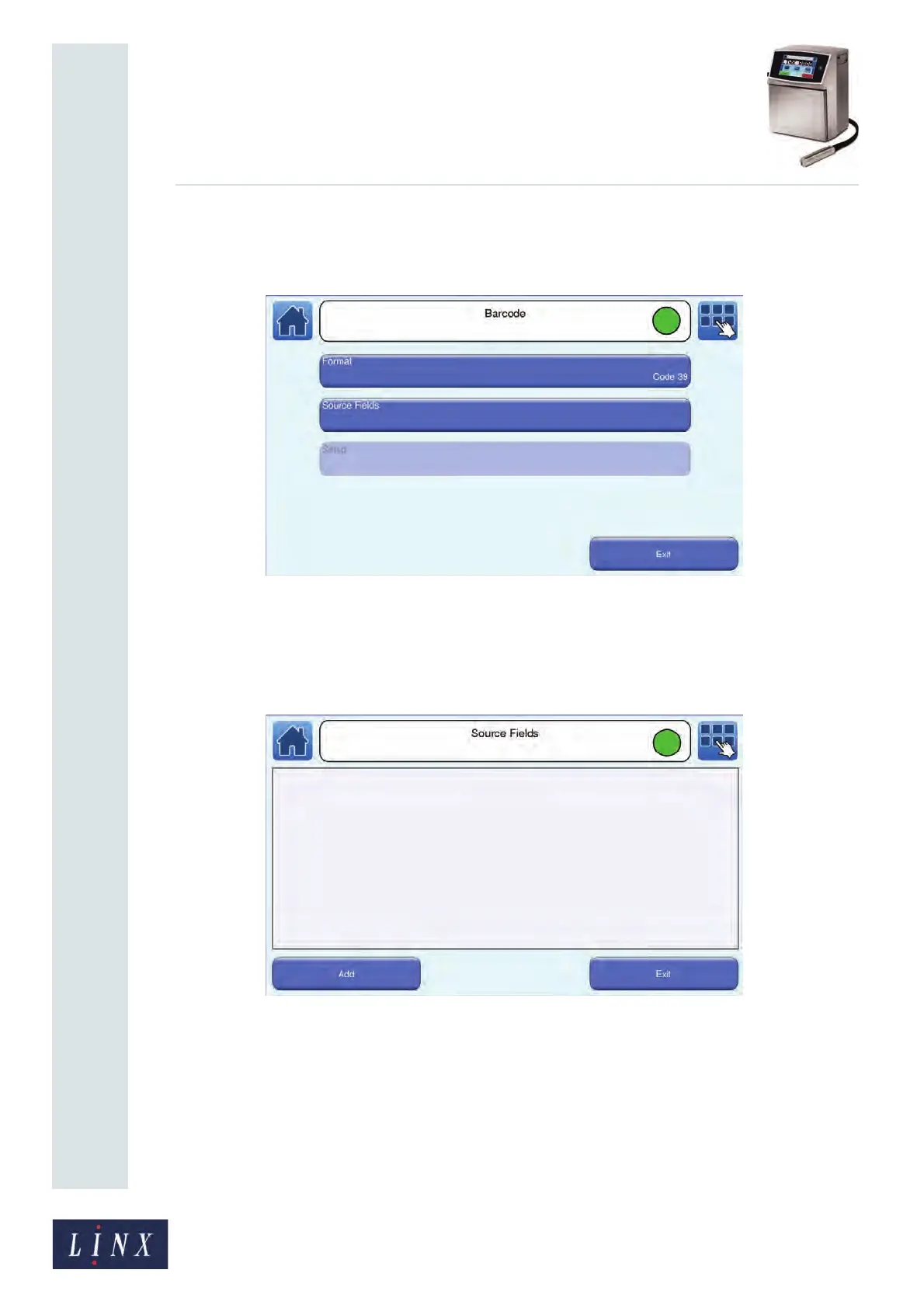
2 Touch the name of the required barcode format (for example, ‘Code 39’). The
printer displays the Barcode screen with your selection shown on the Format
button.
Figure 126. Barcode screen: Code 39
Source Fields
1 Touch the Source Fields button to open the Source Fields screen. This allows you
to add source fields to encode as a barcode.
Figure 127. Source Fields screen



 To Next Page