Page 117 of 182 TP1A002–1 English
Aug 2015
Linx 8900 Operating Manual —
Add other fields
Linx 8900
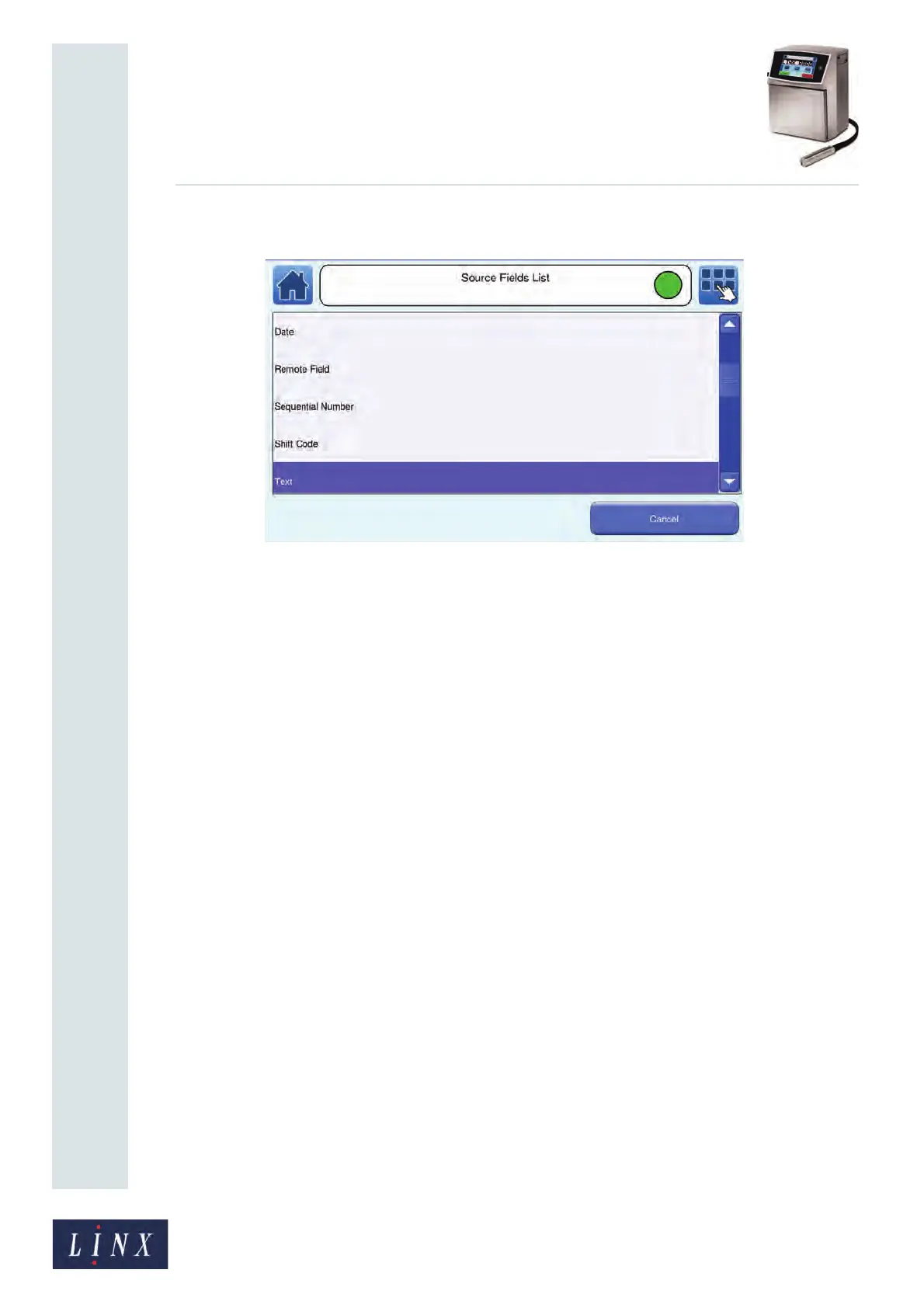
2 Touch the Add button to display the Source Fields List screen.
Figure 128. Source Fields List screen
The following source field options are available:
• Date (refer to the Linx 8900 Quick Start Guide for more information about Date
fields).
• Remote Field (see ‘Add a Remote field’ on page 104 for more information about
Remote fields)
• Sequential Number (see ‘Add a Sequential Number field’ on page 83 for more
information about Sequential Number fields).
• Shift Code (see ‘Add a Shift Code field’ on page 86 for more information about
Shift Code fields)
• Text (refer to the Linx 8900 Quick Start Guide for more information about Text
fields).
• Time (refer to the Linx 8900 Quick Start Guide for more information about Time
fields).
89207



 To Next Page