Page 118 of 182 TP1A002–1 English
Aug 2015
Linx 8900 Operating Manual —
Add other fields
Linx 8900
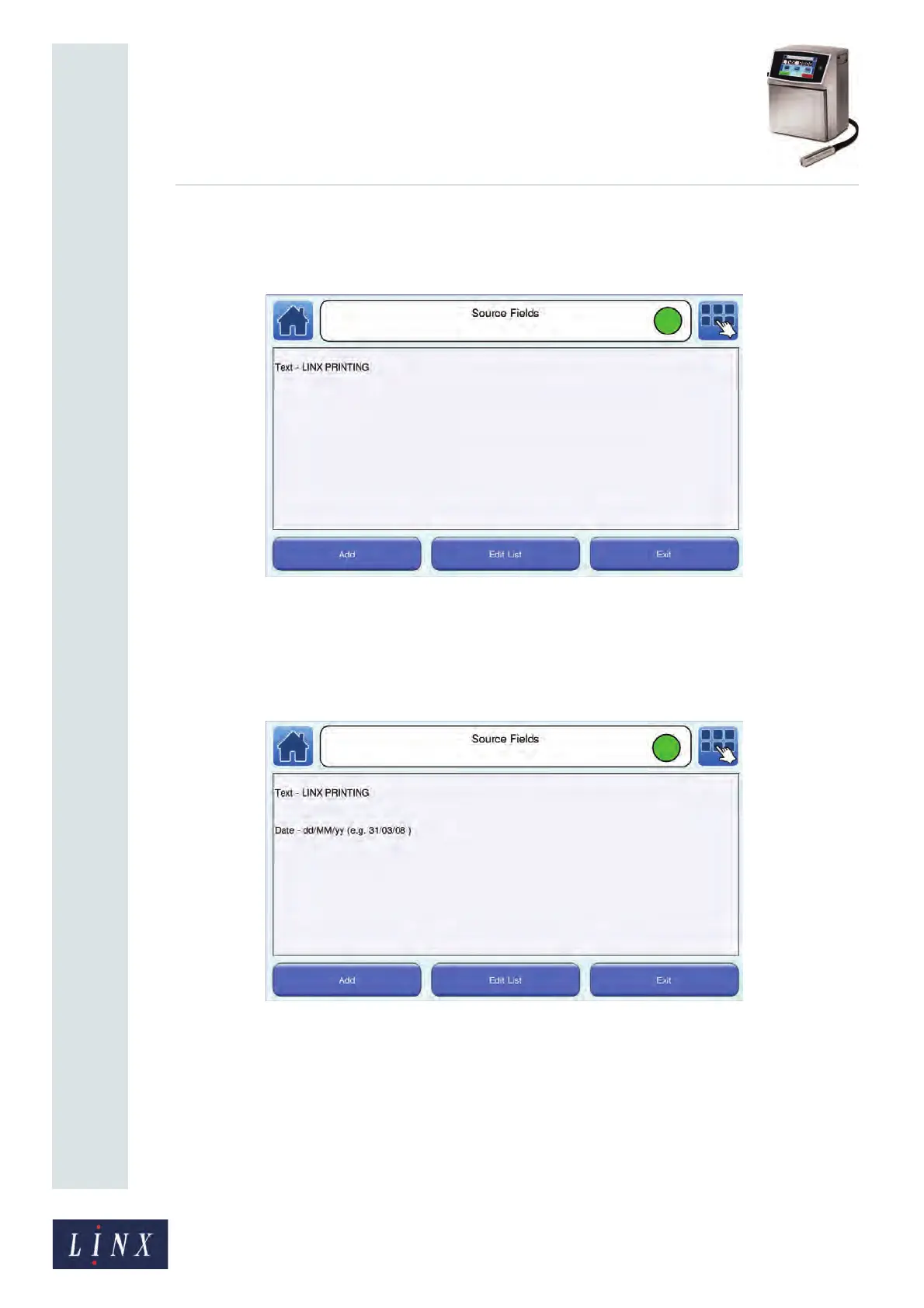
3 Select the field type that you want to encode (for example, Text) and enter or select
the required information for that field. The Source Fields screen is displayed with
details of the selected source field, as shown in Figure 129.
Figure 129. Source Fields screen: Text field
4 Touch the Add button to select another field type to encode (for example, a Date
field) and select the required format for the Date field (for example, ‘dd /MM/yy’).
The Source Fields screen is displayed with details of both selected source fields, as
shown in Figure 130.
Figure 130. Source Fields screen: Text and Date fields
89208
89209



 To Next Page