Page 119 of 182 TP1A002–1 English
Aug 2015
Linx 8900 Operating Manual —
Add other fields
Linx 8900
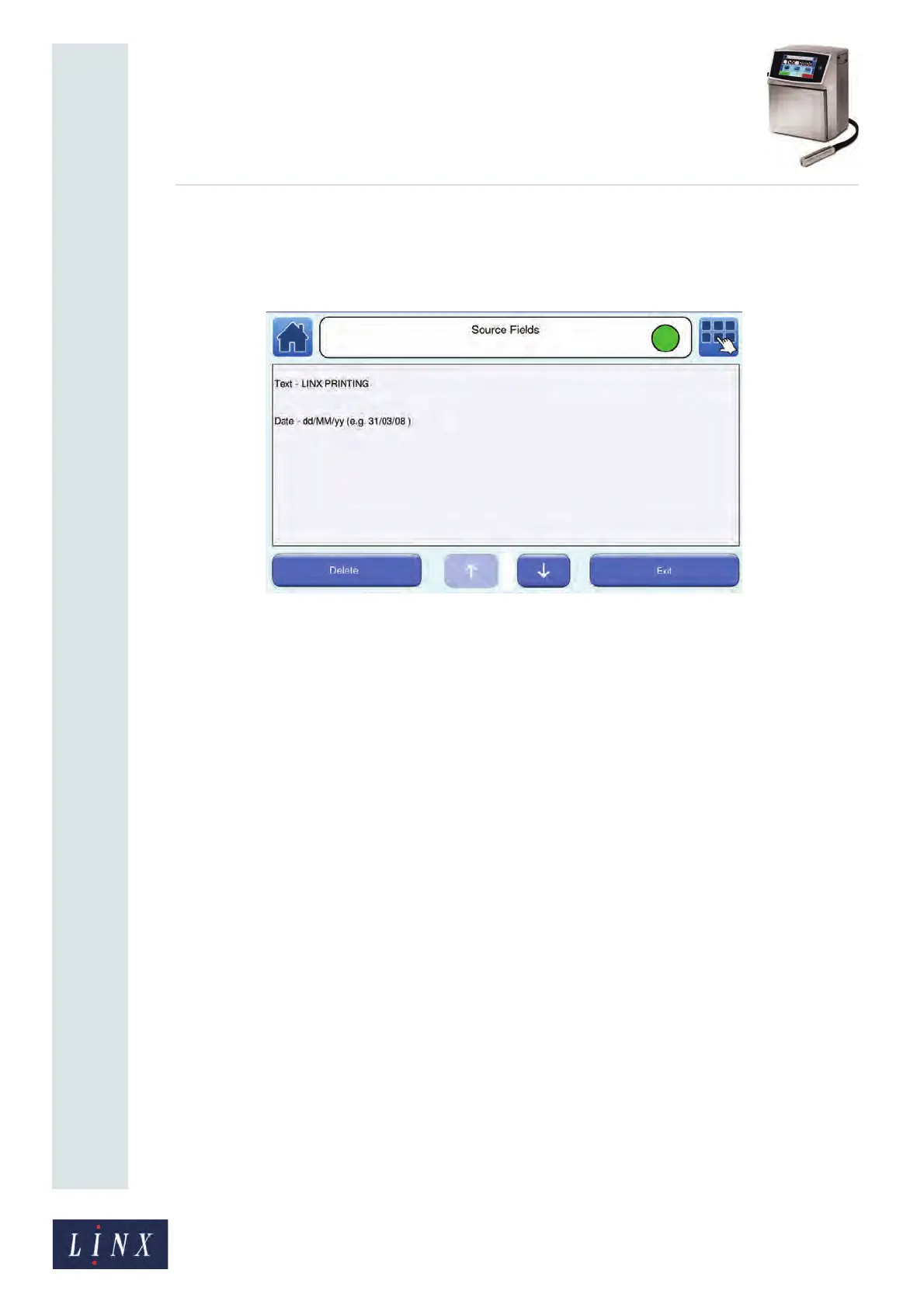
Edit source fields list
You can edit the source fields list. Touch the Edit List button to display the Source Fields
screen with edit options.
Figure 131. Source Fields screen: edit list
To delete an item from the source field list, touch the required item to highlight it, and then
touch the Delete button.
If there is more than one item in the list, you can change the order in which the items are
encoded. Highlight the item you want to move, and then use the up and down arrow
buttons to move the item to the required position.
Touch the Exit button twice to return to the Barcode screen.



 To Next Page