Page 128 of 182 TP1A002–1 English
Aug 2015
Linx 8900 Operating Manual —
Add other fields
Linx 8900
Encoding capacity
The capacity of the QR code depends on the size of the code and the level of error correction
that is applied. If the amount of encoded data is greater than the capacity, the printer
displays an empty box instead of the field. Increase the size of the code or decrease the
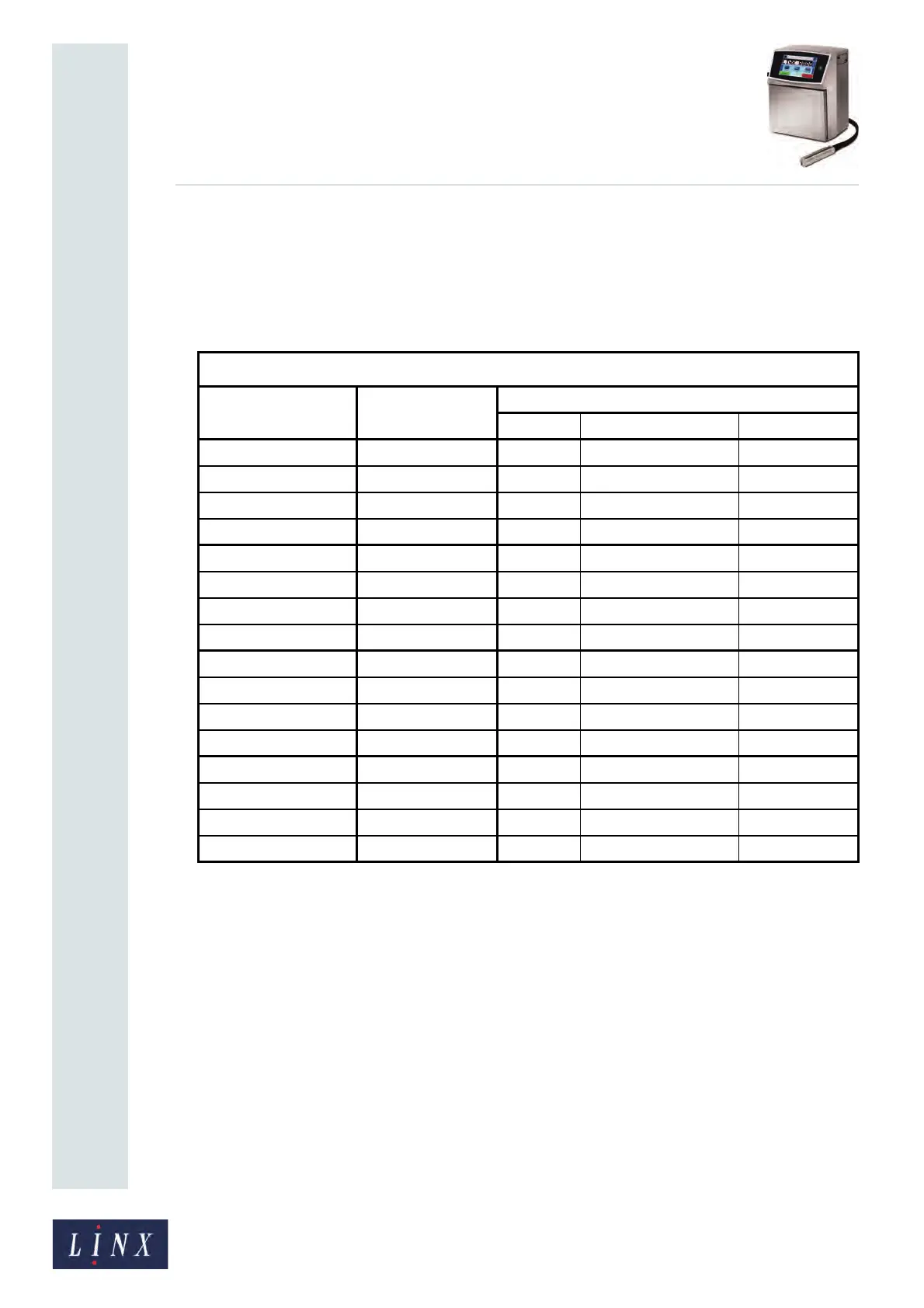
amount of data. Table 6-13 shows the maximum available capacity at each level of error
correction (in bits, alphanumeric characters, and kanji characters) for each version number.
Table 6-13. QR code capacities
QR CODE
Version (size in
modules)
Error correction Capacity
Bits UTF-8 alphanumeric UTF-8 kanji
1 (21 x 21) L 152 17 5
M 128 14 4
Q10411 3
H727 2
2 (25 x 25) L 272 32 10
M 224 26 8
Q 176 20 6
H 128 14 4
3 (29 x 29) L 440 53 17
M 352 42 13
Q 272 32 10
H 208 24 7
4 (33 x 33) L 640 78 25
M 512 62 20
Q 384 46 15
H 288 34 11



 To Next Page