Page 152 of 182 TP1A002–1 English
Aug 2015
Linx 8900 Operating Manual —
Printer communications
Linx 8900
• If Warn and Ignore is selected, the warning “3.29 Overspeed (No remote data)” is
displayed, and the Print Go command (see ‘Print Control’ below) is ignored. No print
occurs.
• If Warn and Pause Print is selected, the warning “3.29 Overspeed (No remote data)” is
displayed. The printer status is set to “Idle”.
Select the required options, and then touch the Exit button to return to the Edit Connection:
RCI over RS232 screen.
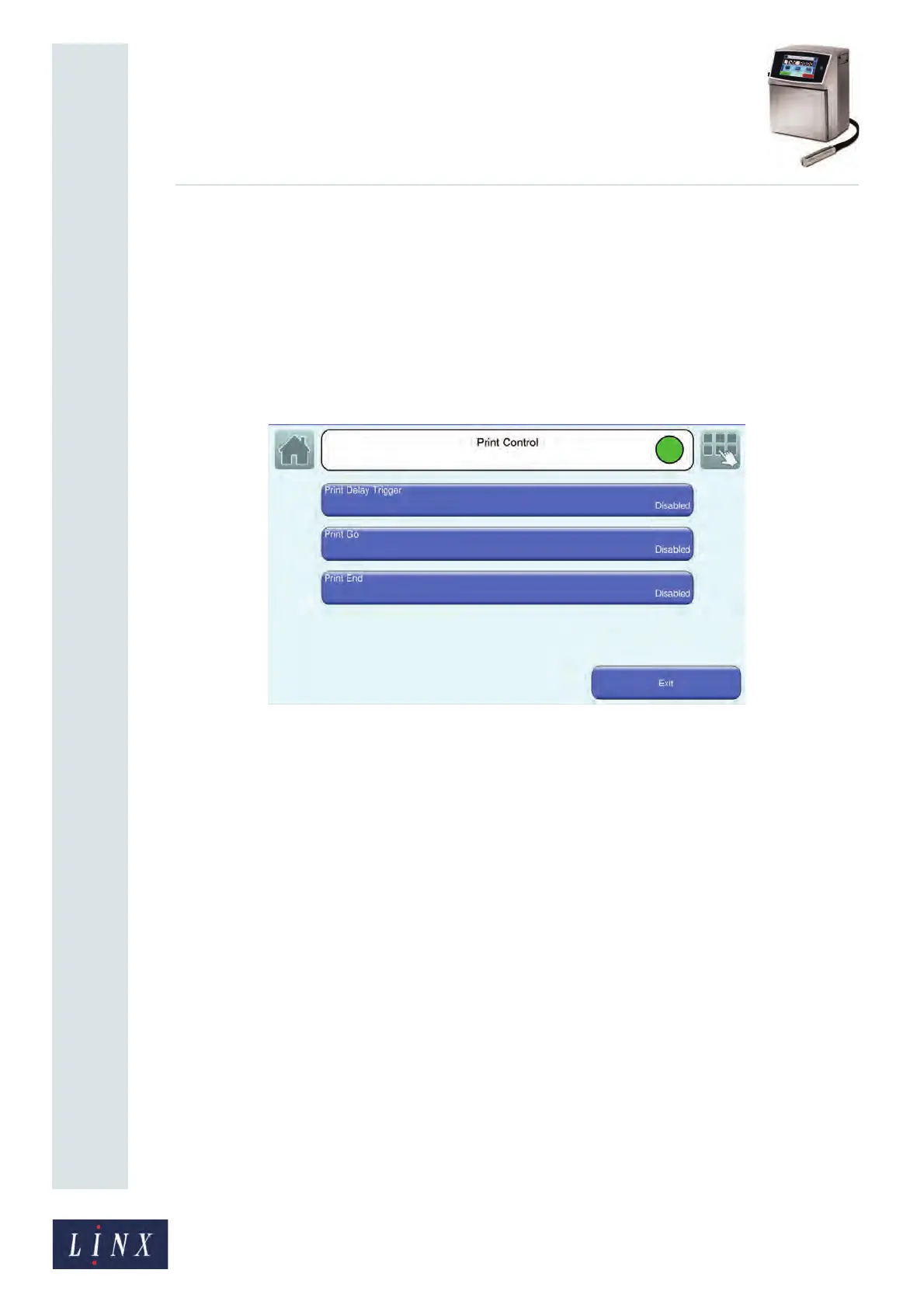
Print Control
Figure 162. Print Control screen
The Print Control screen allows you to enable and disable the print control characters, and
control the values used by these characters.
The Print Delay Trigger, Print Go, and Print End options are to set to Disabled by default.
You can enable the options in any combination, as required.
Select the required options, and then touch the Exit button to return to the Edit Connection:
RCI over RS232 screen.



 To Next Page