Page 153 of 182 TP1A002–1 English
Aug 2015
Linx 8900 Operating Manual —
Printer communications
Linx 8900
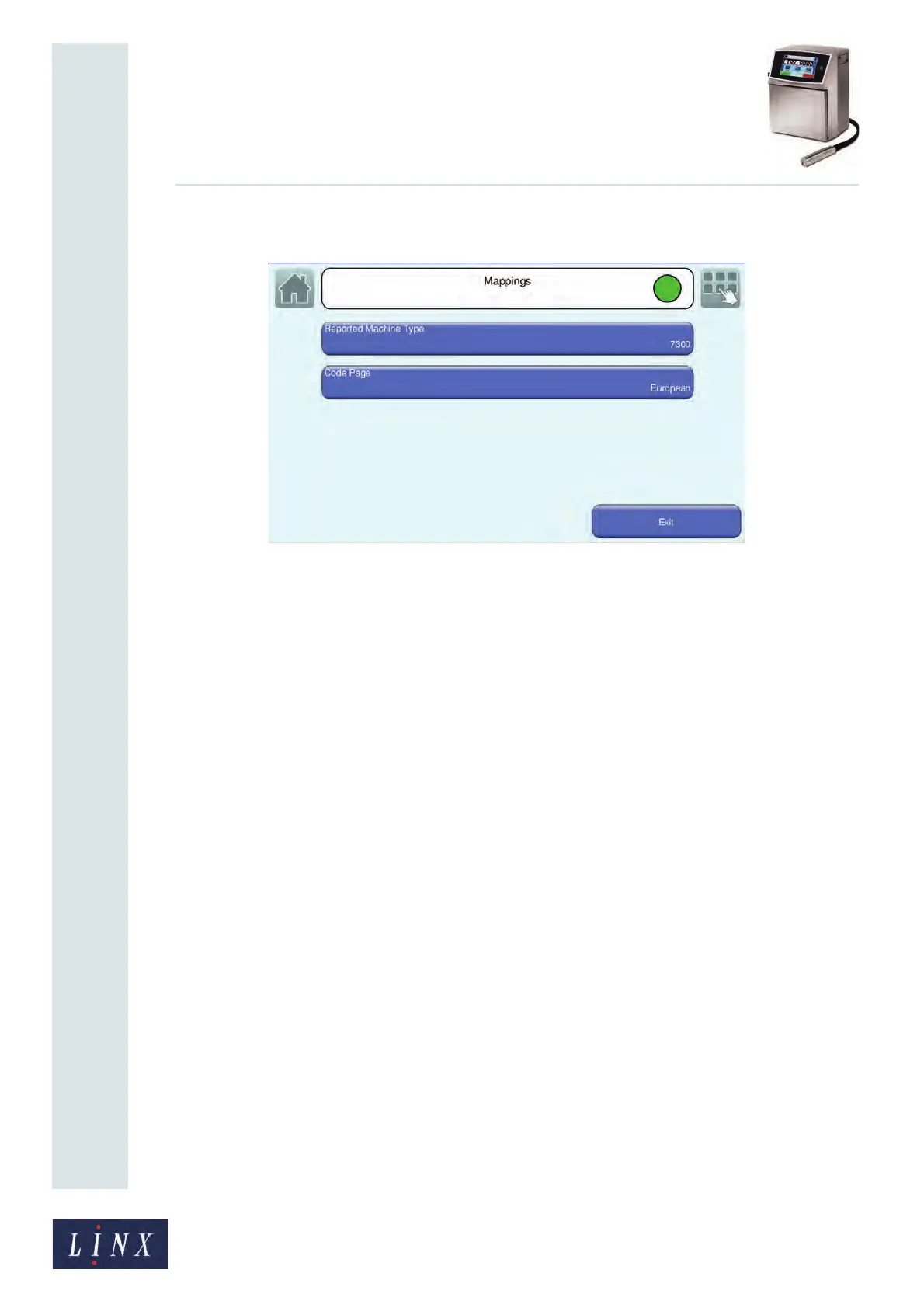
Mappings
Figure 163. Mappings screen
The Mappings screen allows you to set options that improve the compatibility between the
8900 and previous models of Linx printers.
Reported Machine Type
For printer emulation, this option tells the RCI Request System Configuration command
(Command 51) the type of printer that is in use. Select the 5900 printer (the printer returns
the value 11), the 6200 printer (the printer returns the value 6), the 6800 printer (the printer
returns the value 8), or the 7300 printer (the printer returns the value 7).
Aux Photocell Mapped To
This option controls how the standard 8900 trigger conditions are linked to the Aux
Photocell trigger used by the RCI protocol. The default setting for the 8900 printer is
Leading Edge (the other options are: Trailing Edge, Active, Inactive, Continuous, and
Manual).
Code Page
The 8900 printer uses the Unicode character set, but the RCI protocol uses ASCII. The Code
Page option controls how the printer performs the ASCII to Unicode translation. The
available options are:
• European 6200
• European
• Japanese
• Greek
• Russian
• Polish
89236



 To Next Page