Page 20 of 182 TP1A002–1 English
Aug 2015
Linx 8900 Operating Manual —
Printer user interface
Linx 8900
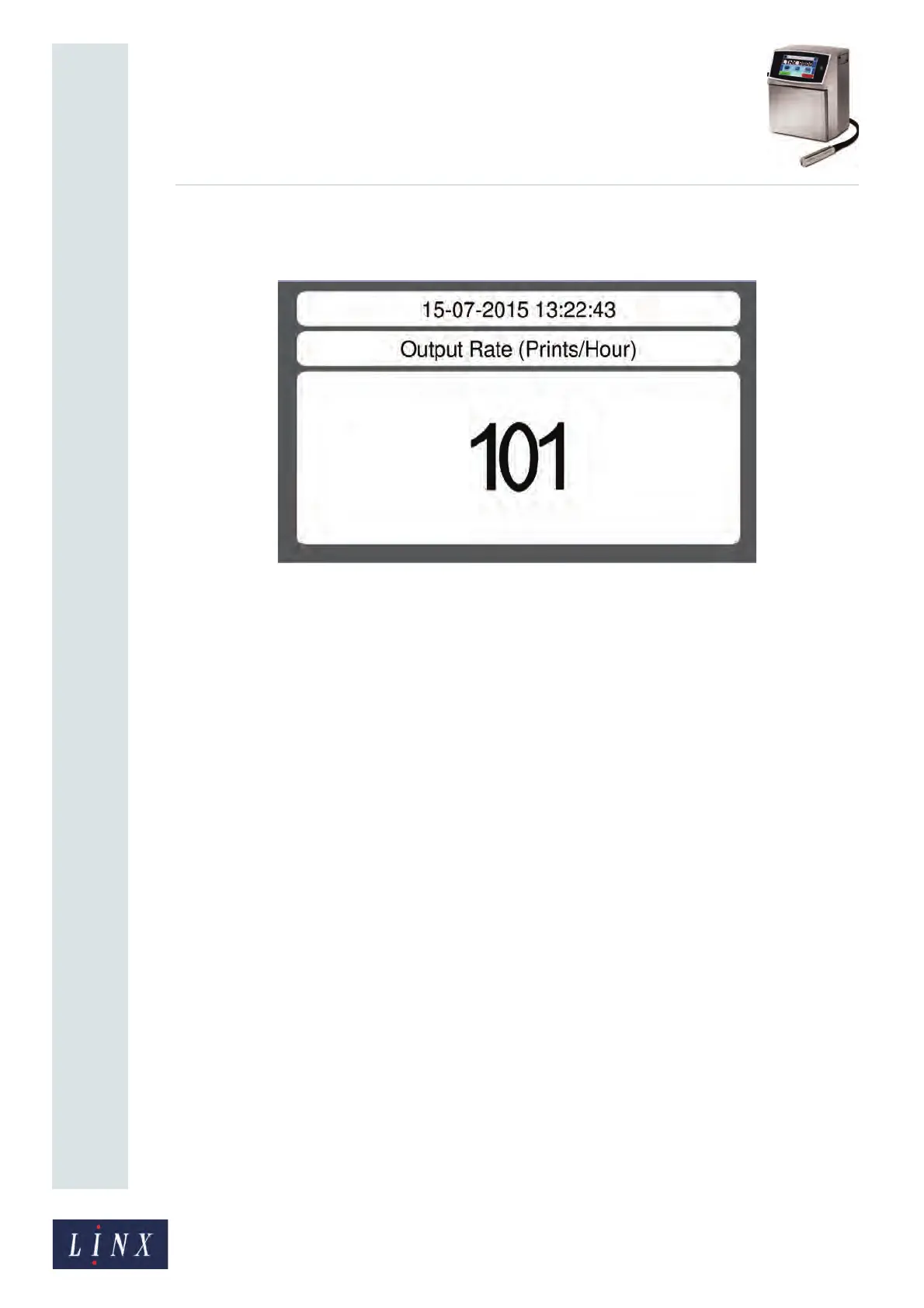
• Screen Saver—if this option is enabled, a screensaver that shows output rate
information is displayed if the printer is inactive for a set period.
Figure 16. Example screensaver
The screensaver displays the date and time, the target method, and the current output
status. The date and time and the target method areas are always shown with black text
on a white background. The appearance of the output status area depends on the
current output status, as shown in Table 2-4.
Touch the screen to dismiss the screensaver.
NOTE: The screensaver is only displayed when you are on the Home or Main Menu
screens.



 To Next Page