Page 30 of 182 TP1A002–1 English
Aug 2015
Linx 8900 Operating Manual —
Different keyboard systems
Linx 8900
To clear the highlighted text from the lower text box, touch the Backspace button, or
enter another Latin character.
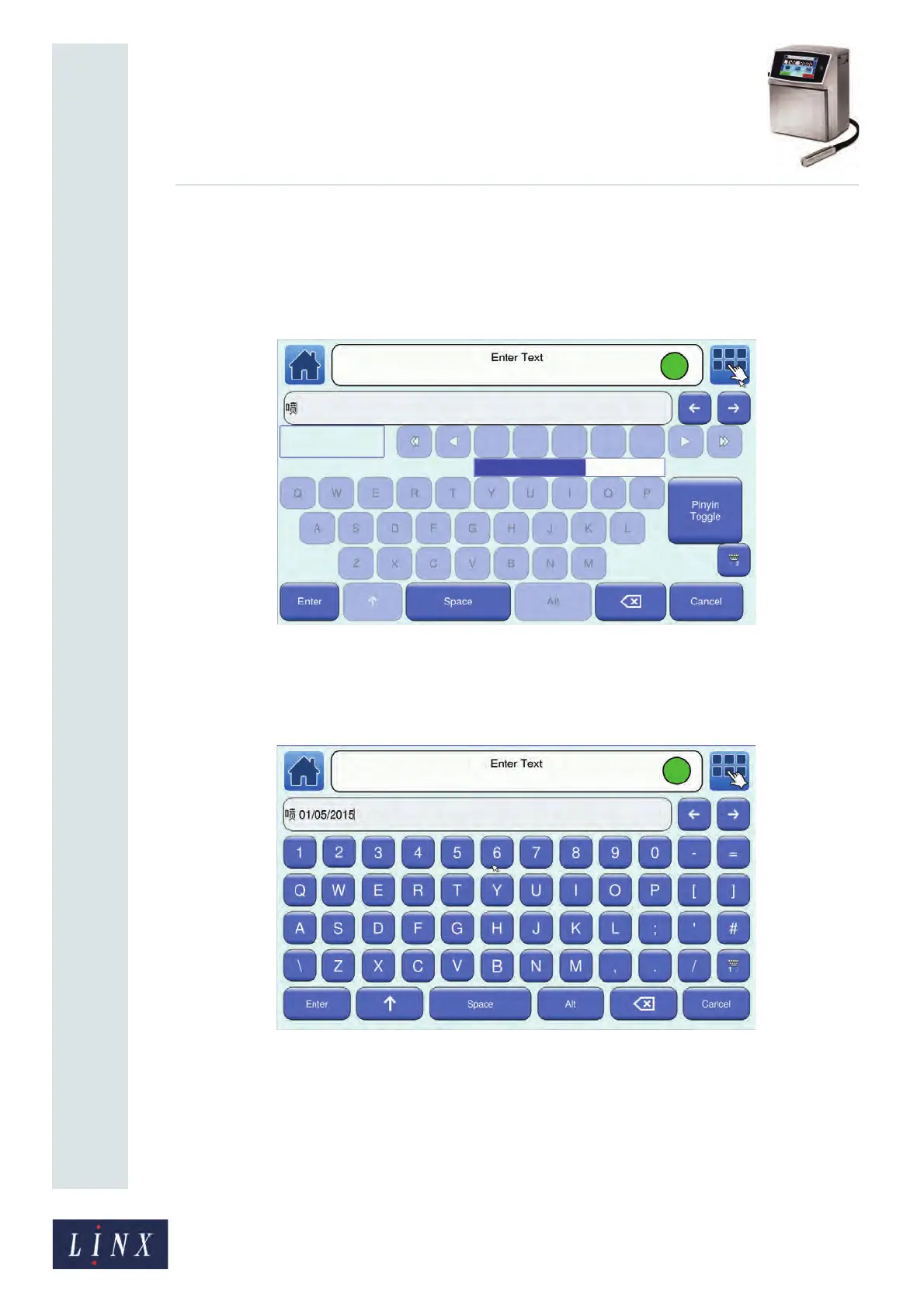
The Pinyin Toggle button is enabled. You can touch the Pinyin Toggle button to
change to ‘Edit Text’ mode. This option allows you to enter characters in the upper
text box directly from the selected primary keyboard.
Figure 28. Enter Text screen: ‘Edit Text’ mode
4 Touch the Toggle Keyboard button to display the primary keyboard. If necessary,
use the Scroll buttons to move the cursor to the required position in the upper text
box. Use the primary keyboard to enter the characters you require.
Figure 29. Enter Text screen: primary keyboard character entry
89260



 To Next Page