Page 47 of 182 TP1A002–1 English
Aug 2015
Linx 8900 Operating Manual —
Change the printer setup
Linx 8900
Editor Settings
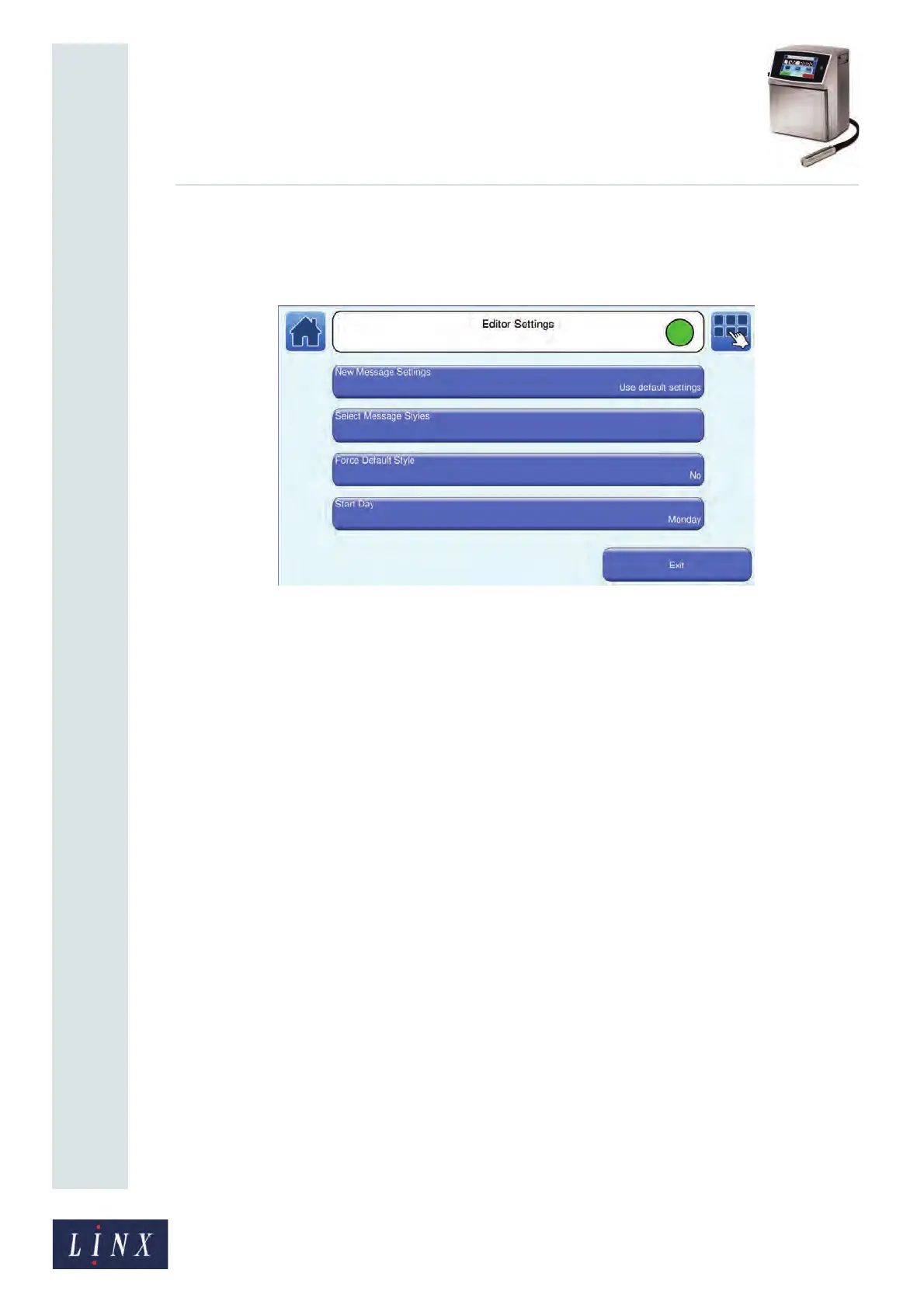
This option allows you to select the settings used to create a new message. Touch the Editor
Settings button to display the Editor Settings screen.
Figure 49. Editor Settings screen
The following options are available.
New Message Settings
This option allows you to apply settings to any new message you create:
Use current message settings—any new message you create uses the settings associated
with the current selected message.
Use default settings—any new message you create uses the default message settings for the
printer. See ‘Basic message settings’ on page 74 for more information about message
settings.
89117



 To Next Page