Page 63 of 182 TP1A002–1 English
Aug 2015
Linx 8900 Operating Manual —
Line and message settings
Linx 8900
Example
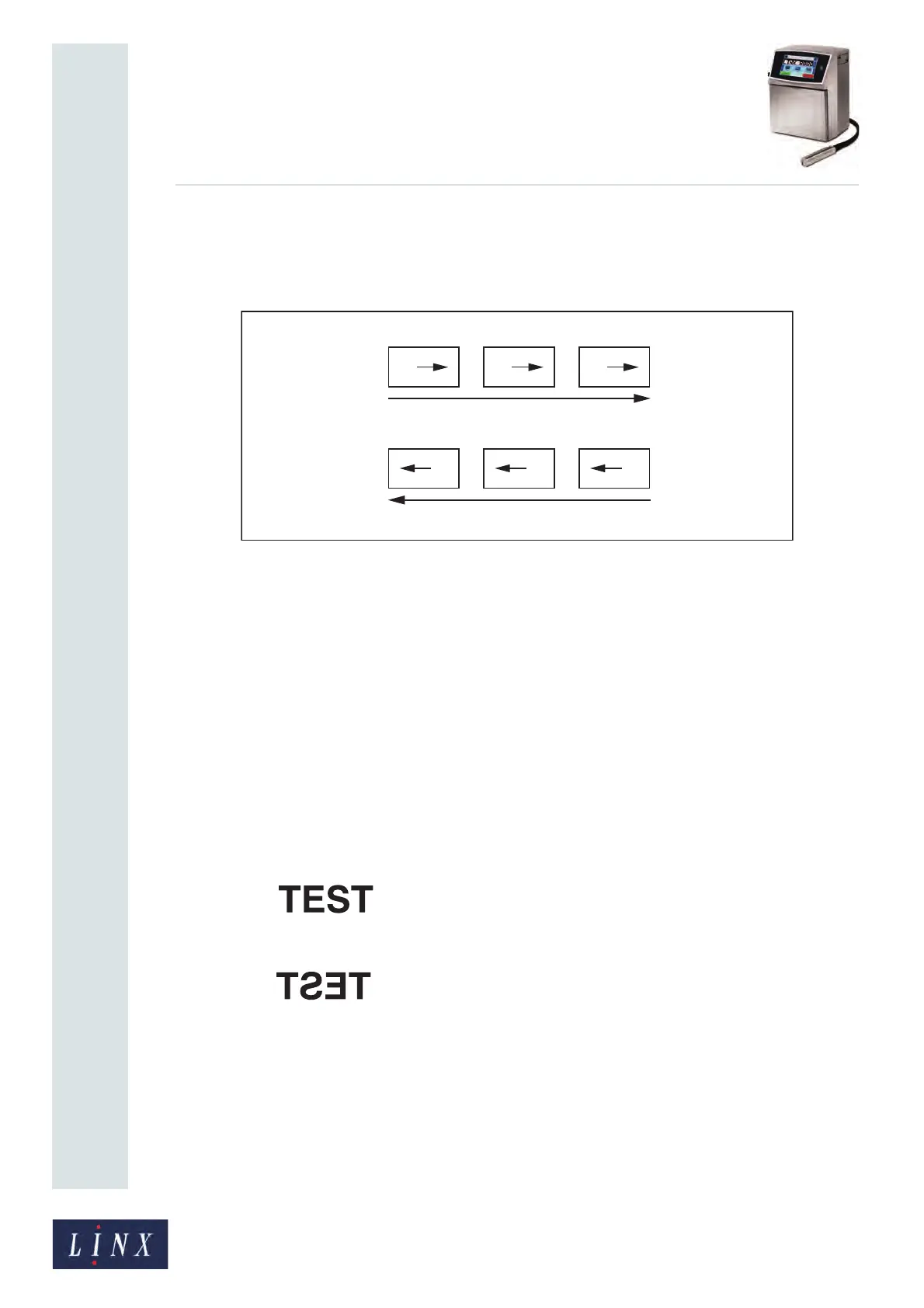
The printer in this example is on a production line that has three lanes (Figure 62). The
printhead is on a traversing arm, and moves across three lanes to mark a product.
Figure 62. Printing a message with reverse text
NOTE: The printer prints the same message on all of the products.
The printer marks the first three items (A, B, and C) with Normal orientation. Then the
conveyor moves to put the next row of products under the traversing arm.
The printhead direction reverses, and the printer marks the next three items (D, E, and F)
with reversed (Horizontal) orientation.
The direction signal from the traversing arm has two levels: Active (Low) and Inactive
(High). The signal level indicates the current direction of the traversing arm, as follows:
High level: Forward direction
Low level: Reverse direction
The printer uses the level to set the orientation of the printed messages. The following
orientations are used:
• Normal:
• Horizontal Flip:
Two other orientations are also available (Vertical and Horizontal + Vertical). This example
does not use these orientations.
69422
A B C
FED
6109



 To Next Page