Page 87 of 182 TP1A002–1 English
Aug 2015
Linx 8900 Operating Manual —
Add other fields
Linx 8900
3 Touch the screen at the required insertion point. Make sure that the field does not
overlap any existing field. The printer displays the Select Field Type screen.
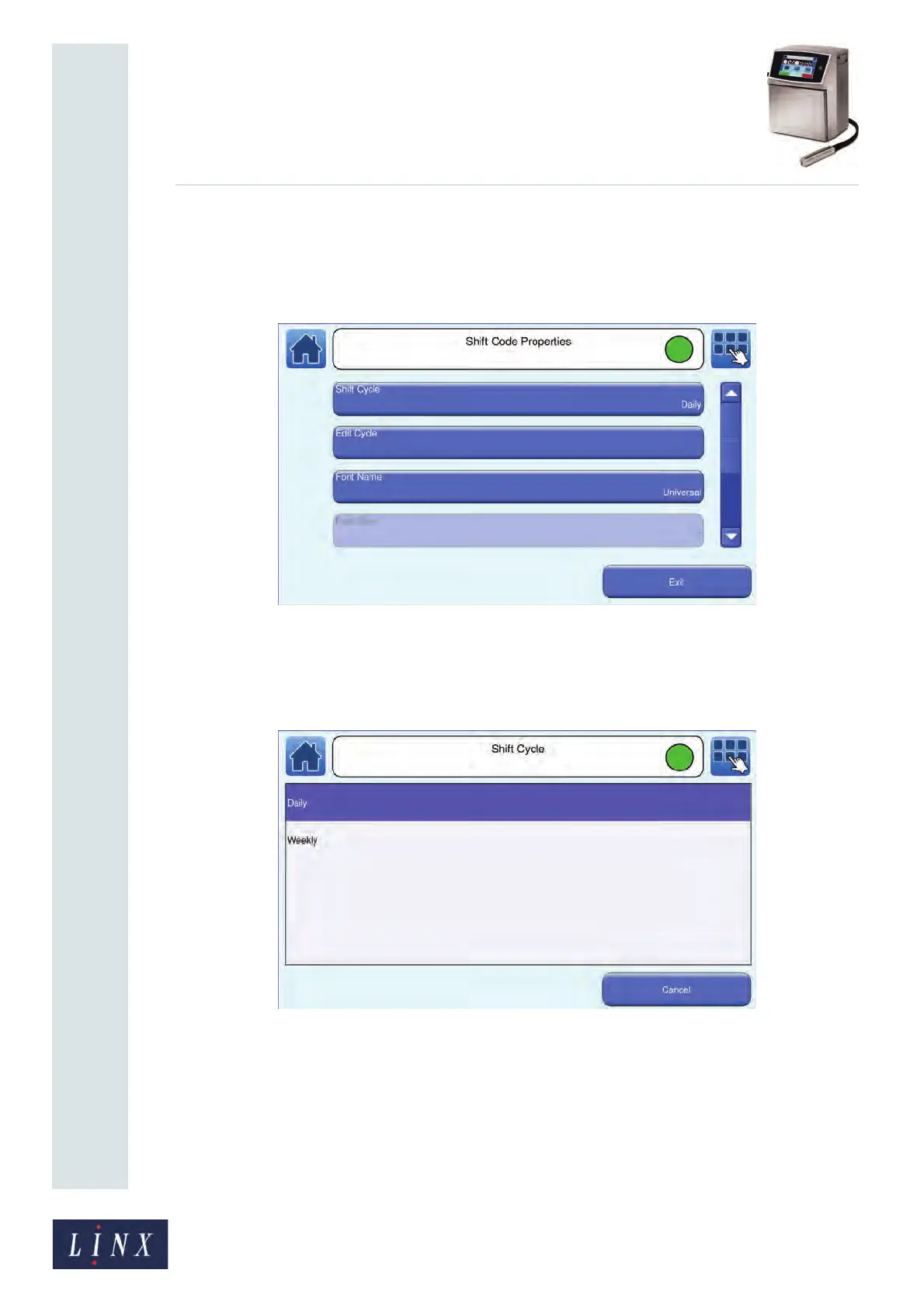
4 Touch the Shift Code button to display the Shift Code Properties screen. The Shift
Cycle button shows the current type of shift cycle (Daily or Weekly).
Figure 87. Shift Code Properties screen
5 Touch the Shift Cycle button to display the Shift Cycle screen. Touch either the
Daily or Weekly option to select that option and return to the Shift Code
Properties screen.
Figure 88. Shift Cycle screen



 To Next Page