Page 88 of 182 TP1A002–1 English
Aug 2015
Linx 8900 Operating Manual —
Add other fields
Linx 8900
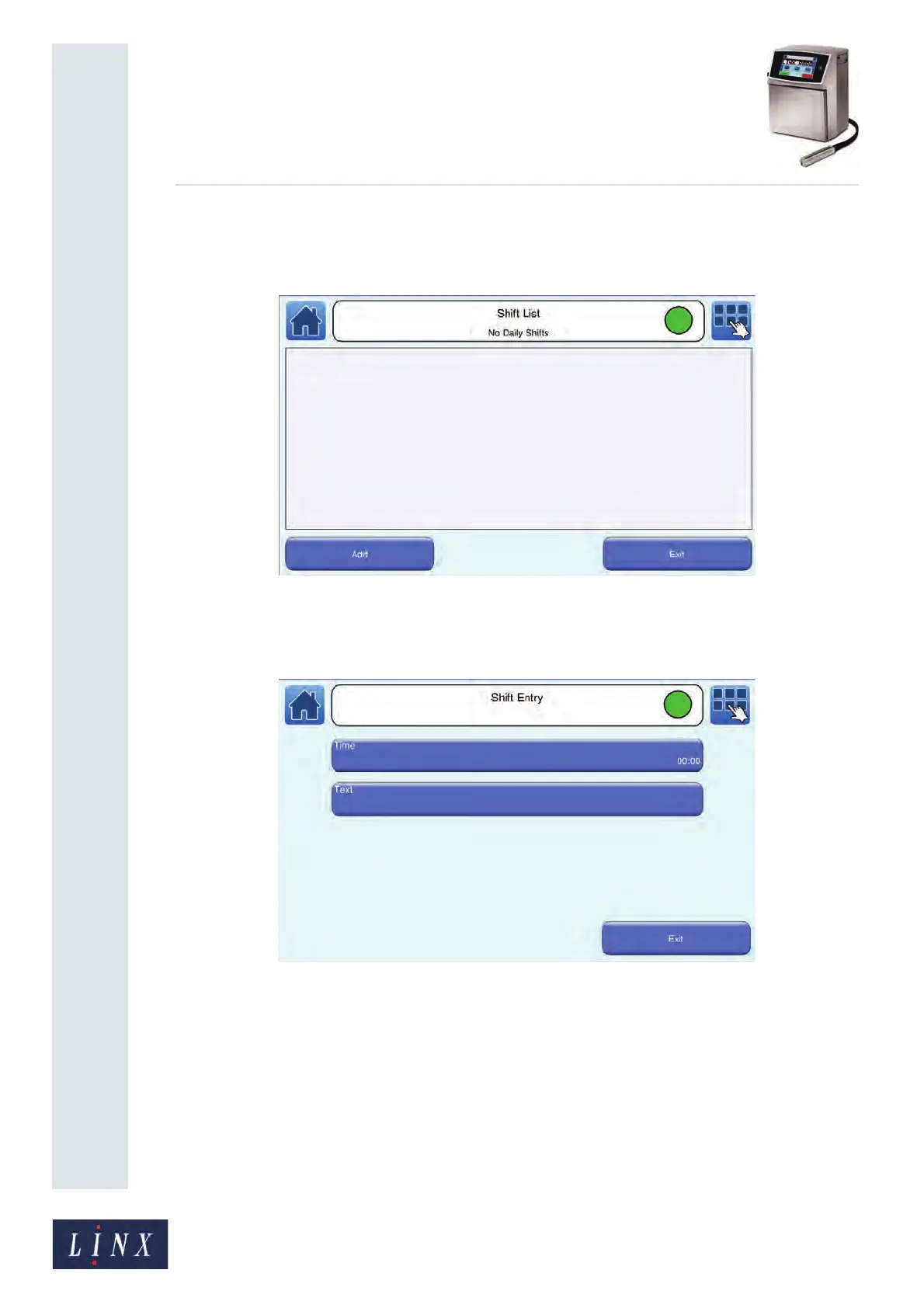
6 Touch the Edit Cycle button to display the Shift List screen. If shifts already exist,
this screen shows a list of the shift names. If there are no shifts, you need to create
them, as shown in step 7 onwards.
Figure 89. Shift List screen: no shifts
7 To insert the first item in the shift code, touch the Add button to display the Shift
Entry screen.
Figure 90. Shift Entry screen: Daily cycle



 To Next Page