Page 89 of 182 TP1A002–1 English
Aug 2015
Linx 8900 Operating Manual —
Add other fields
Linx 8900
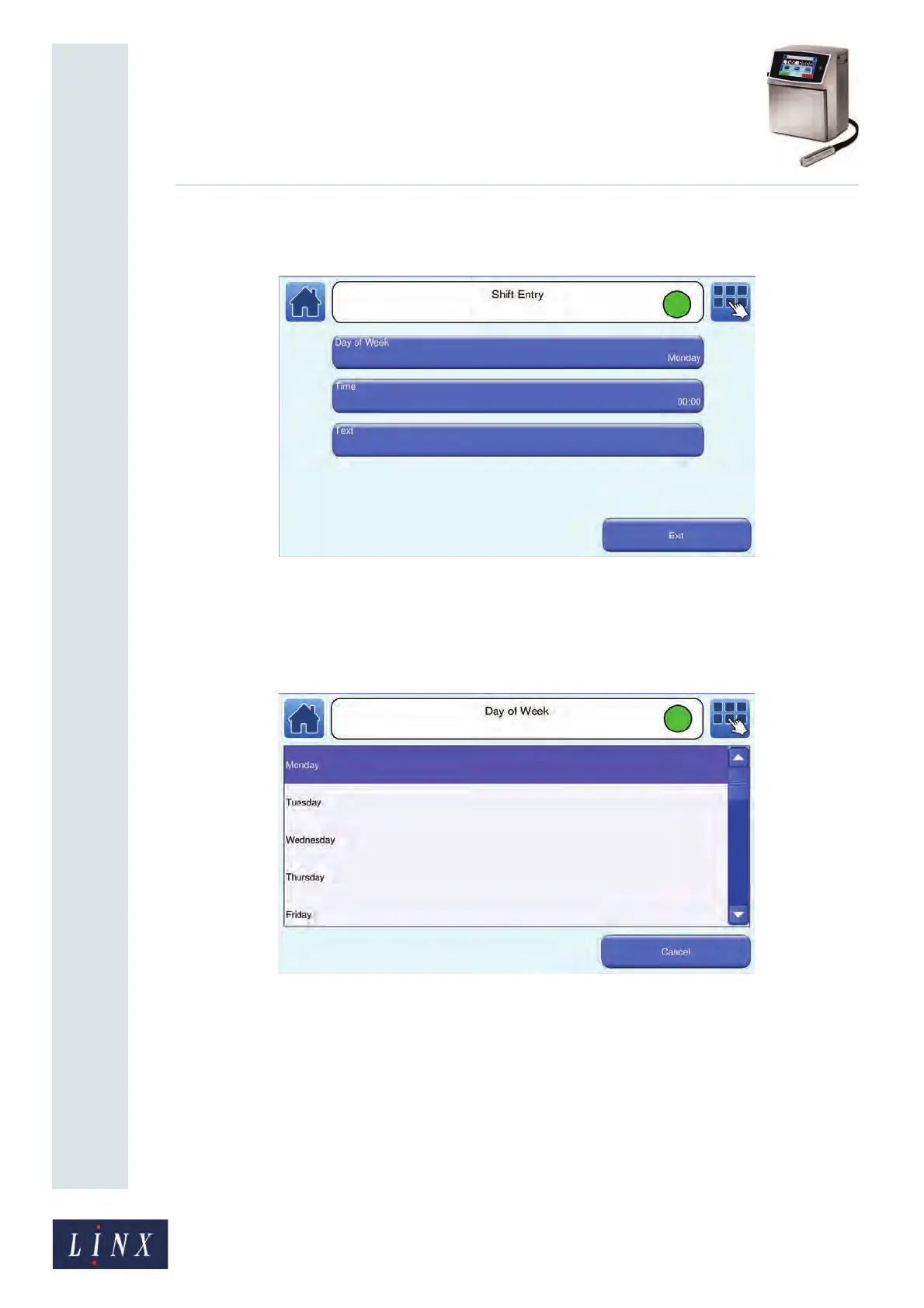
If you selected a Weekly shift code, the Day of Week button is available, as shown
in Figure 91.
Figure 91. Shift Entry screen: Weekly cycle
NOTE: You cannot change the shift cycle type after you add an item to the shift code.
8 For a weekly shift code, touch the Day of Week button to display the Day of Week
screen.
Figure 92. Day of Week screen
In Example 2 on page 86, the first day of the week is Monday. Touch the required
day of the week to select that day and return to the Shift Entry screen.
89170



 To Next Page