Page 90 of 182 TP1A002–1 English
Aug 2015
Linx 8900 Operating Manual —
Add other fields
Linx 8900
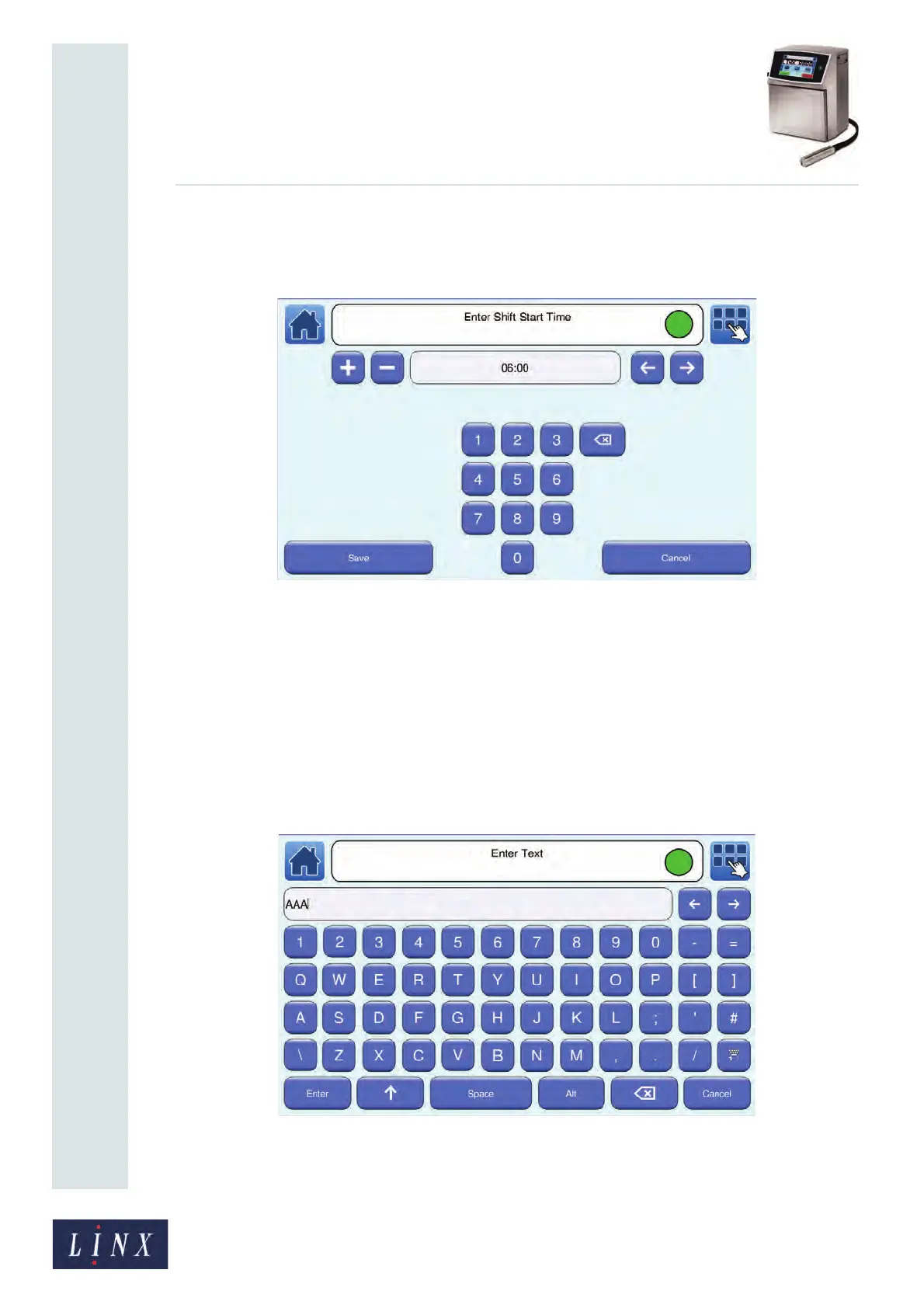
9 To set the time at which the shift begins, touch the Time button to display the Enter
Shift Start Time screen. For the ‘Daily’ example on page 86, the first start time is
‘06:00’.
Figure 93. Enter Shift Start Time screen
Enter the start time, and then touch the Save button to return to the Shift Entry
screen.
NOTE: When you create a new Daily shift entry, the default time automatically
increments by 8 hours from the last entry in the list up to a time of 23:59
that same day. When you create a Weekly shift entry, the default time
automatically increments by 8 hours from the last entry in the list. If
necessary, this changes the day of the shift item.
10 To enter the text for the shift code, touch the Text button to display the Enter Text
screen.
Figure 94. Enter Text screen



 To Next Page