0850/0850-T1 User Manual
Matrix Machine Tool (Coventry) Limited 128 / 231
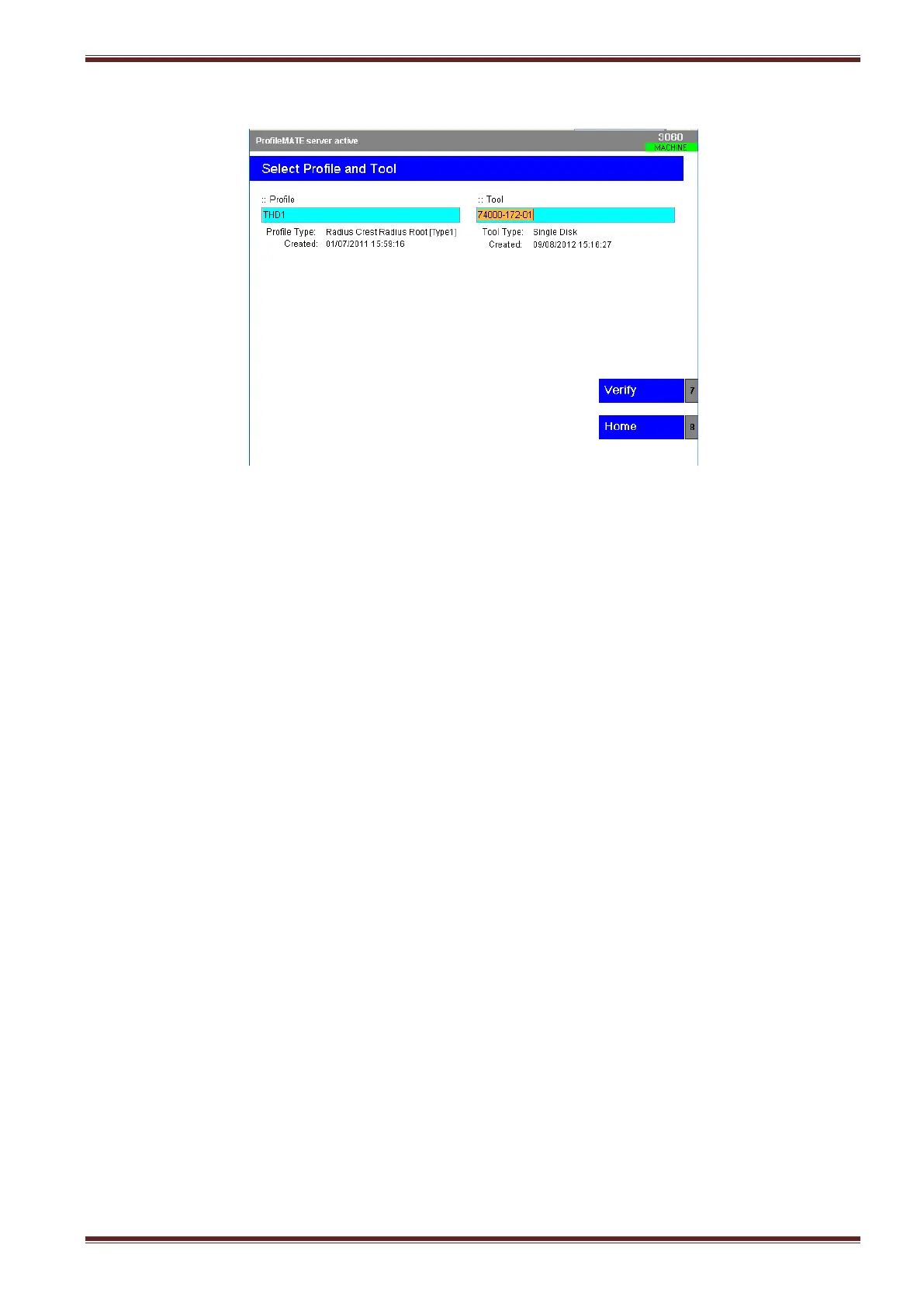
8. Select the [Select Profile and Tool] softkey.
9. Press the [TAB] key to highlight the Profile field.
10. Using the blue up/down arrow keys scroll down the list and choose the profile that you want
to use.
11. Press the [TAB] key again to highlight the Tool field.
12. Using the blue up/down arrow keys scroll down the list and choose the tool that you want to
use to dress the profile onto the wheel.



 To Next Page