0850/0850-T1 User Manual
Matrix Machine Tool (Coventry) Limited 129 / 231
13. Press the [Verify] softkey. PMHMI will now process the select profile and tool data and
attempt to generate the dressing program.
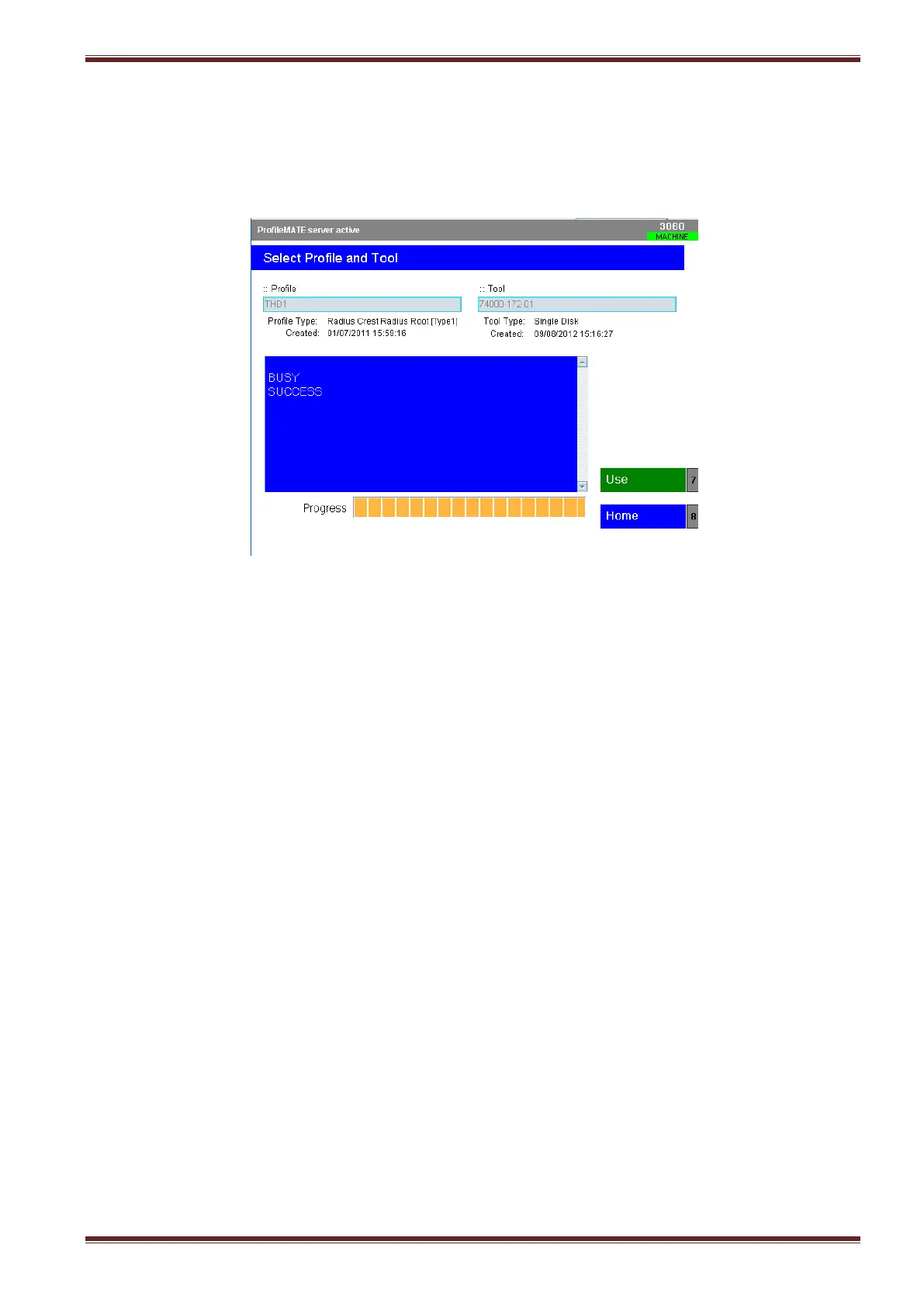
14. If all has gone well then you should see status change and look like the screen below with the
BUSY - SUCCESS message returned and the [USE] softkey colour changed from blue to green.
If PMHMI has returned an error message, then there was something incorrect with the profile
data or with the tool you chose to dress the profile. Analyse the returned message and try
again!
15. Press the [Use] softkey > [Home] softkey > [Back] softkey to return back to the main
programming dialog screen.



 To Next Page