0850/0850-T1 User Manual
Matrix Machine Tool (Coventry) Limited 207 / 231
Cleaning procedure
To ensure reliable functioning of the centrifuge unit it should be inspected daily in order to determine
whether the drum needs to be cleaned manually. Failure to do so will result in debris build-up on the
inside of the drum which can result in the drum becoming imbalanced and thus making the
centrifuge unit vibrate.
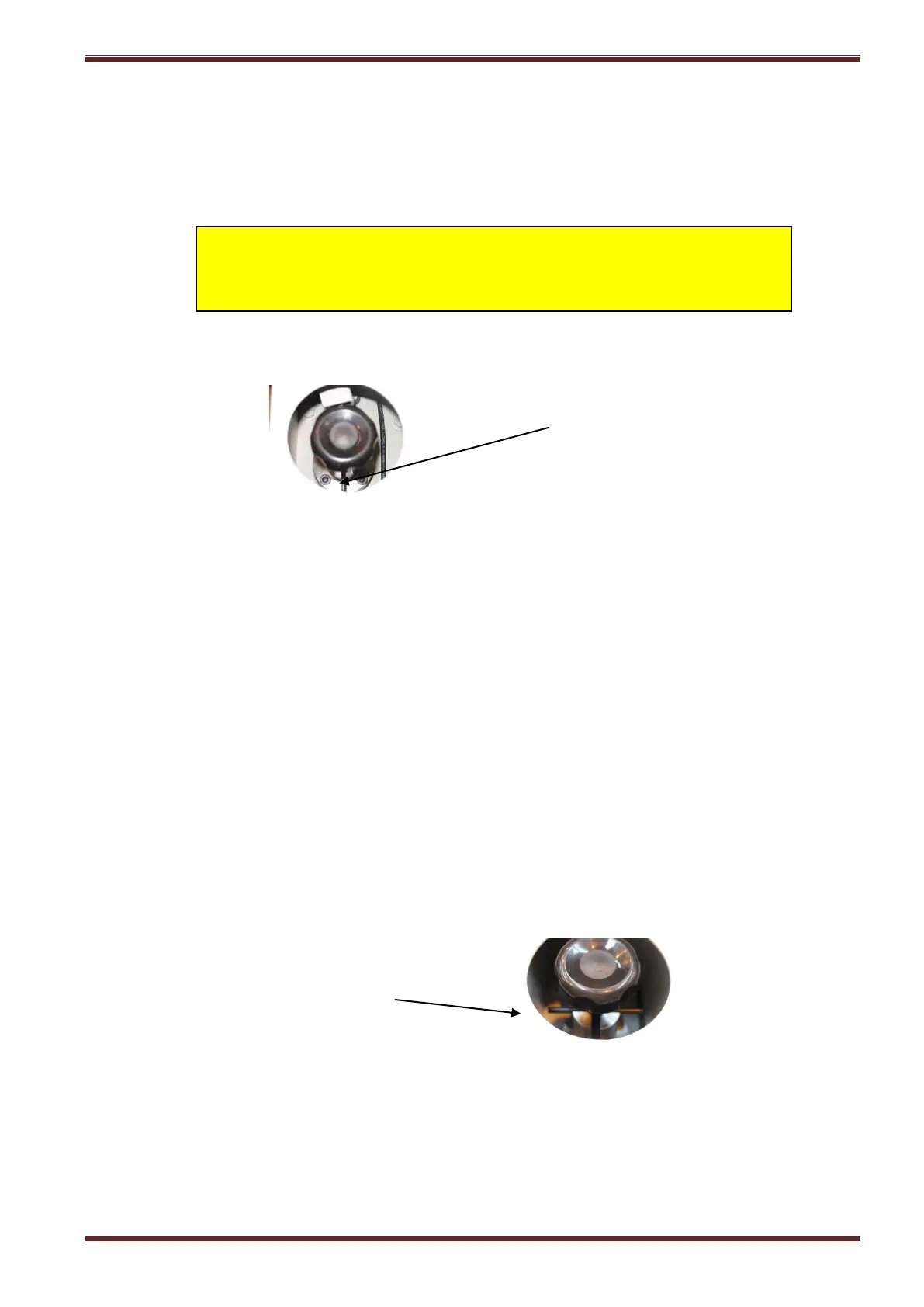
1. Set the drum to the lock position by lifting and turning the drum lock knob by 90°.
2. Remove the inspection panel and slide the debris catch plate over to the maintenance
position.
3. Clean off any debris deposits that are on the catch plate.
4. Check/set the debris collection bin directly underneath the centrifuge unit.
5. Using the supplied 41mm socket and T bar turn nut fitted to the drum pulley in a back and
forth motion until it feels easy to turn.
6. Check that the grinding debris or sludge has fallen out of the drum and into the debris
collection bin.
7. Slide the debris catch plate back to the normal operating position and replace the inspection
panel.
8. Set the drum to the unlock position by lifting and turning the drum lock knob through 90⁰
back into the normal position.
9. Close the drum switch access panel and secure with the hexagon cap head..
10. Start-up the centrifuge unit as normal from the coolant system control panel.
Caution
Always switch off the electrical power to the centrifuge unit before
carrying out any maintenance work on it.
Locked position (the bar is vertical)
Normal position (the bar is horizontal)



 To Next Page