System status 107
The Scanner status window
This window displays the current status of the
Océ 9600 scanner. Any error messages displayed on the scanner control panel
will also appear in the scanner status window of the System Control Panel.
The set memory meter
This bar indicates how much set memory is still
available to you. The information is displayed in the form of a meter which is
divided into three zones:
■
Green: safe, you have enough space left to print large jobs/many small jobs
■
Orange: pay attention, you might reach the set memory limit soon
■
Red: the set memory is (nearly) full; you should remove files or wait until
files are printed and automatically removed or flushed from memory.
Note:
At the right of the set memory meter a percentage is displayed,
indicating the amount of set memory currently being used.
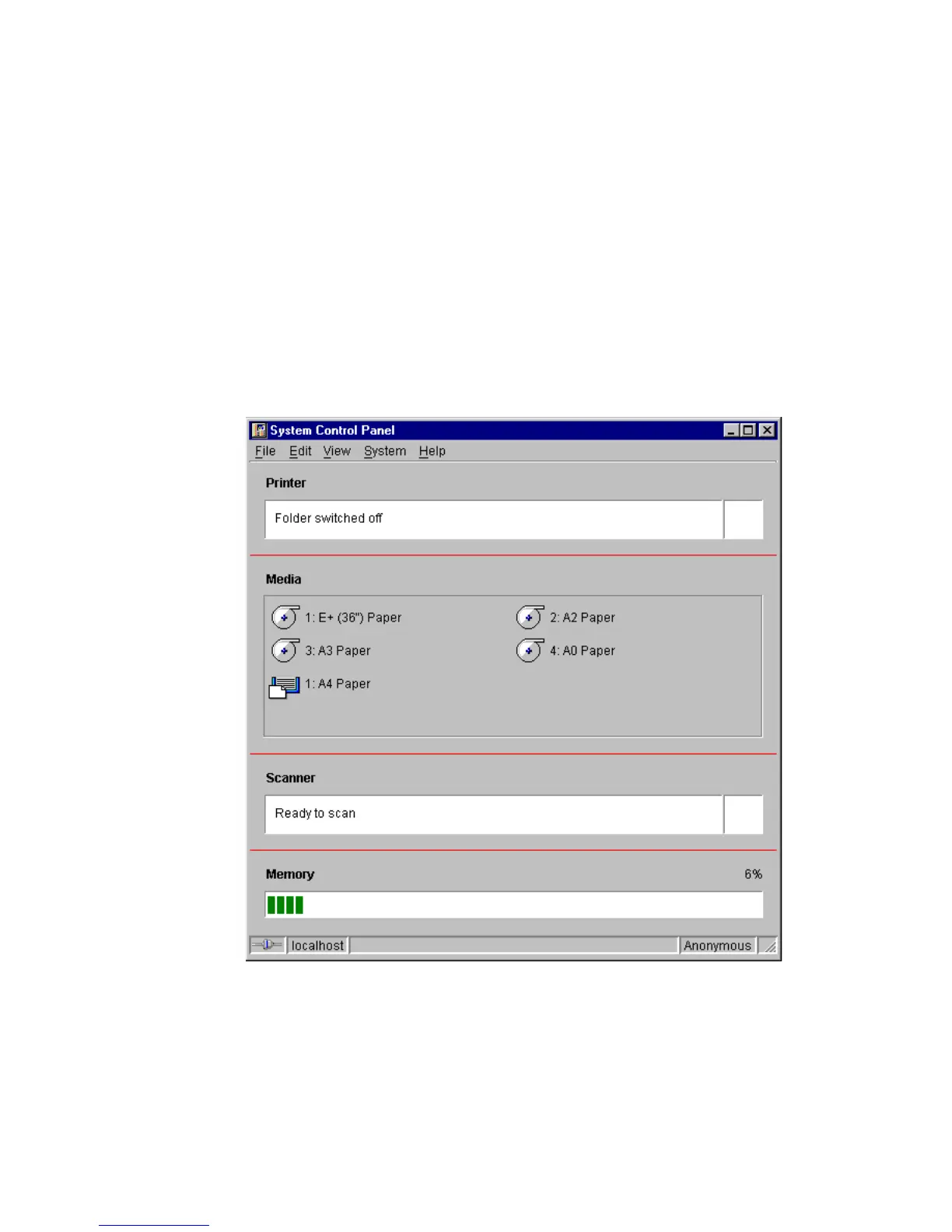
The System Control Panel main window is displayed below:
[61] System Control Panel window
Access to
ial
Access to
Page
Interrupt
job



 To Next Page