228 Océ 9600 Copier/Printer User Manual
3
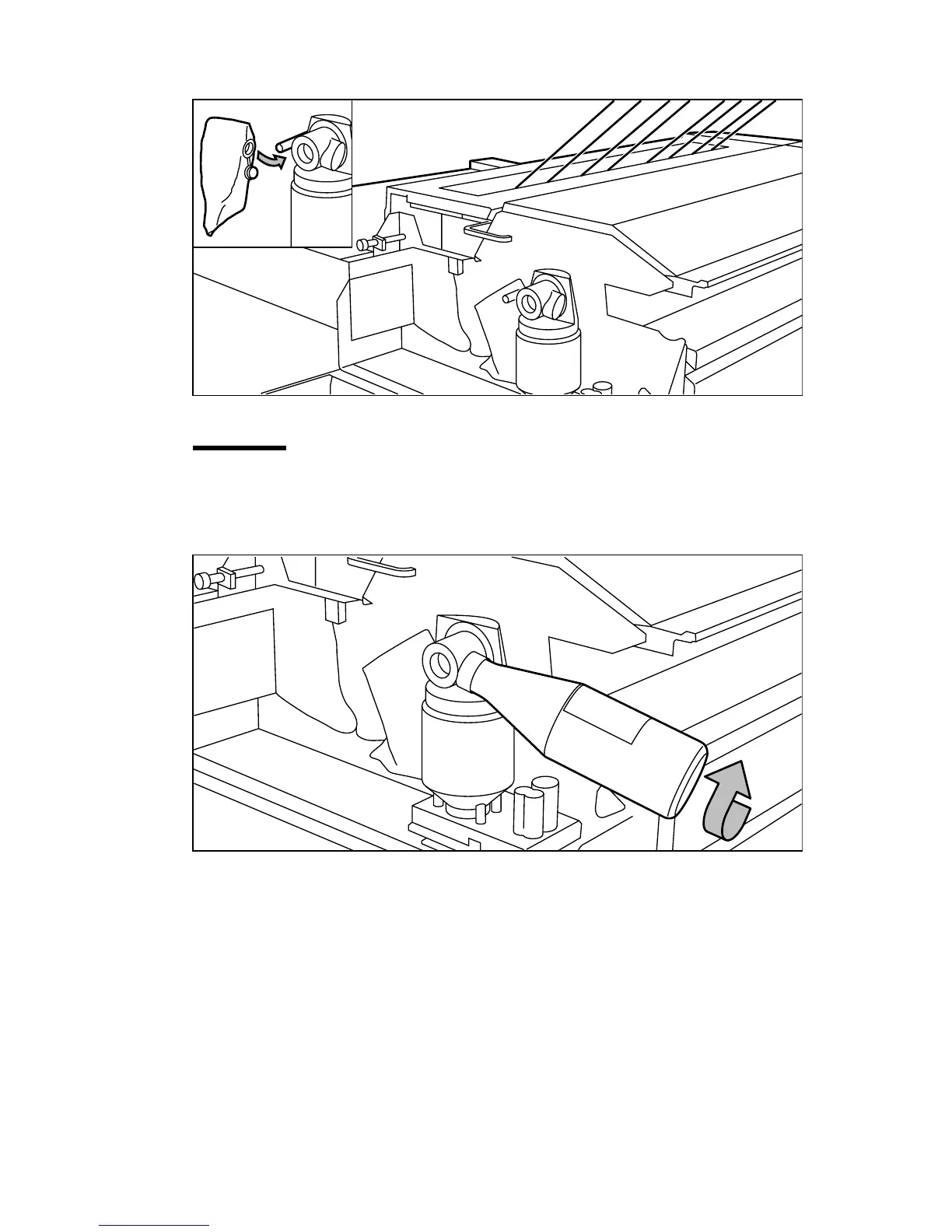
Slide a new waste toner bag as far as possible over the holder (see figure 109).
[109] Replacing the waste toner bag
Attention:
Use only Océ B5 toner.
4
Shake the toner bottle thoroughly and open the bottle.
5
Screw in the bottle clockwise in a slanted position (see figure 110).
[110] Screwing in the bottle



 To Next Page