Loading supplies 229
6
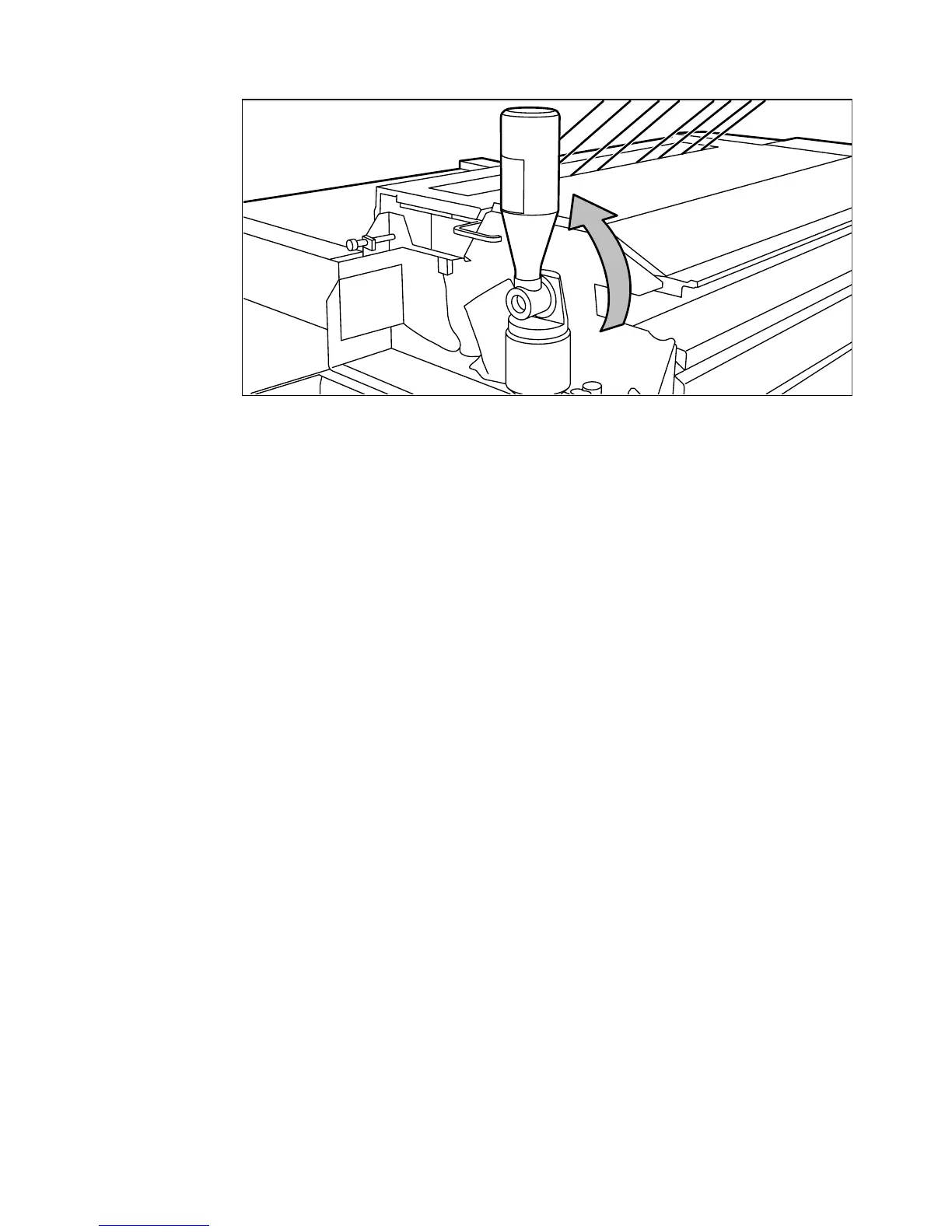
Move the toner bottle to a vertical position (see figure 111).
[111] Adding toner
7
Tap the bottle to remove the toner from the bottle.
8
Return the bottle to its original position when the toner bottle is empty.
9
Unscrew the toner bottle counter-clockwise and close it.
10
Close the cover.
Printing will be resumed after you press the ‘on line’ button.
Note:
When you have refilled toner after a ‘toner low’ message, it may take a
while (up to thirty seconds), depending on the number of prints that you make,
before the ‘Out of toner’ message disappears. When you have refilled toner
after the system had stopped due to low toner supply, you have to confirm the
refill operation by pressing the On line button. The ‘Out of toner’ message will
then disappear.



 To Next Page