258 Océ 9600 Copier/Printer User Manual
▼
▼▼
▼
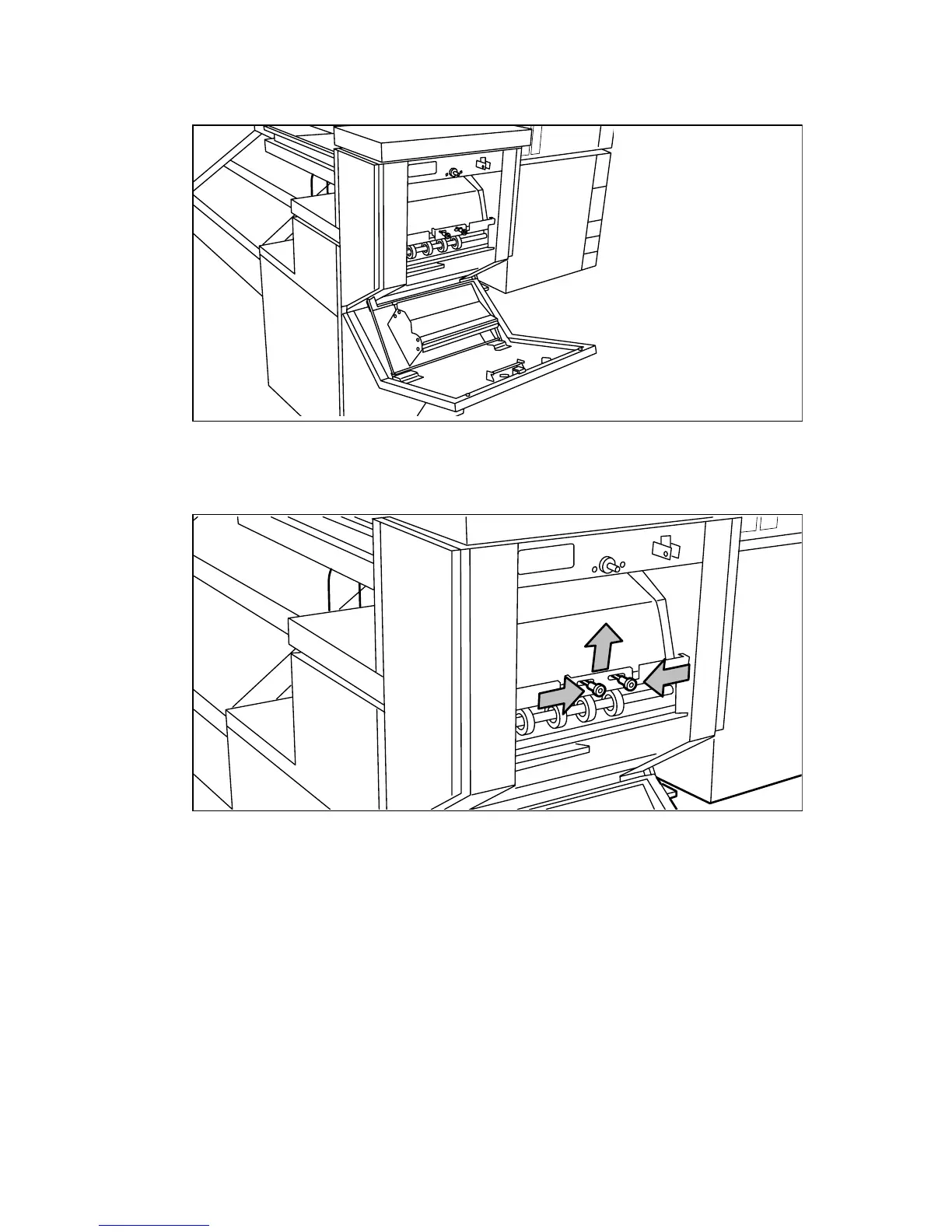
Clear a jam in the belt unit
1
Open the belt unit door(see figure 152).
[152] Opening the belt unit door
2
Squeeze the two green knobs in the upper section of the belt unit and open the
plate (see figure 153).
[153] Opening the plate
3
Remove any jammed printing material.
4
Squeeze the two knobs again and put the plate in its original position.



 To Next Page