Problem solving 259
5
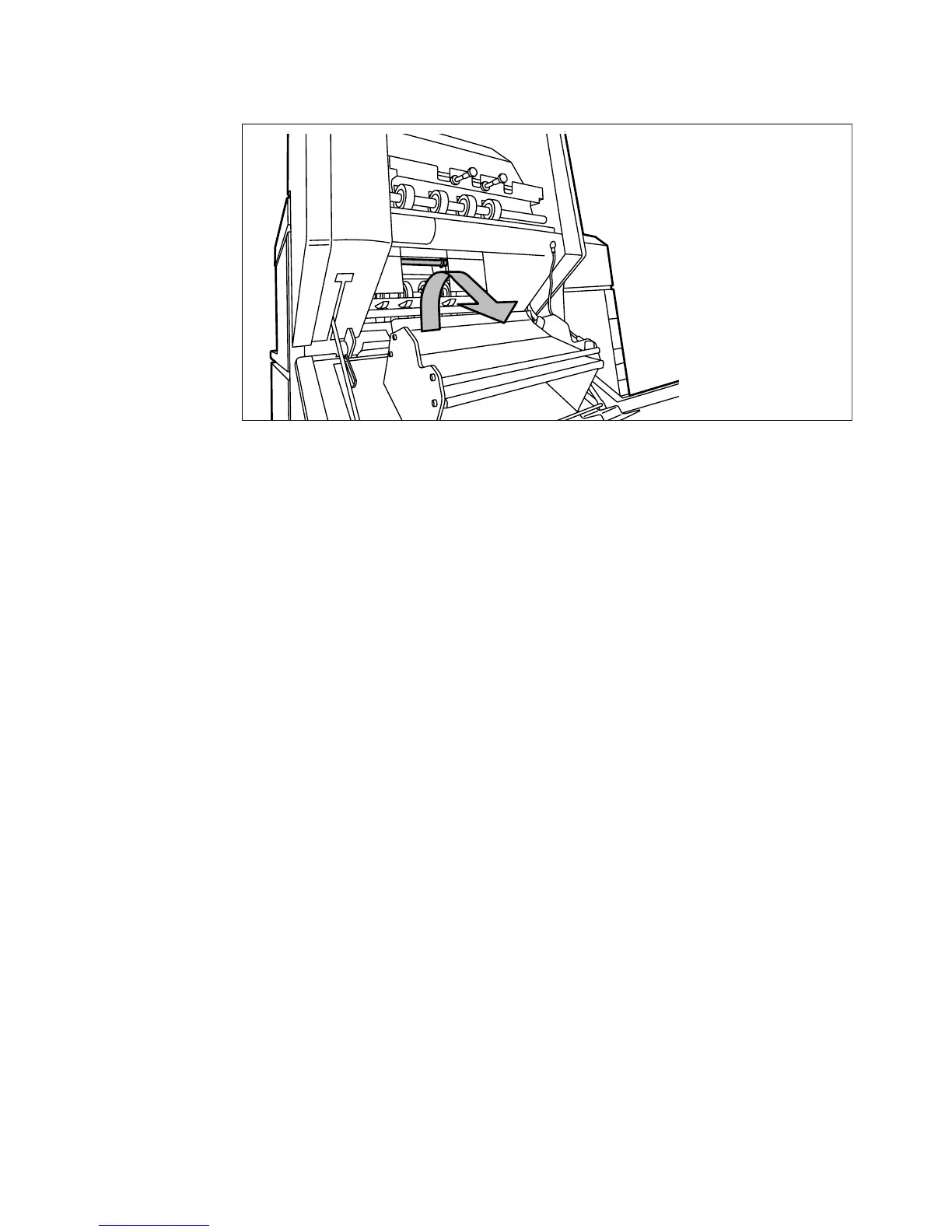
Release the green lever in the lower section of the belt unit (by slightly lifting
it and pulling it forward) to open the lower plate (see figure 154).
[154] Opening the lower plate
6
Remove any jammed printing material.
7
Pull up the green lever again (until it locks into position) to close the plate.
8
Close the belt unit door.
9
Put the belt in its operating position by pushing it down gently.



 To Next Page