62 Océ 9600 Copier/Printer User Manual
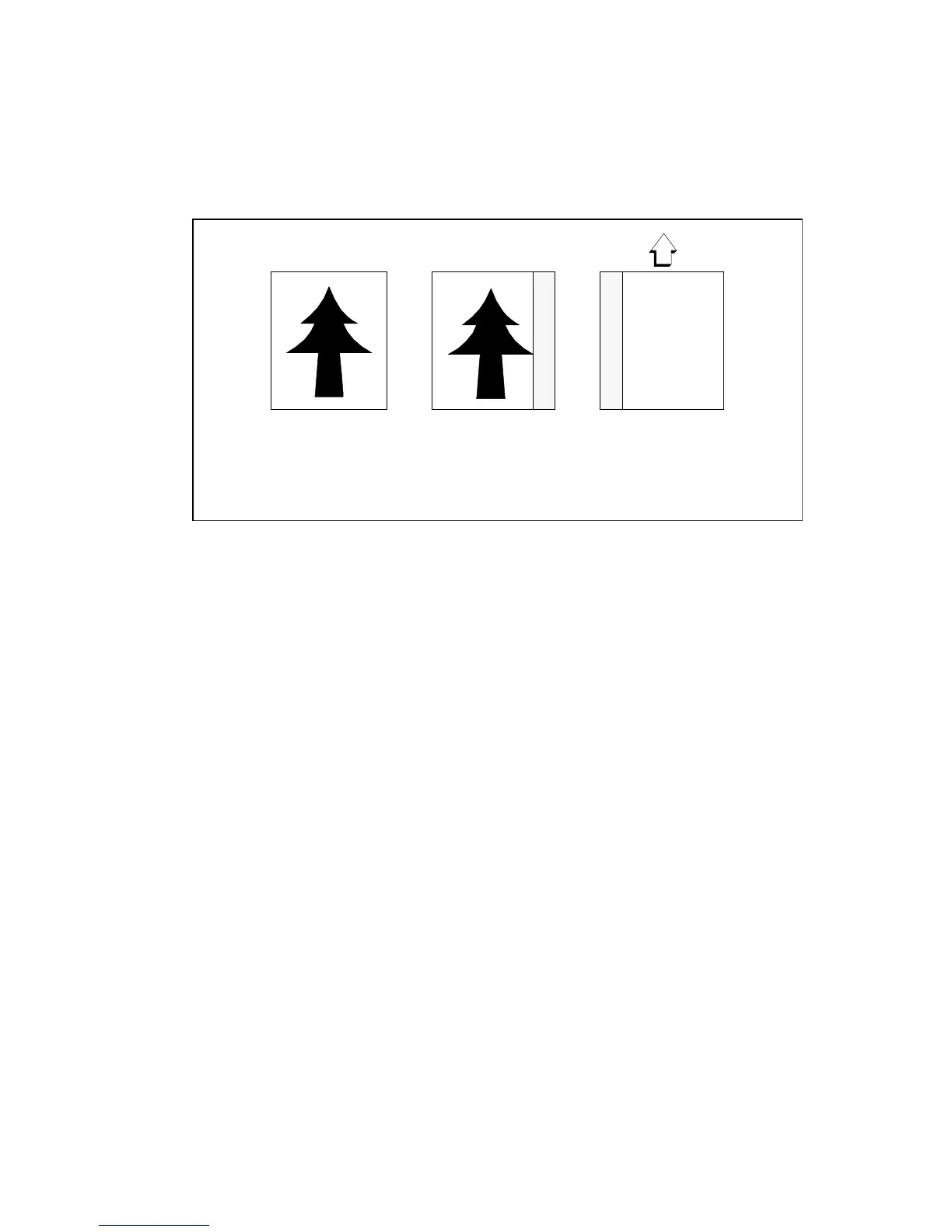
You can also remove the filing strip along the right-hand side (left-hand side in
the feed direction, face-down) by selecting a specific roll or cassette tray. If the
paper width of the original is greater than the paper width of the selected roll
or cassette tray, the remaining paper part on the right-hand side will not be
scanned (see figure 28).
[28] Example of removing the right-hand side of an original
▼
▼▼
▼
Scan with removed filing strip along the right-hand side
1
Select the required media in the ‘Custom’ section on the operating panel.
2
Select the 100% value for the ‘Zoom’ function.
3
Make other settings as required.
4
Feed the original.
Face-up:
Right-hand side
- 40 mm (1.57 inches)
Face-down:
left-hand side in feed
direction



 To Next Page