141 / 374
SOCT User Manual Version 10.0 rev. A
10.4.4 Structure & Function - VF Locations Layer and 10.4.3 Additional layer with VF
Results.
• Combined map of Structure & Function – an overlay of information from the PPD field of
vision map on the map of sectors from the OCT image (the Significance map)
• ONH table – displays the selected ONH parameters for the Right and Left eye
• NFL parameters – summarizes the measurement values for the Right and Left eye relating
to the RNFL thickness at the TSNIT region. Background color based on NDB
• Symmetry NFL profile – shows the NFL thickness at the TSNIT region for the Right and Left
eye
Once a user selects the [COMBINED] tab, the system will search the VF database for the patient
by their name, DOB and ID. If the data matches and corresponding exams from the same day
are found, the results are displayed. By default, the system presents one retina, disc and VF
exam for each eye. If any of these exams is missing for a given eye, the system displays results
for the eye for which a full set of exams is found.
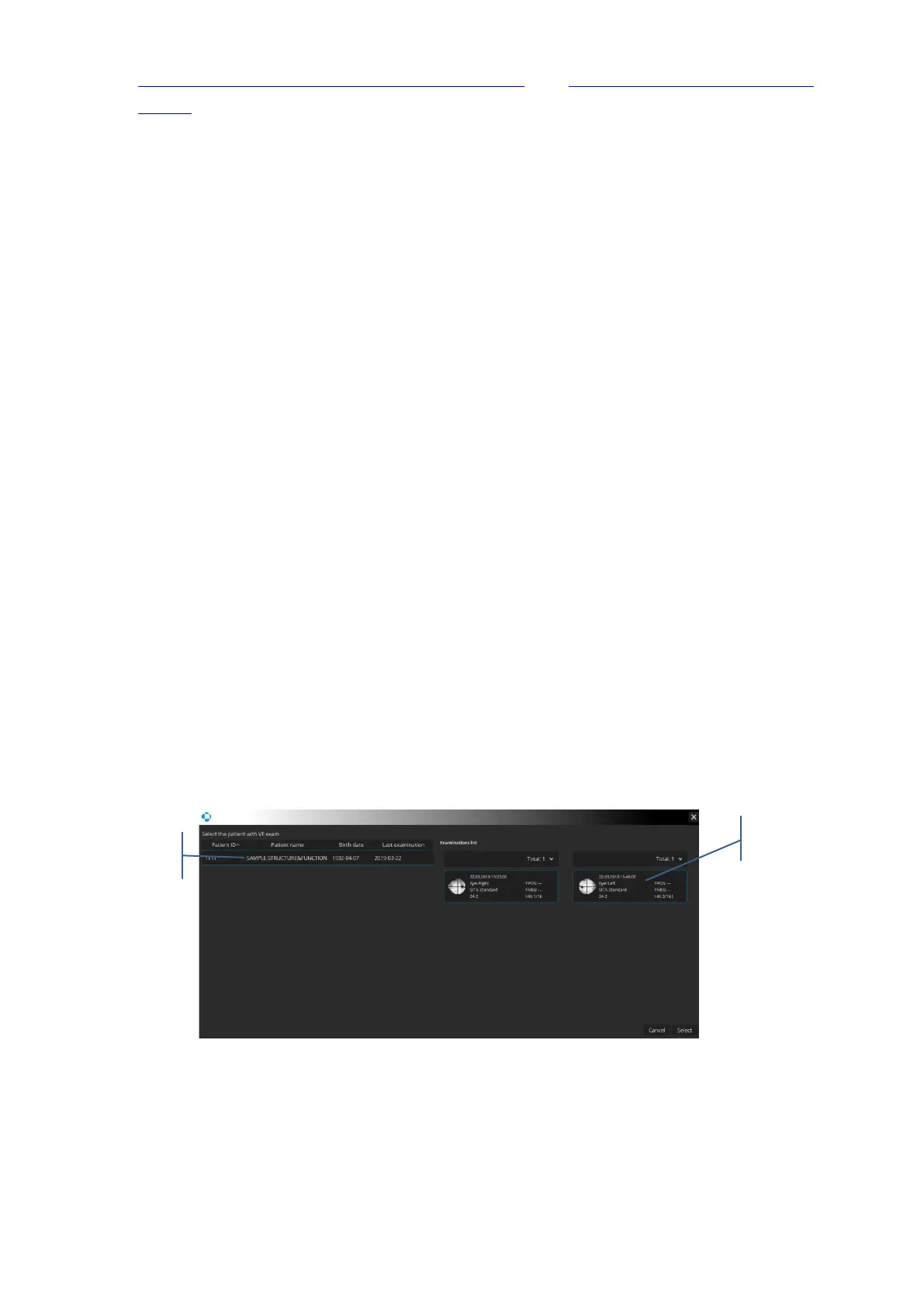
If the VF database features a patient with the same name and DOB but a different ID, the
patient selection window pops up. In the window there is a list of patients with the same name,
surname and DOB but a different ID. After a patient is chosen, the system displays the list of
their exams. If there is only one patient, their name is highlighted automatically.
If the VF database features a patient record with matching data, but lacking a VF exam with
the same date as the OCT exam, the system displays a selection window allowing the choice
of a VF exam to be displayed.



 To Next Page