56 / 374
SOCT User Manual Version 10.0 rev. A
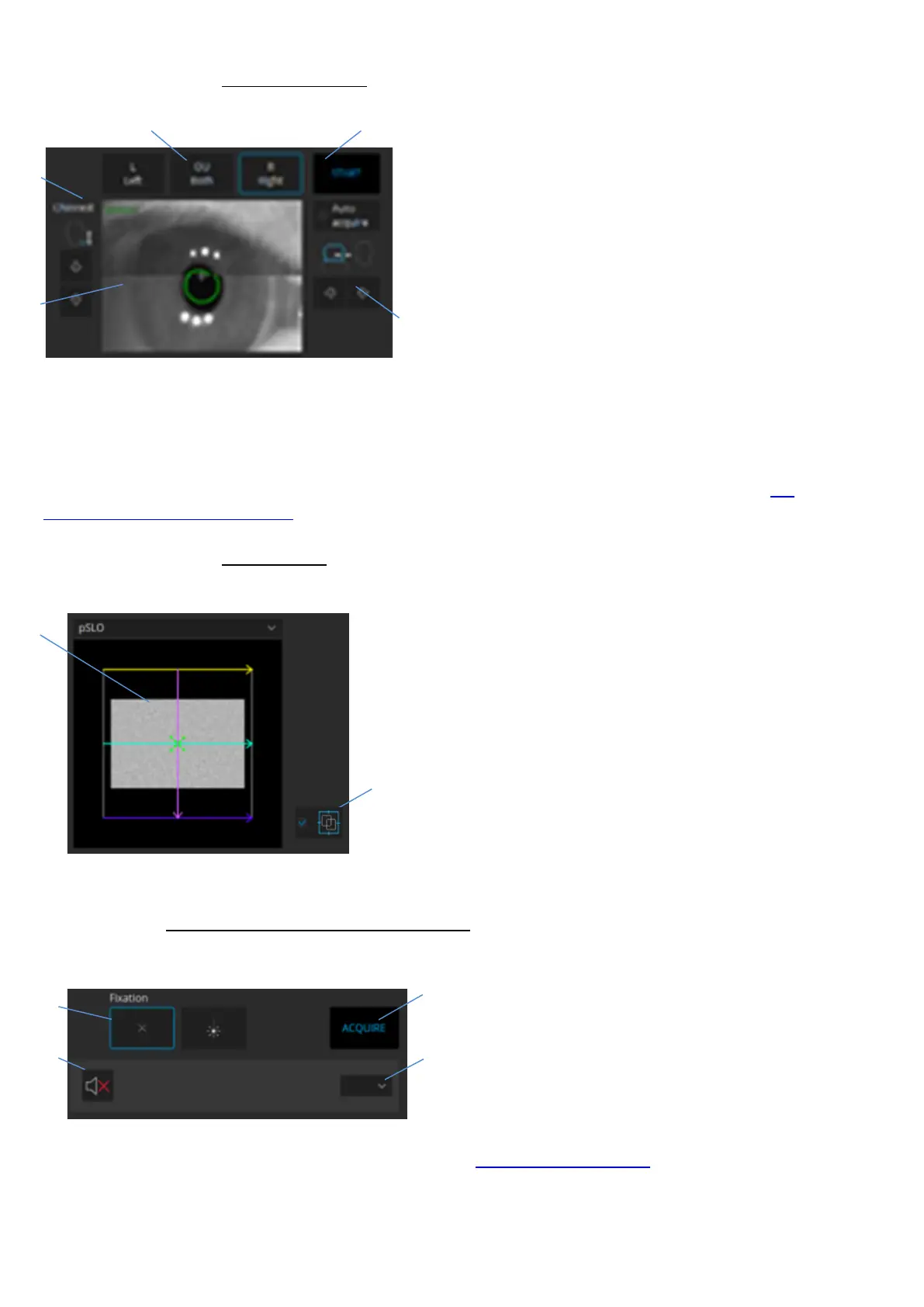
Movement control
1. Eye selector - the measurement unit moves to
the patient's selected eye.
2. Start - press the start button to automatically
align and optimize the scanning signal. When Auto
Acquire is checked the system will capture an
examination.
3. Forward/backward control - move the
scanning head towards or away from the patient.
4. Eye preview - anterior segment image. The
displayed view is created from two cameras.
5. Chinrest controls - buttons used to adjust chinrest height (patient’s head position).
Detailed instructions on the operation of the movement control panel can be found in section 7.4
Device head movement controls.
psLO preview
1. pSLO preview - the projection (enface) image of
fundus will appear when proper alignment is
achieved. On the preview it is possible to change
fixation position, scanner offset and scan angle.
2. iTracking button - select checkbox to use the
iTracking technology.
Fixation control and voice guide control
1. Voice guide – the icon shows the status of
the voice guidance system. Press to
mute/unmute. The voice guidance system
guides the patient through the process of
acquiring the examination. In Setup Sound
tab you can customize or disable the voice
guidance function. For more details see chapter 22.5.4 Voice messages.
2. Fixation control - changes shape of the fixation target or selects external fixation.



 To Next Page