92 / 374
SOCT User Manual Version 10.0 rev. A
5. Optimize the visibility and exposure of the retina in the live preview window. The retina
has to be equally well exposed. Make sure there are no reflexes on the live preview
window and you will reach the best exposure possible.
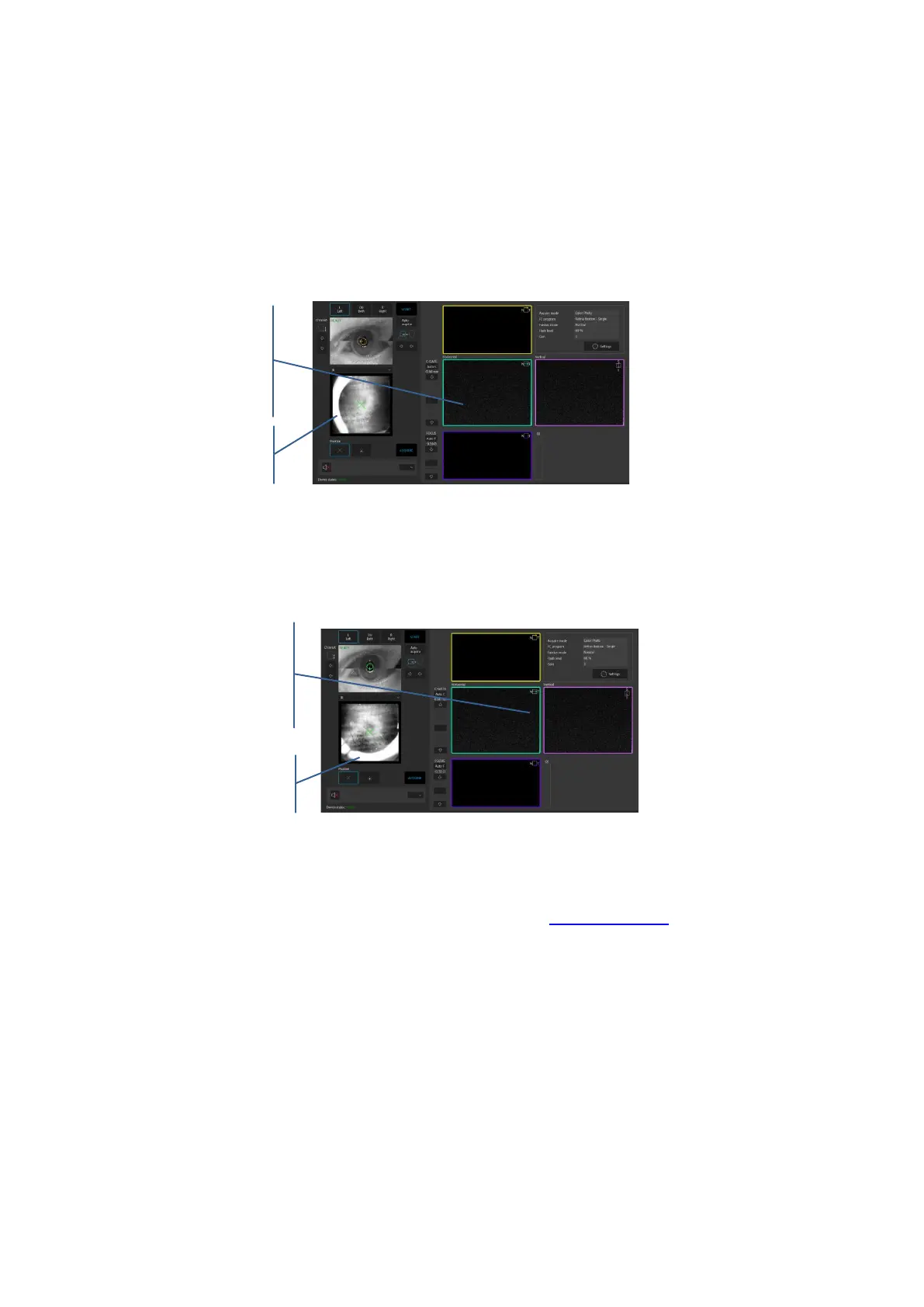
We recommend to optimize the visibility and exposure of the retina in the live preview window
by grabbing and moving the tomogram windows. That is the most accurate and precise way.
When the reflex is on the left or right side of the retina preview, grab and move the horizontal
tomogram.
Figure 57. Fundus Photo mode acquire window
To eliminate the reflex at the top or at the bottom of the retina preview, grab and move the
vertical tomogram.
Figure 58. Fundus Photo mode acquire window
Try to reach the best possible exposure of the retina. In case of a weak fundus preview image
i.e. if small pupil size, use the enhance mode. See chapter 7.6.2 IR Preview.
Once you reach the best retina exposure, ask patient to blink. Click twice on the tomogram or
press the [Acquire] button. The device will take a photo of the fundus.
Vertical tomogram
Grab and move the tomogram to
optimize the retina preview when the
reflex is at the top or at the bottom



 To Next Page