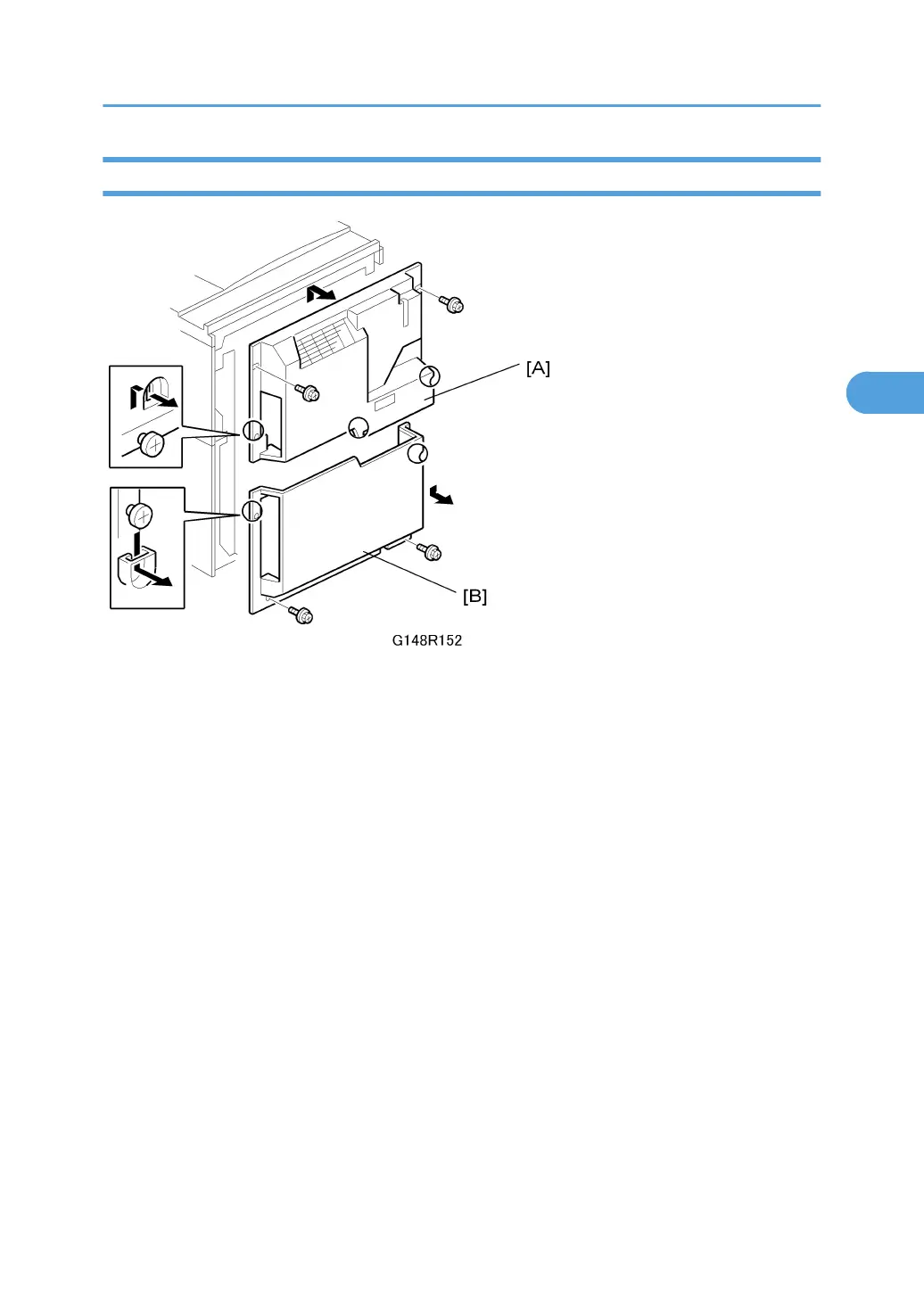
Rear Covers
1. Rear upper cover [A] ( x 2)
• Slide down to remove.
• When re-attaching, before tightening the screws make sure that the tabs on the cover are en-
gaged with the shoulder screws.
2. Rear lower cover [B] ( x 2)
• When re-attaching, before tightening the screws make sure that the tabs on the cover are en-
gaged with the shoulder screws.
Operation Panel and External Covers
137



 To Next Page