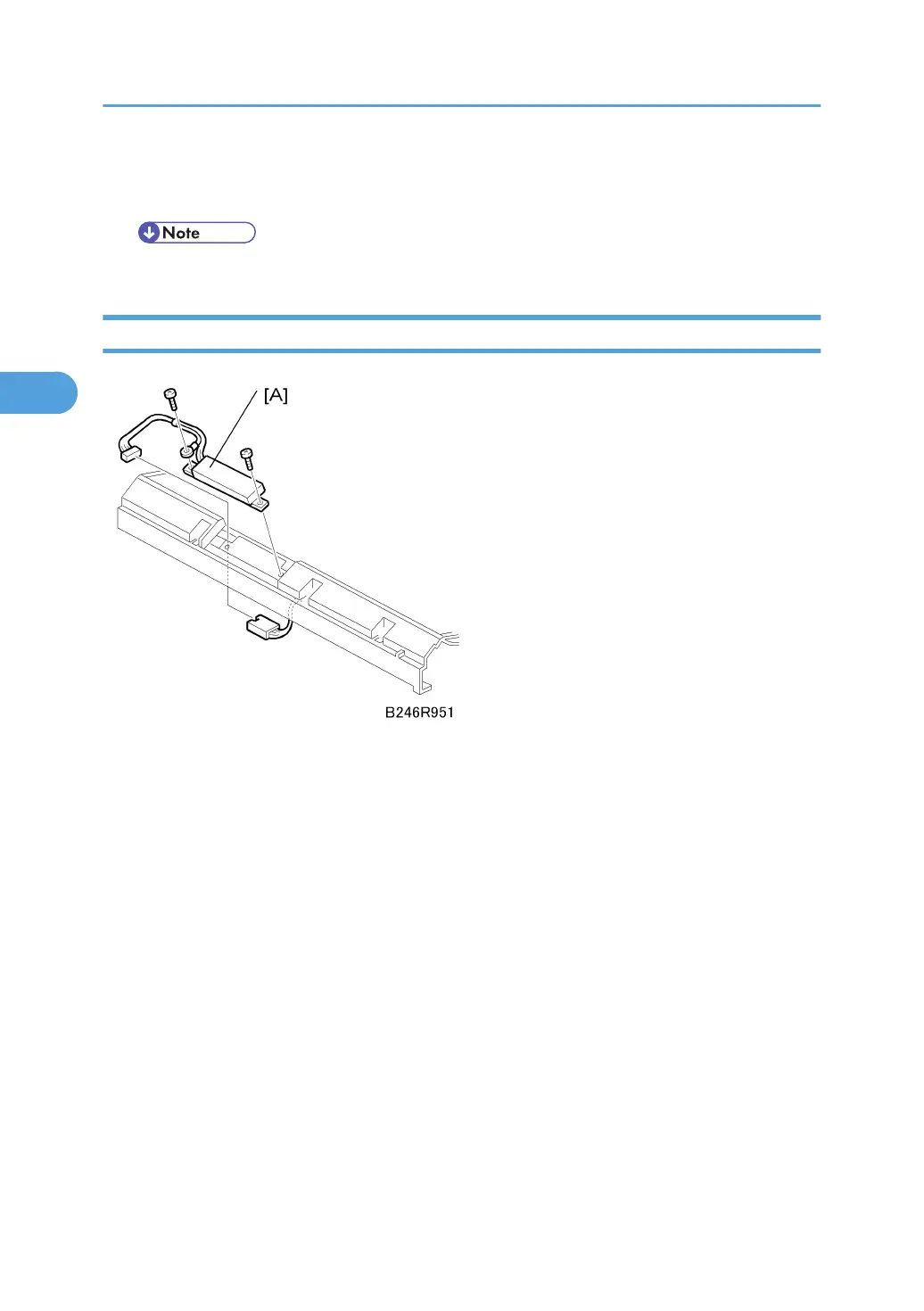
1. Quenching lamp [A] ( x 1)
• At the center, push back the hook to release the quenching lamp.
• Use only a blower brush to clean the quenching lamp.
Drum Potential Sensor
Remove:
• OPC drum. See "OPC Drum Removal"
1. Drum potential sensor [A] ( x 2, x 1)
2. After replacing the drum potential sensor, do SP2962 (Adjustment of Drum Conditions), only
if SP3901 (Auto Process Control) is on).
3. Replacement and Adjustment
154



 To Next Page