Development Unit
Developer Replacement
Remove:
• Development unit. See "Development Unit Removal"
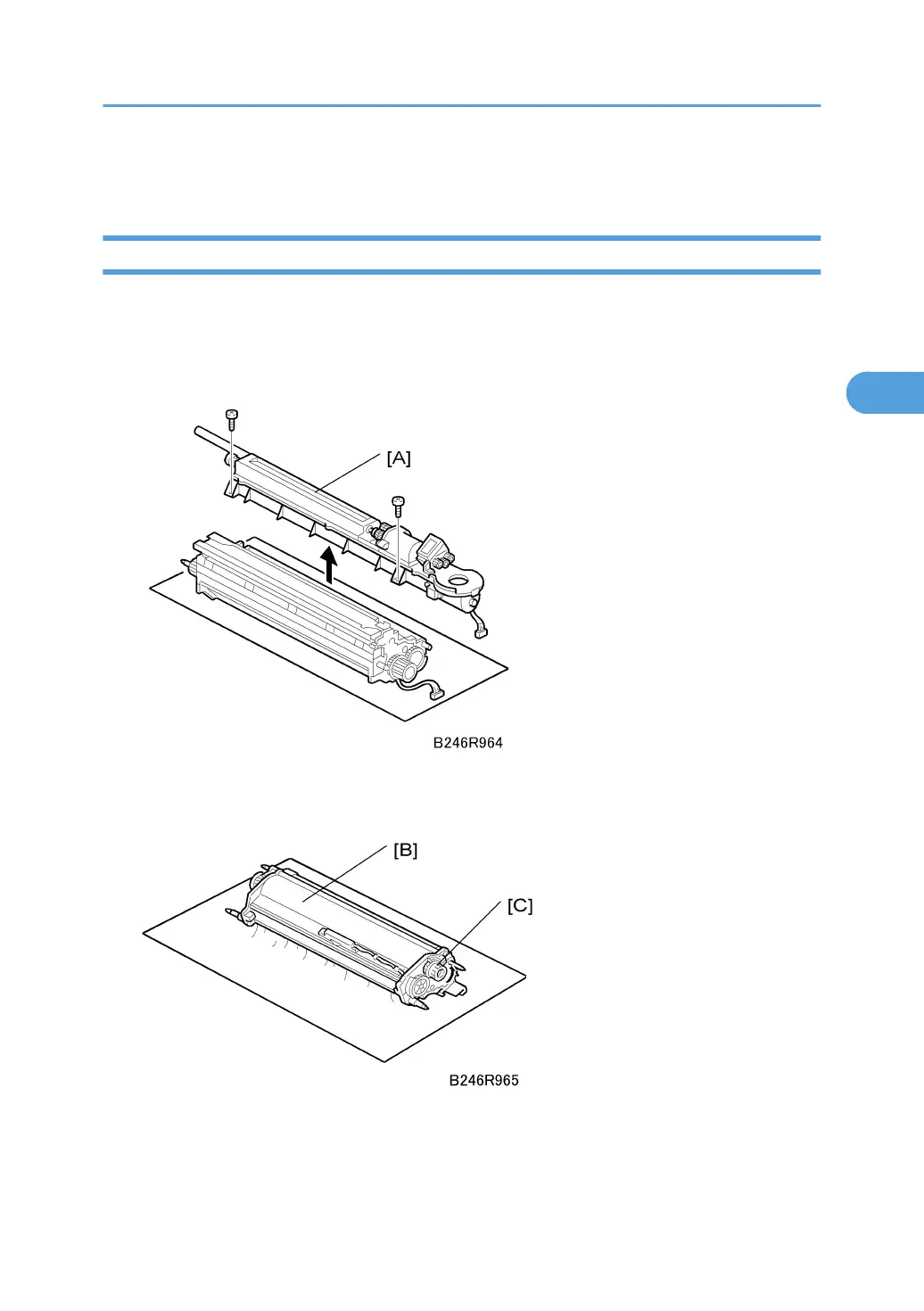
1. Remove the toner hopper [A] ( x 2)
2. Rotate the toner hopper very slightly (10° ~ 20°) as you slide it up to remove it. To avoid
toner spill, hold the hopper level as you remove it
3. Hold the development [B] unit over a large sheet of paper, then slowly turn it upside down
to empty the developer.
Development Unit
163



 To Next Page