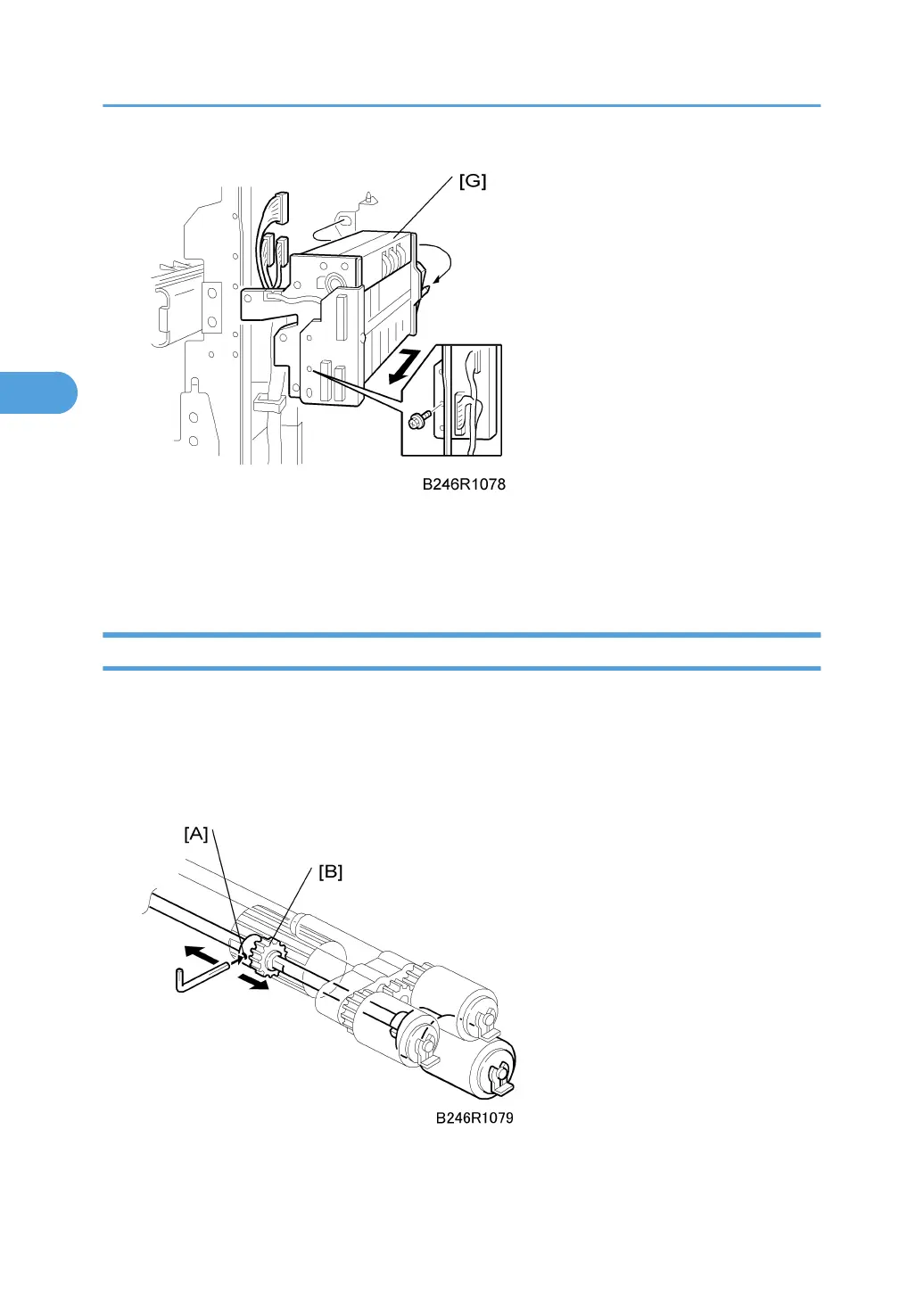
6. Feed unit [G] ( x 1, x 3)
• Insert your hand from the right and pull the feed unit forward.
• To avoid hitting the unit on the sides of the machine, remove it carefully and slowly.
Separation Roller Pressure Adjustment
The position of the drive gear for the separation roller can be changed in order to change the amount of
pressure exerted by the separation roller. This adjustment can be done:
• When feeding special paper, especially thick paper
• When the customer is experiencing feed problems
Remove:
• Feed unit. See "Feed Unit"
3. Replacement and Adjustment
218



 To Next Page