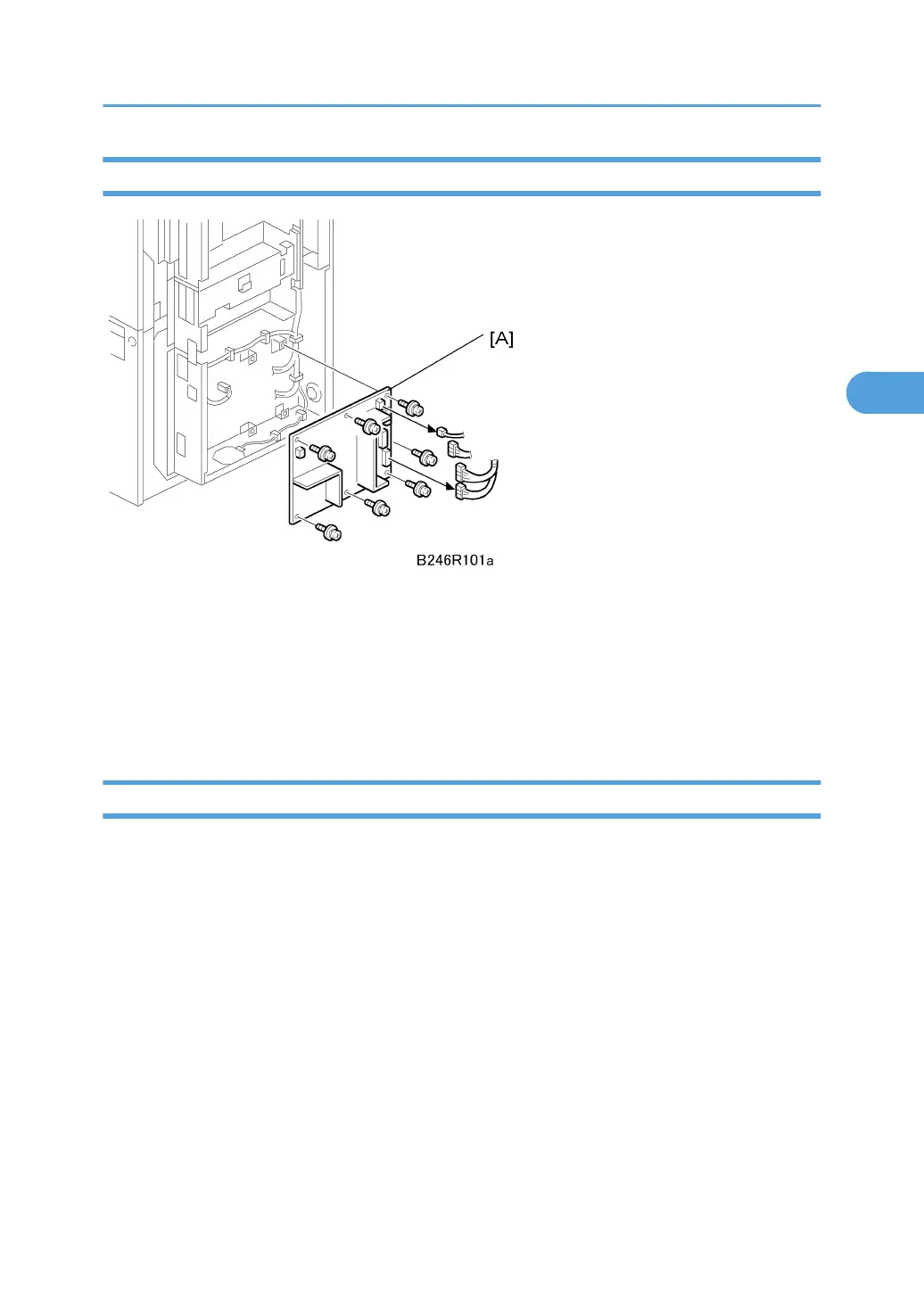
PSU Board
Remove:
• Rear upper cover ( x2)
• Rear lower cover ( x2)
• Controller box cover ( x13)
1. Remove the PSU [A] ( x4, x7)
HDD
Replacing the NVRAM or the HDD erases documents stored in the document server. Before replacing either
of these items, consult with the customer to determine the best time to perform the replacement.
Remove:
• Rear upper cover ( x2)
• Rear lower cover ( x2)
• Controller box cover ( x13)
PCBs and HDD
229



 To Next Page