Loosen the hex screw [A].
1. The separation roller gear [B] is positioned at the groove before shipping.
2. Do one of the following:
• To adjust for thick paper, move the separation roller gear [B] to the left to decrease the pressure.
• To correct misfeeds, move the separation roller gear to the right to increase the pressure.
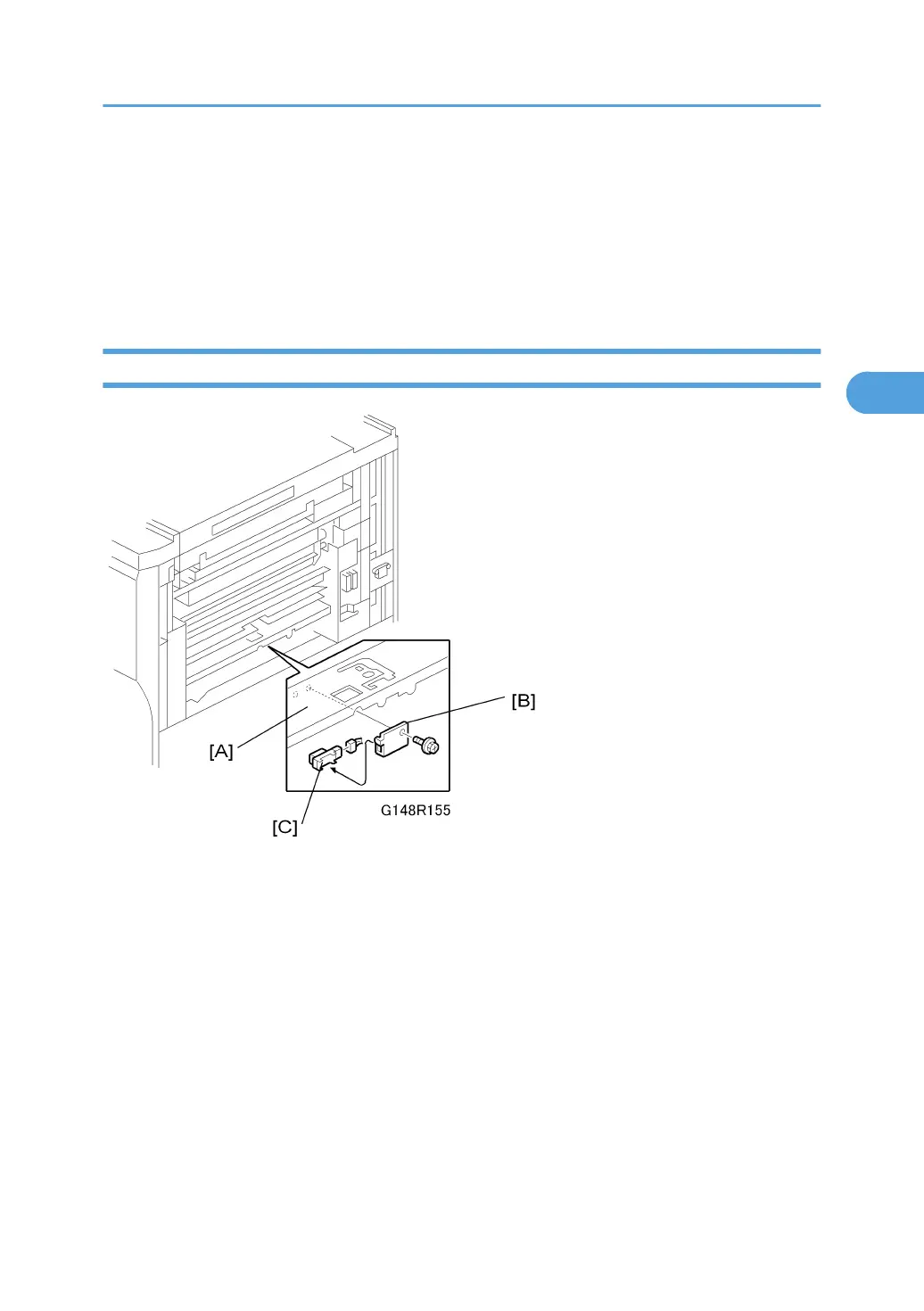
Relay Sensor
1. Remove the LCT entrance guide cover [A].
2. Relay sensor bracket [B] ( x 1)
3. Relay sensor [C] ( x 1)
Paper Feed
219



 To Next Page