1. Lower cover [A] ( x 1)
2. Cleaning roller bracket [B] ( x 2)
3. Cleaning roller [C] ( x 1)
Reinstallation
• When attaching the lower cover of the pressure roller cleaning roller, make sure that the tab [D]
engages with the groove [E].
• If the bushings are noisy after replacement, lubricate them on both ends and the holes where the
bushings are attached with Barietta Grease L553R.
Fusing Lamps, Hot Roller, and Pressure Roller
• If you wish to remove the pressure roller only, without removing the hot roller and fusing lamps, please
do not use this procedure. Use the procedure in the next section.
Fusing Lamps
Remove:
• Fusing unit. See "Fusing Unit Removal"
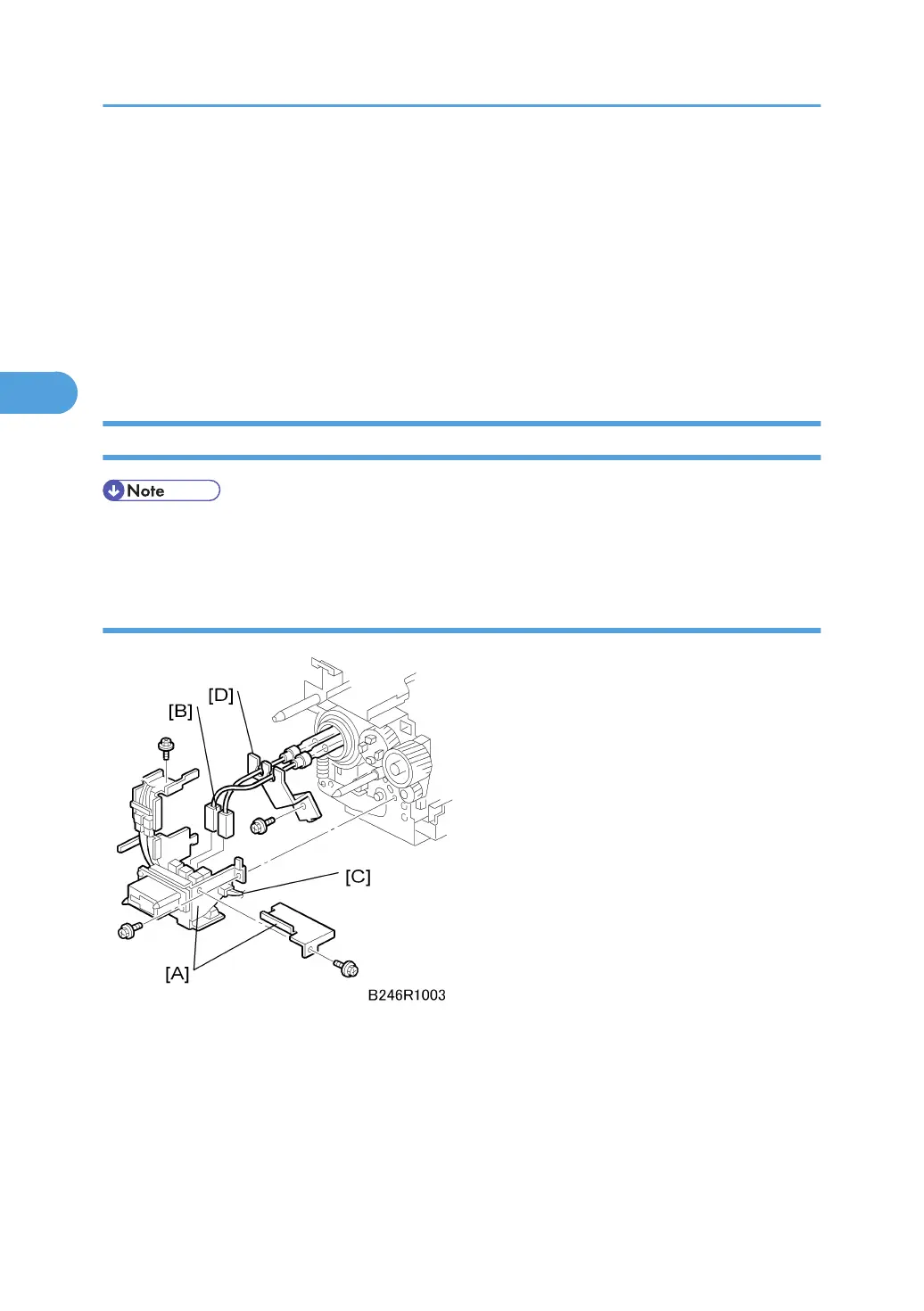
1. Rear terminal brackets [A] ( x 3)
2. Upper connectors [B] ( x 2)
3. Lower connector [C] ( x 1)
3. Replacement and Adjustment
186



 To Next Page