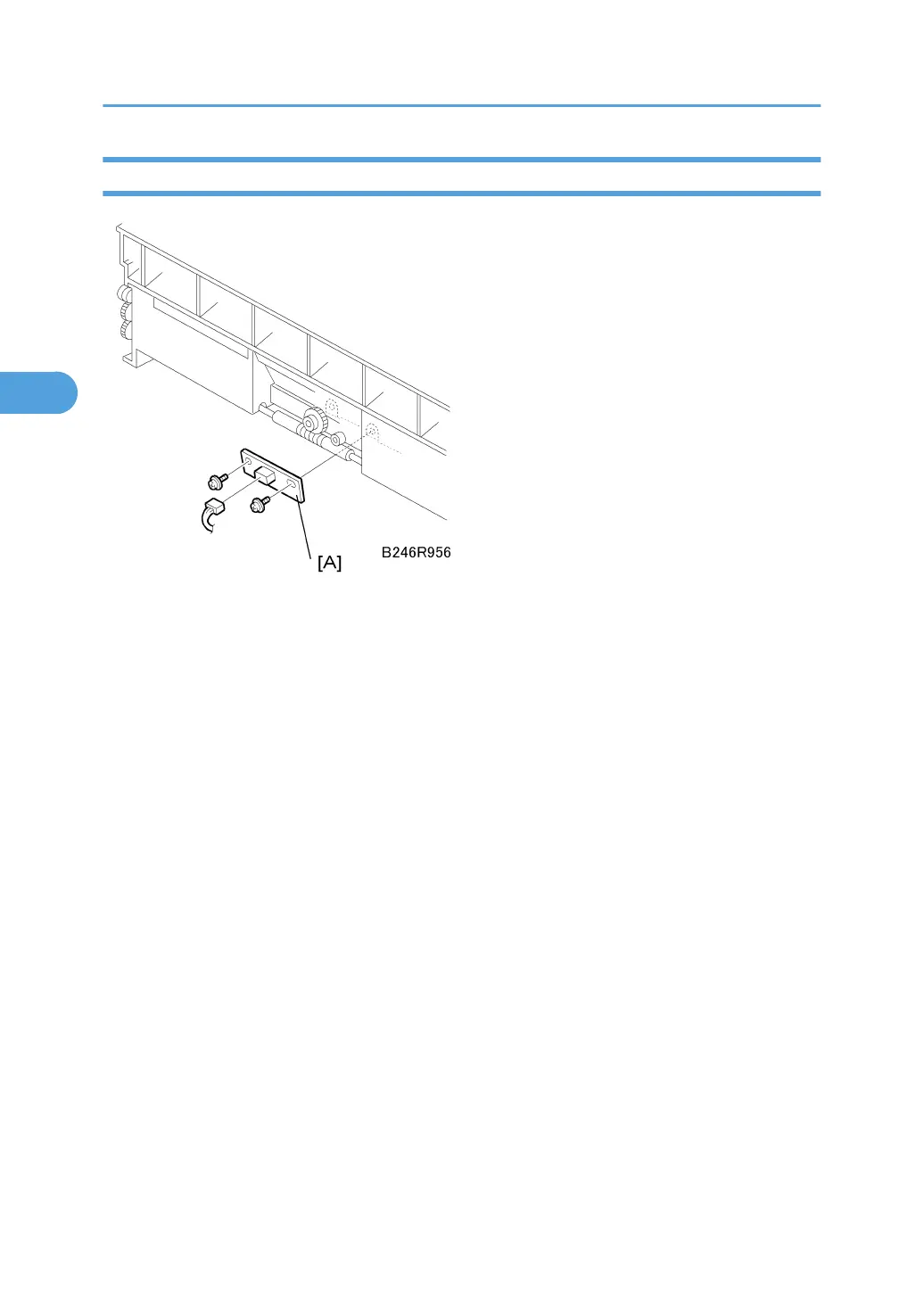
ID Sensor
Remove:
• OPC drum. See "OPC Drum Removal"
• Pick-off pawls. See "Pick-off Pawls"
1. ID sensor [A] ( x 2, x 1)
2. After replacing the sensor, do the following SPs:
• SP2962 (Adjustment of Drum Conditions), only if SP3901 (Auto Process Control) is on).
• SP3001-002 (ID Sensor Initialization Setting).
3. Replacement and Adjustment
158



 To Next Page