Reinstallation
• Make sure the system SD card is reinstalled in SD card slot C1 (top slot)
• The machine will not operate if the system SD card is missing from SD card slot C1.
• Reinstall all the option boards in their proper slots if any were removed.
• Remove the NVRAM from the old controller and install it on the new controller.
IPU Board
Remove:
• Rear upper cover ( x2)
• Rear lower cover ( x2)
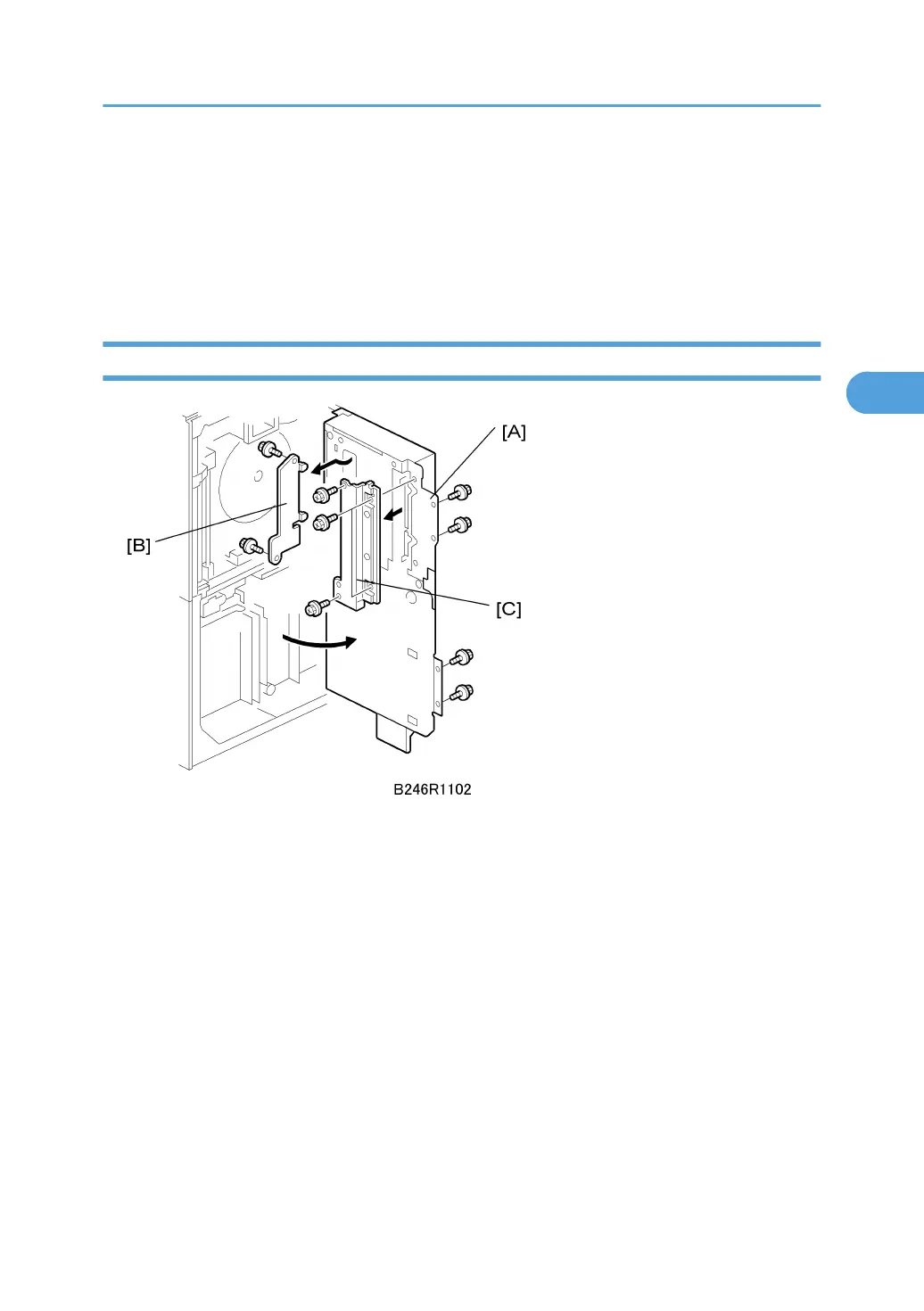
1. Open the controller box [A] ( x4).
2. Left connector shield [B] ( x2)
3. Right connector shield [C] ( x4)
PCBs and HDD
223



 To Next Page