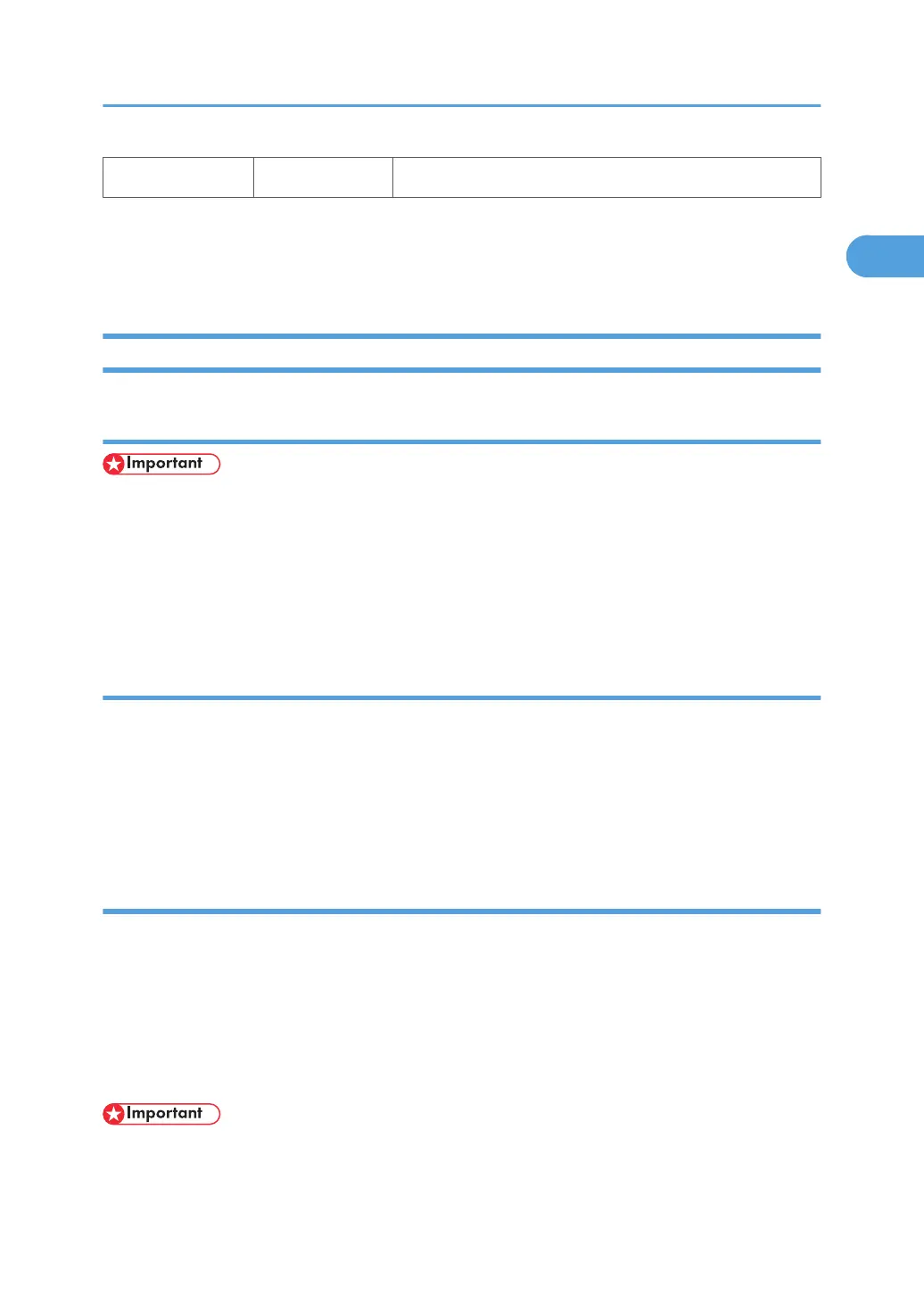
B3 G874 Gigabit Ethernet
1
Only one of these boards can be inserted at a time.
2
This is the only SD card slot available for applications. If more than one application is to be used, the
applications must be merged onto one SD card.
Common Procedures
Removing the SD Card Slot Cover
• To remove the SD card slot, remove the single screw ( x1).
• Never remove the system SD card from C1 (top slot).
• The machine will not operate if the SD card is removed from C1.
• The SD card slot cover should remain attached to the machine at all times to prevent accidental removal
of the system SD card from slot C1.
Inserting SD Cards
Insert SD cards with the notched corner down.
The insertion point for the SD cards are offset slightly to the left. Make sure the SD card is inserted correctly
before you push it into the slot.
Pushing in the SD Card also releases it for removal. Make sure the SD Card is inserted and locked in place.
If it is partially out of the slot, push it in gently until it locks in place.
Merge/Undo Procedures
The machine has three SD card slots:
• SD card Slot 1 is used for the system card. Never remove the system SD card from Slot 1.
• SD card Slot 2 is used for application programs.
• SD card Slot 3 is used for firmware updates.
If the customer wants to use more than one application on SD cards, the applications must be merged on
the same SD card.
• The data necessary for authentication is transferred with the application program to the target SD
card.
MFP Options
111



 To Next Page