6. Corona wire [F]
7. Disconnect the wire behind the grid bracket.
• Never touch the charge corona wire with bare hands. Always protect it from dust, oil, etc.
• Never bend or knot the wire. Charge will not distribute evenly on a bent wire.
• Make sure that the wire seam [G] is as close as possible to the wire hook at the rear.
• At the front and back, make sure that the wire is threaded correctly into the grooves in the end
blocks.
• After replacing the charge corona wire, make sure that the wire cleaner pads are engaged
correctly with the wires.
• After replacing the wire, set SP2001-001 (Charge Roller Bias Adjustment – Applied Voltage
for Image Processing) to the default.
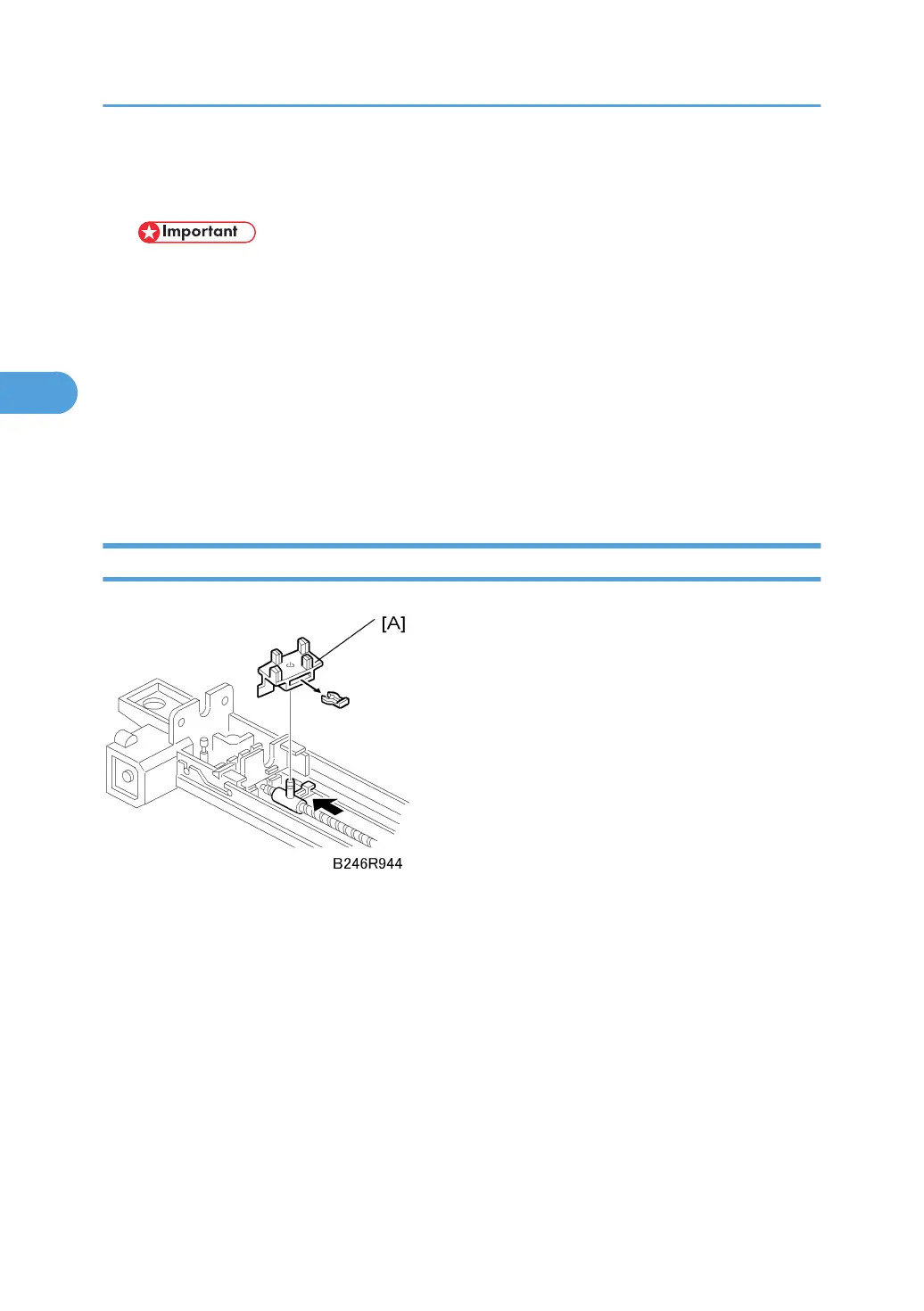
Charge Corona Wire Cleaning Pads
Remove:
• Charge corona unit.
• Charge corona wire and grid
1. Cleaning pad [A] ( x 1)
3. Replacement and Adjustment
150



 To Next Page