Uploading/Downloading NVRAM Data
The content of the NVRAM can be uploaded to and downloaded from an SD card.
Uploading NVRAM Data
1. Turn off the power switch.
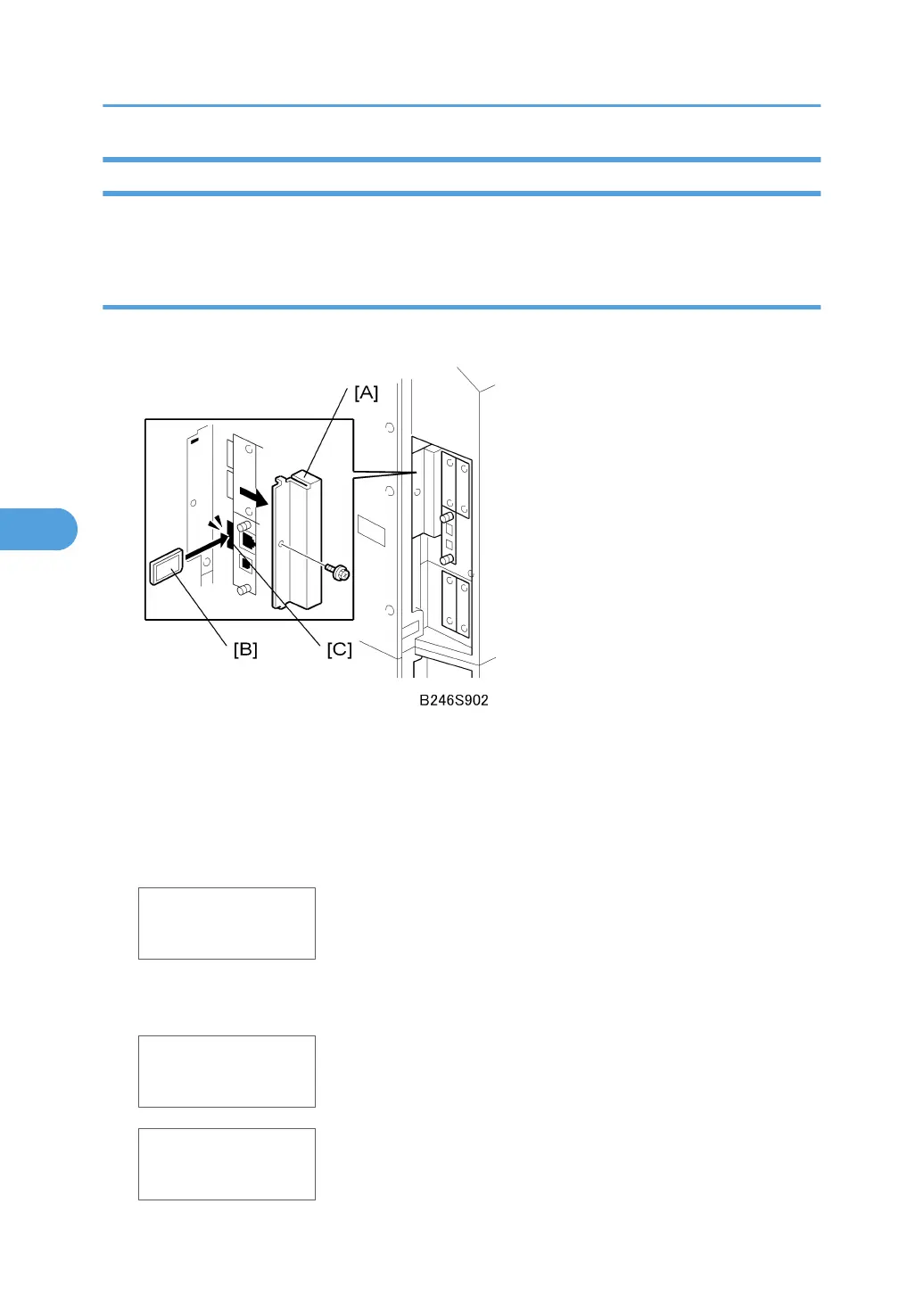
2. Remove the SD card cover [A].
3. Insert the SD card [B] into SD card slot C3.
4. Turn on the machine.
5. To enter the SP mode, press together (5s), release, then press [#Enter].
6. Select SP5824.
SP5824
NVRAMUpload
7. Push [#Enter].
8. When the message prompts you to execute, push [#Enter].
<NVRAMUpload>
Processing
<NVRAMUpload>
result = OK
5. Service Tables
312



 To Next Page