9. Remove the SD card.
10. Switch the machine off and on.
Downloading NVRAM Data
The following data are not downloaded from the SD card:
• C/O, P/O Counter (SP7-006-** C/O, P/O Count Display)
• Duplex, A3/DLT/Over 420 mm.
1. Turn off the machine.
2. Remove the SD card cover [A].
3. Plug the SD card [B] into SD card slot C3.
4. Turn on the machine.
5. To enter the SP mode, press together (5s), release, then press [#Enter].
6. Select SP5824.
SP5825
NVRAMDownload
7. Push [#Enter].
8. When the message prompts you to execute, push [#Enter].
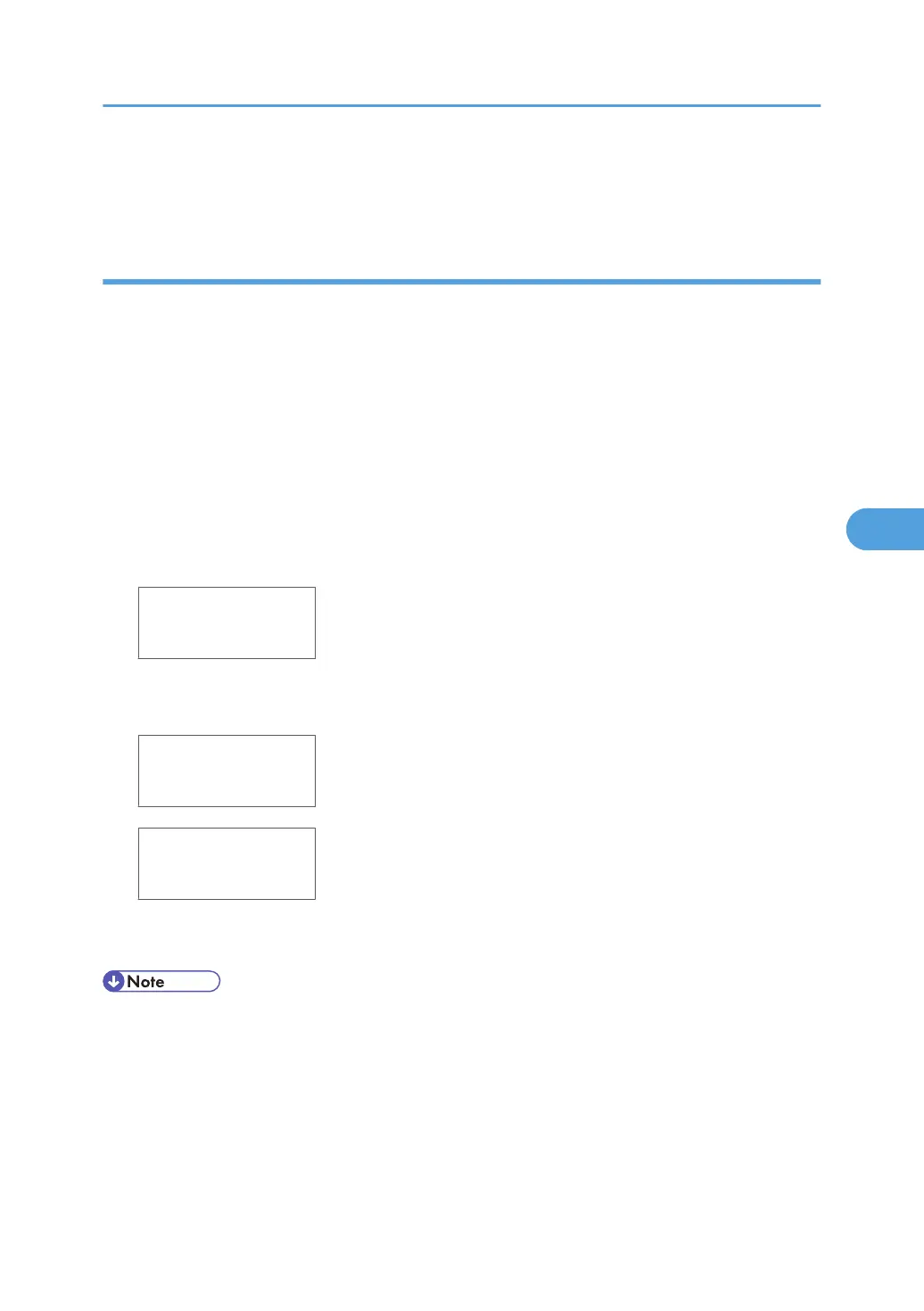
<NVRAMDownload>
Processing
<NVRAMDownload>
result = OK
9. Remove the SD card.
10. Switch the machine off and on.
• If the SD card is not installed properly, a message will tell you that downloading cannot proceed.
• If the correct SD card for the NVRAM data is not inserted in the SD card slot, after you press [#Enter],
a message will tell you that downloading cannot proceed.
Service Program Mode
313



 To Next Page