DOS Overwrite Security Unit (G874)
Before You Begin
1. Confirm that the Data Overwrite Security unit SD card is the correct type for the machine. The correct
type for this machine is type "G".
• If the NVRAM is replaced then the data overwrite security feature must be replaced with the new
data overwrite security option.
2. Make sure that the following settings are not at the factory default settings:
• Supervisor login password
• Administrator login name
• Administrator login password
• These settings must be set up by the customer before the Data Overwrite Security unit can be installed.
For details, contact the on-site system administrator.
Seal Check and Removal
• Before you start the installation, check the box seals to make sure that they were not removed after
the items were sealed in the box at the factory.
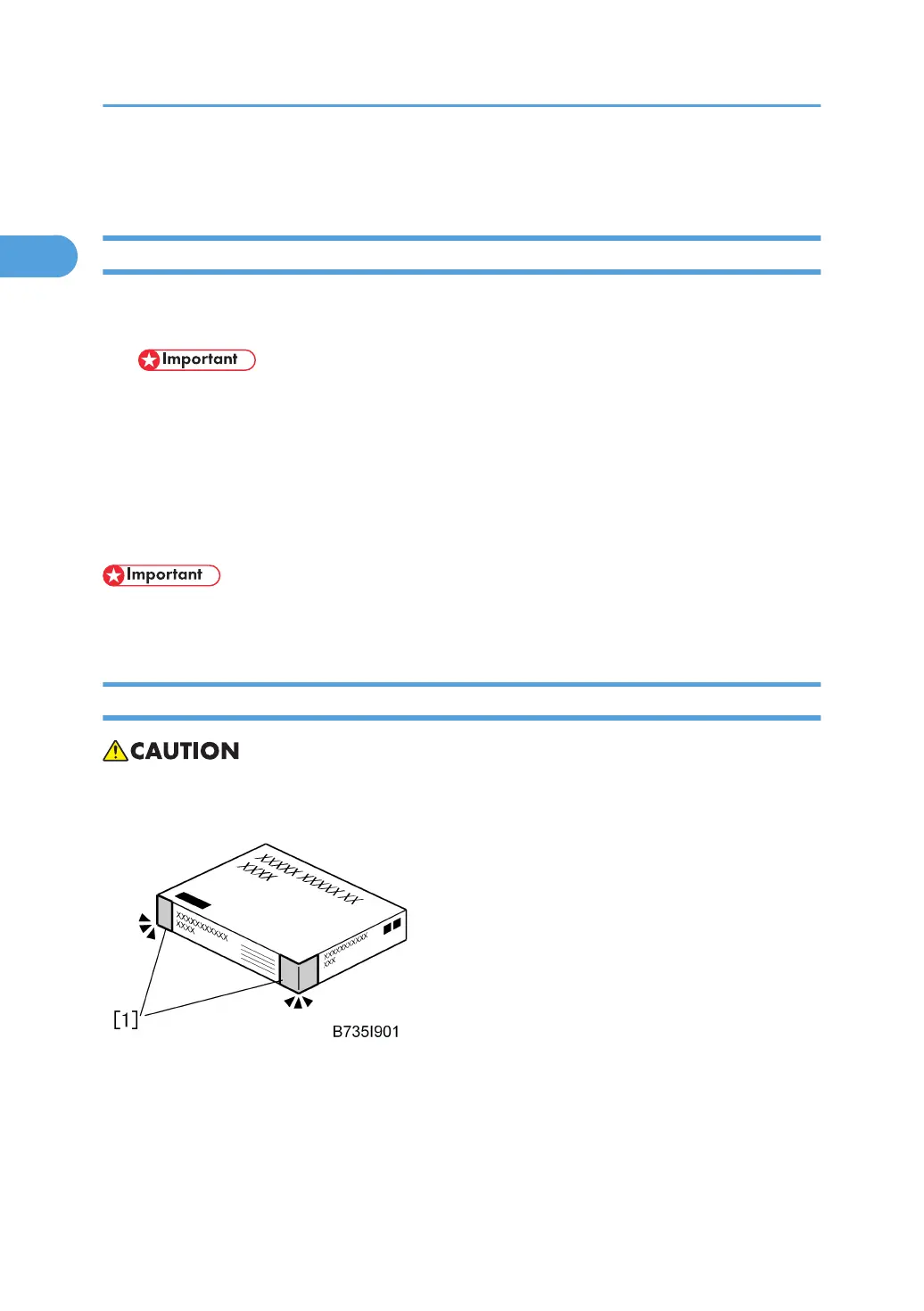
1. Check the box seals [1] on each corner of the box.
• Make sure that a tape is attached to each corner.
• The surfaces of the tapes must be blank. If you see “VOID” on the tapes, do not install the
components in the box.
1. Installation
118



 To Next Page