Laser Unit
• Turn off the machine and unplug its power cord before performing any procedure in this section. Laser
beams can seriously damage the eyes.
• This laser unit uses four laser beams produced by a Class III LDA with a wavelength of 788 nm and
intensity of 13.2 mW. Direct exposure to the eyes could cause permanent blindness.
• Before performing any replacement or adjustment of the laser unit, push the machine power switch
to switch the machine off. Then unplug the machine from the power source.
• Do not touch the machine for 10 minutes. This allows enough time for the fusing unit to cool and for
the polygon motor to stop rotating.
• Never power on the machine with any of these components removed: 1) LD unit, 2) polygon motor
cover, 3) synchronization detector.
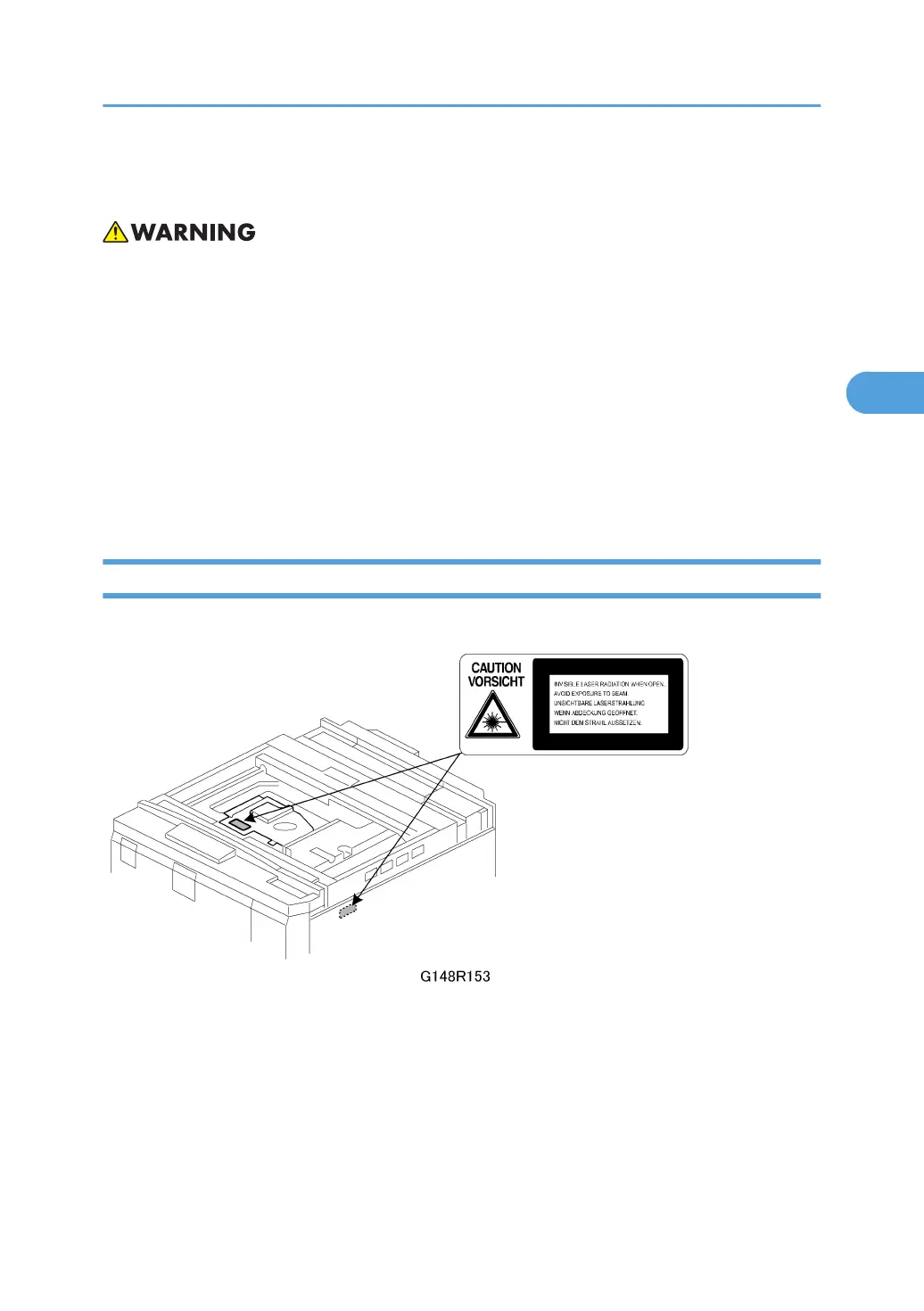
Caution Decals
Two caution decals are provided for the laser section.
Laser Unit
139



 To Next Page