Installation
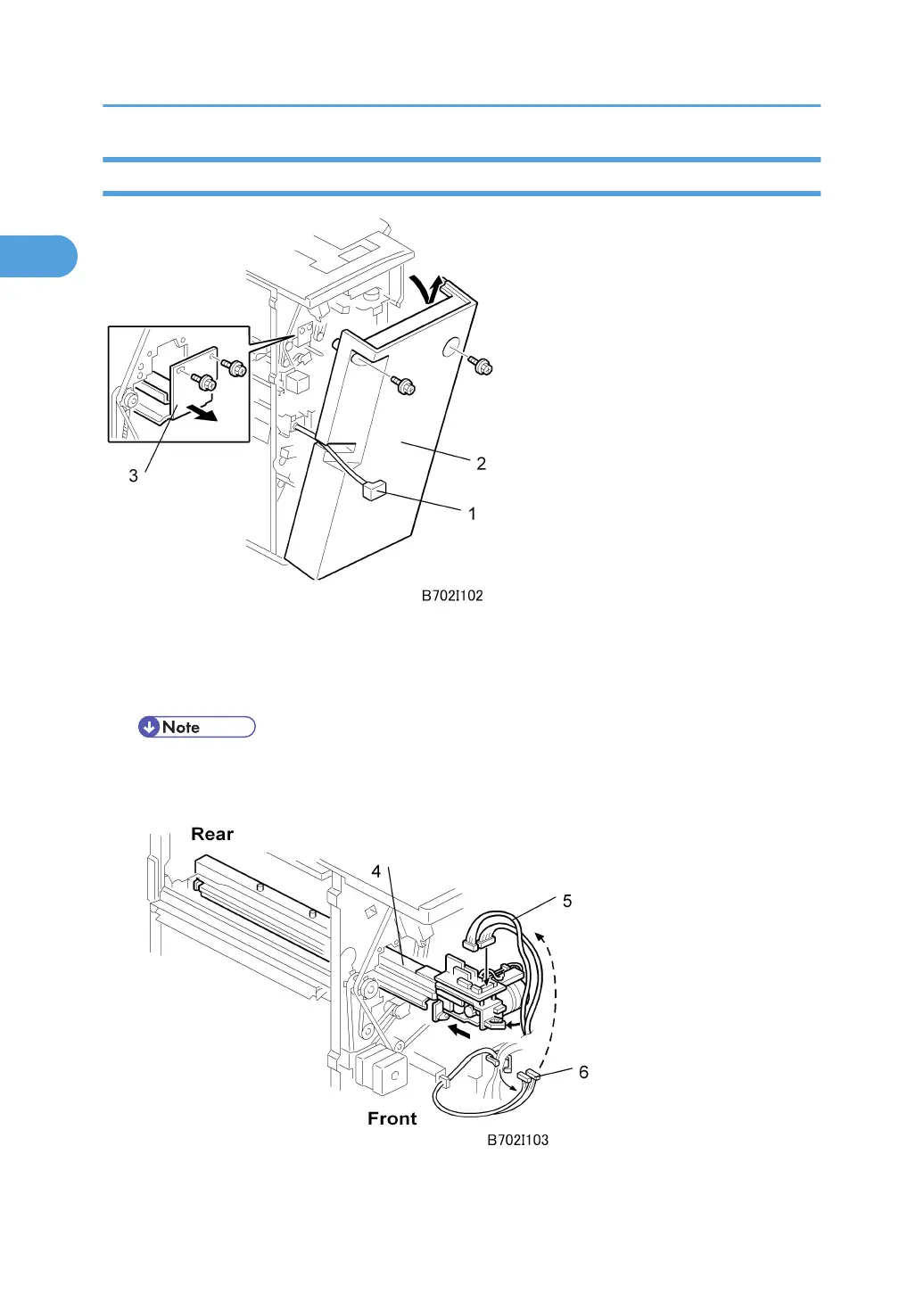
1. If the finisher is connected to the machine, disconnect the power connector [1] and separate
the finisher from the machine.
2. Remove the rear cover [2] ( x 2) and open the front door.
• At the base of the back cover, be sure to disconnect the tabs that fasten the cover to the frame.
3. Remove the guide plate [3] ( x 2).
1. Installation
90



 To Next Page