• If setting powder is not available, use waste toner instead of drum setting powder. However, this
could cause dirty backgrounds on the first copies.
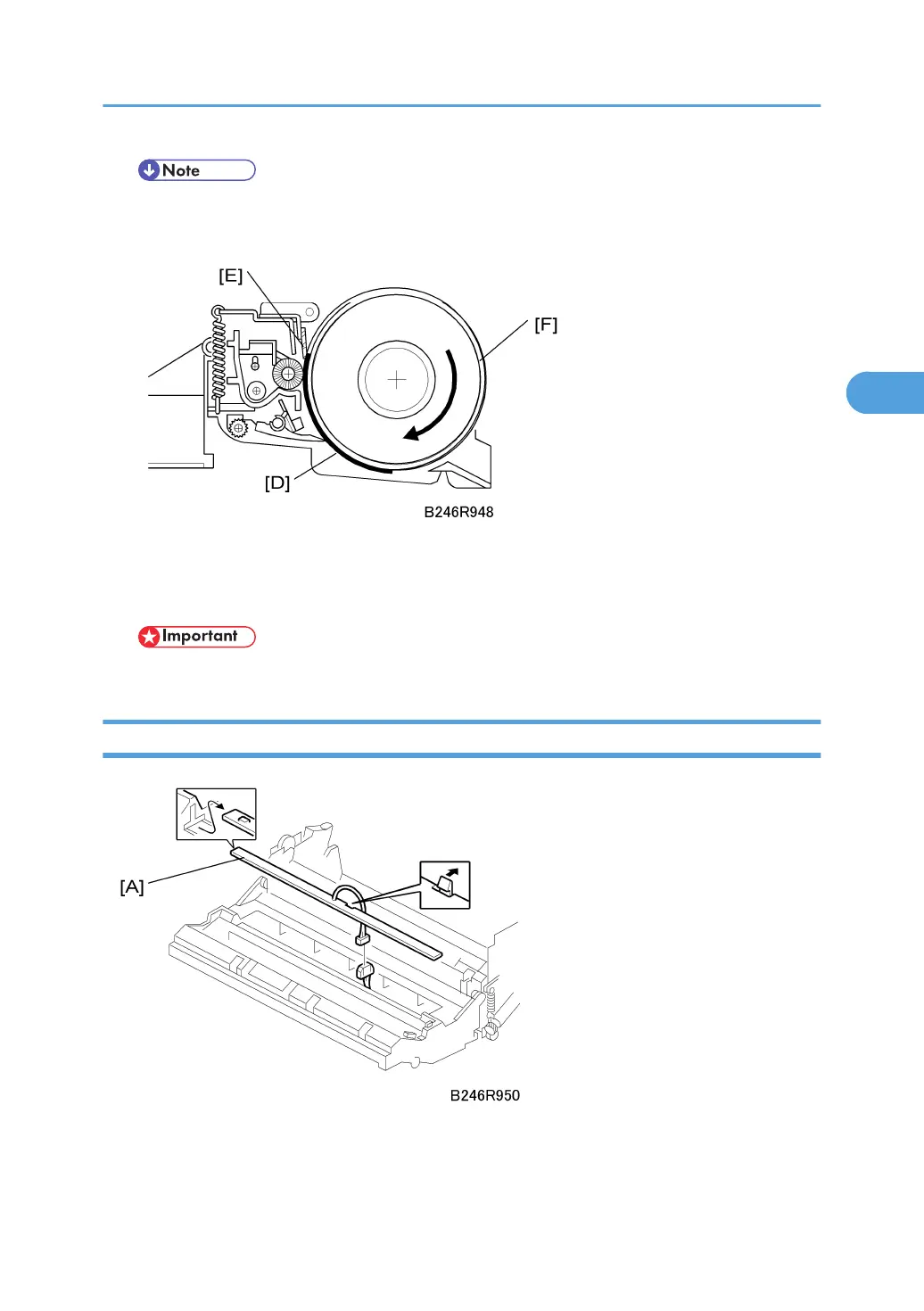
3. Install the new drum in the OPC unit so that the powdered surface [D] faces the cleaning
blade [E].
4. Rotate the drum once clockwise [F] until it stops again at the same position.
• Never rotate the drum anti-clockwise.
Quenching Lamp
Remove:
• OPC drum. See "OPC Drum Removal"
Drum Unit
153



 To Next Page