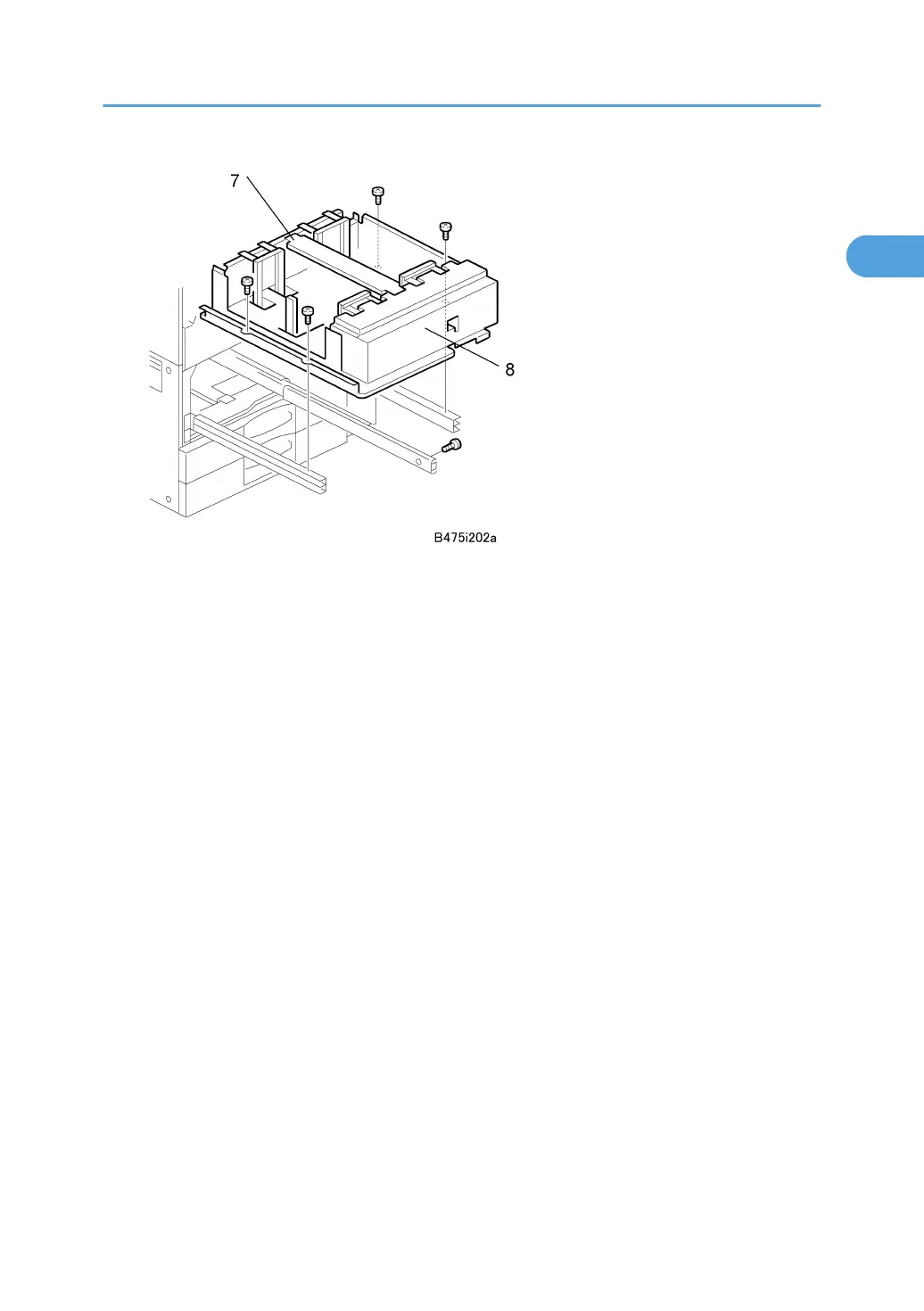
6. Remove the stay [7] ( x 2) and re-install it.
7. Attach the A3/DLT tray [8], using the screws removed earlier.
8. Re-install the front cover.
9. Switch the machine on, enter the SP mode and select the paper size for Tray 1 with
SP5959-001 (Paper Size – Tray 1) For details, see SP5959 in section “5. Service Tables”.
10. Attach the appropriate decal for the selected paper size.
A3/DLT Feeder Kit (B475)
49



 To Next Page