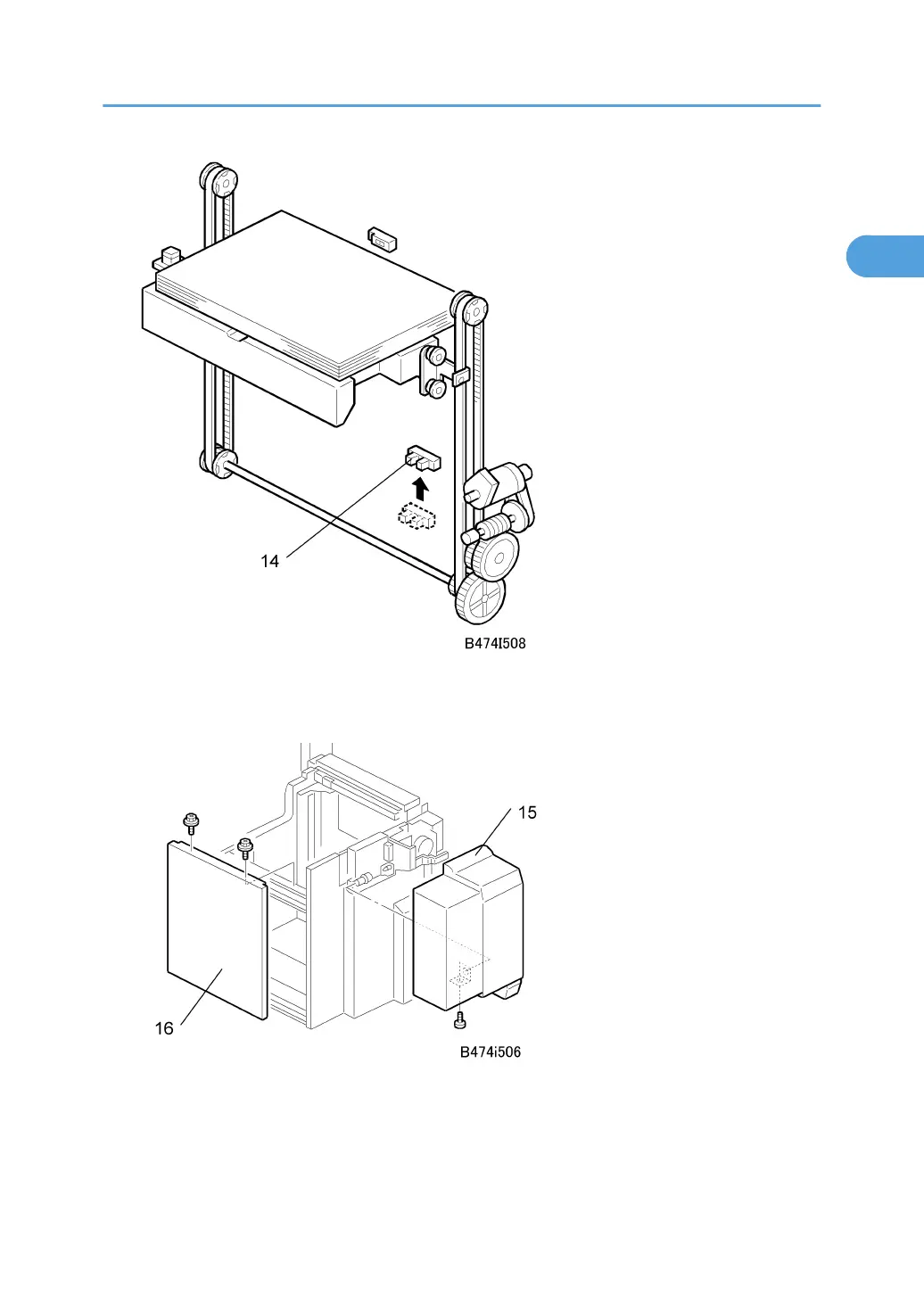
3. Change the position of the lower limit sensor [14] ( x 1).
4. Attach the harness (not shown) to the back of the plate and secure the sensor connector wire.
5. Attach the LCT cover [15] provided with the kit ( x 1).
6. Re-attach the right cover [16] ( x 2).
7. Connect the LCT to the machine.
8½" x 14" Paper Size Tray (B474)
63



 To Next Page