Chapter 6 Functions for Scanning
113
6
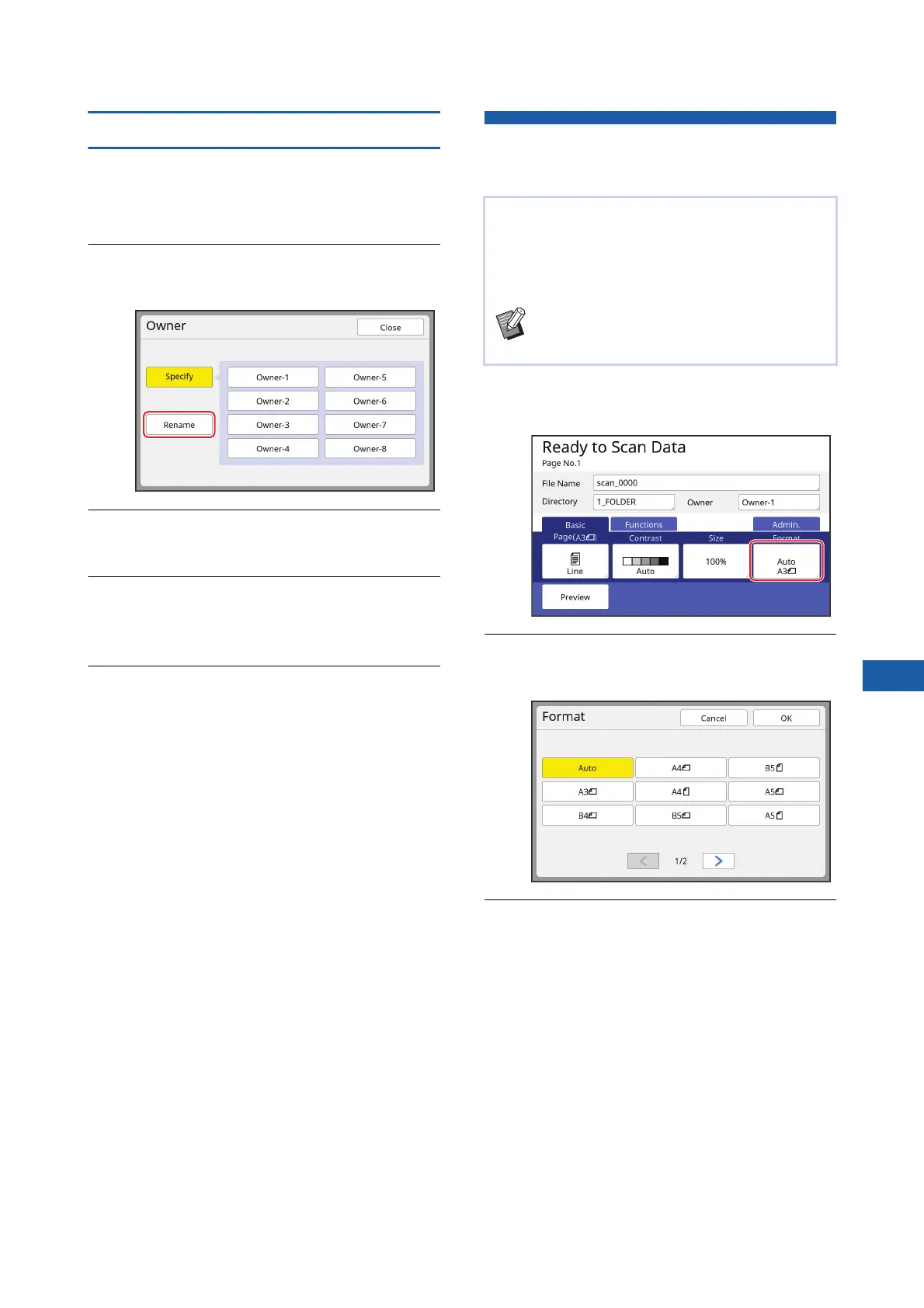
Changing the owner name
You can change the owner name as desired.
1
Touch [Owner] in the scan basic
screen.
2
Touch [Rename] in the [Owner]
screen.
3
Touch the owner whose name you
want to change.
4
Change the owner name in the
[Rename] screen.
(A 28 “[Rename] screen”)
5
Touch [OK].
Setting the Saving Size of the
Original Data [Format]
1
Touch [Format] in the scan basic
screen.
2
Touch the size that you want to
set.
3
Touch [OK].
You can set the saving size in the following cases:
• If the size of an original has not been automati-
cally detected
• If you want to save original data with a size that is
different from the original size
BThis item is set to [Auto] by default. When
a standard size original (A4, B5, etc.) is
used, the size is automatically detected.



 To Next Page