Chapter 3 Functions for Master Making
51
3
■ Other functions
Image Processing That Is Suitable
for the Original [Image]
1
Touch [Page] in the [Basic] tab
screen.
2
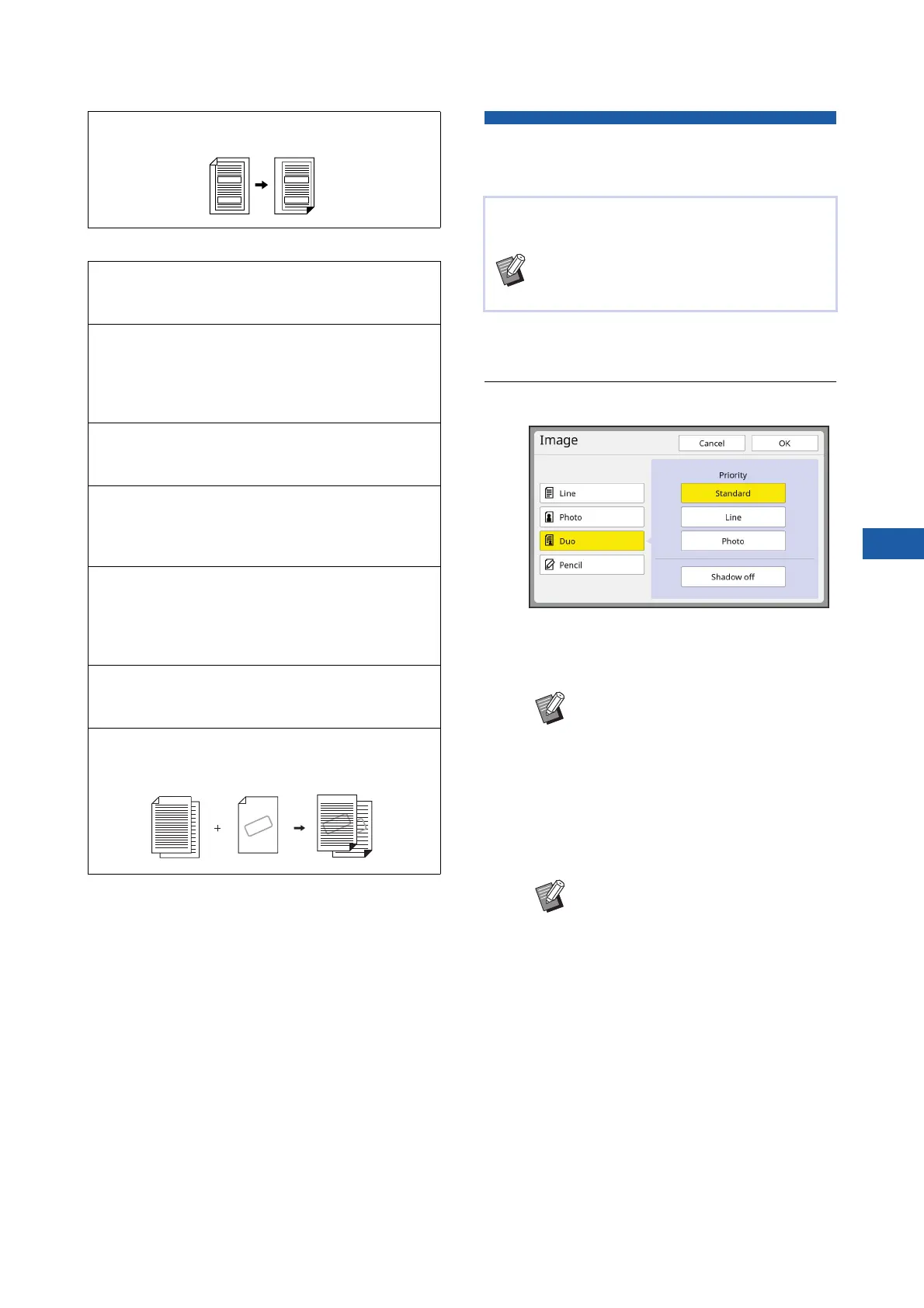
Select the type of original.
■ [Line]
Select this option for originals that do not con-
tain photos.
■ [Photo]
Select this option when clearness of photos is
important.
■ [Duo]
Select this option when you want clearness of
both characters and photos.
[Binding Margin Adj.] (A 68)
You can adjust the print position for master making.
[Preview] (A 69)
You can check the final image before performing
master making.
[ADF Semi-Auto] (A 70)
Master making is automatically performed for origi-
nals that are set in the auto document feeder.
(The optional auto document feeder must be
installed.)
[Output reversal] (A 70)
You can print in reverse order of the scanning order
of paper originals.
[Scanning Side -ADF] (A 71)
You can specify which side of the original is
scanned when the optional auto document feeder is
used.
[Paper Memory Print] (A 72)
Even if this machine cannot be connected to a com-
puter, you can still perform high-resolution printing
similar to printing that is performed directly from a
computer.
[Storage], [USB Job List] (A 74)
You can manage the original data that is saved in
this machine or a USB flash drive.
[Overlay] (A 76)
You can overlay the original data that is saved in
[Storage] or [USB Job List] on a paper original.
SAMPLE
SAMPLE
SAMPLE
You can obtain clearer images by selecting pro-
cessing that is suitable for the type of original.
BYou can change the default setting in
[Image Processing] (A 118) under
[Admin.].
BYou cannot use this function with the
following functions.
C[Dot Process] (A 53)
C[Contrast Adj] (A 53)
C[Tone Curve] (A 54)
BYou cannot use this option with
[Auto] under [Contrast] (A 54).
BYou can change the processing
method to express the gradation of
a photo in [Dot Process] (A 53).
BYou can change a blurry photo to a
sharp final output in [Contrast Adj]
(A 53).
BYou can adjust the tone of the bright
parts and dark parts in a photo in
[Tone Curve] (A 54).



 To Next Page